
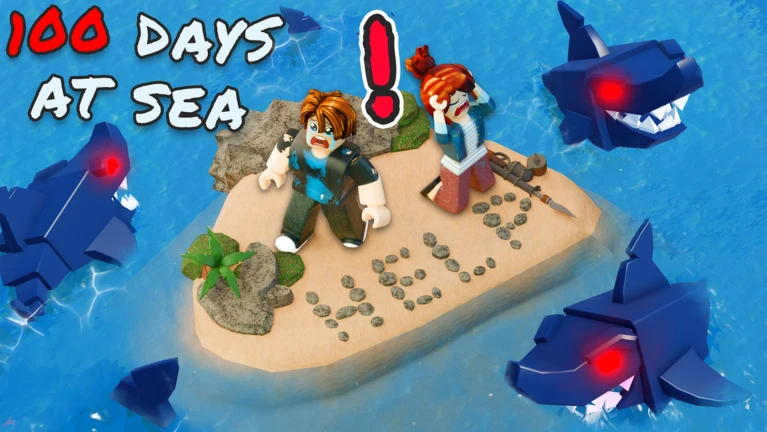
How to Find the Shipwreck Region in 100 Days At Sea will become a live question when the September 11 update opens Shipwreck Cove. Before launch, Stranded Devs has confirmed the new Shipwreck Region and Cove destination but has not published the exact navigation route, biome gate, Map Radar requirement or prerequisite. Any guide claiming a precise pre-launch coordinate is therefore getting ahead of the game.
The best way right now in our quest to discover How to Find the Shipwreck Region in 100 Days At Sea right now is to join a freshly updated server after 11:00 p.m. UTC, check the map and navigation systems for the new region, and follow the live Shipwreck Cove route the game presents. 100 Days At Sea is built around sailing away from the raft to explore mysterious islands and regions, so the update should fit the existing exploration loop without requiring players to guess at fake coordinates.
How to Find the Shipwreck Region in 100 Days At Sea
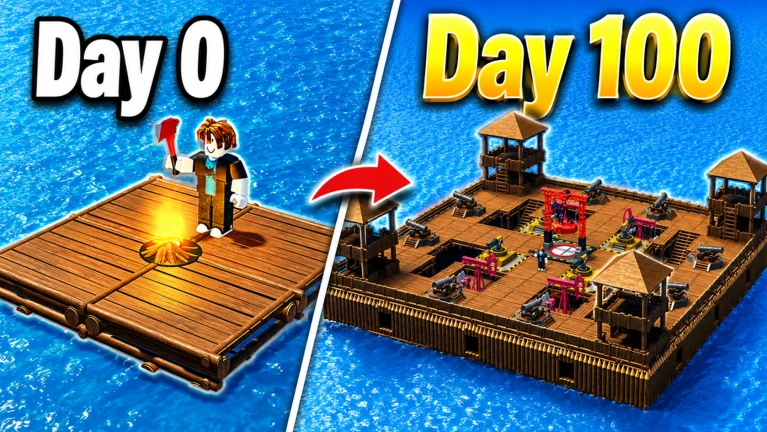
After the update is live, start by rejoining so you know the server is using the latest build. Check any map, radar or region-selection interface for Shipwreck Cove before setting off blindly.
If the Cove uses an in-world landmark rather than a menu marker, sail prepared and watch for the new shipwreck-themed environment rather than assuming an old Shipwreck Island is the same destination.
Is Shipwreck Cove the Same as Older Shipwreck Content?
Not necessarily. The new location attached to How to Find the Shipwreck Region in 100 Days At Sea is explicitly branded as the Shipwreck Region and Shipwreck Cove.
Older guides can use ‘shipwreck’ generically for pirate or wreck locations. That does not prove they describe the September 11 region.
Do You Need a Certain Bonfire Level?
No exact Bonfire requirement for How to Find the Shipwreck Region in 100 Days At Sea was publicly confirmed before release.
Upgrading the Bonfire is still sensible because it unlocks broader survival progression and makes the raft more capable, but do not treat a fan-made number as an official Shipwreck gate until the live game shows it.
Do You Need a Certain Class?
No class requirement has been announced for How to Find the Shipwreck Region in 100 Days At Sea.
Classes can make exploration easier by changing starting tools or survival advantages, but the region has not been advertised as class-exclusive.
What Should You Bring?
- Food and healing for a longer exploration trip.
- A dependable ranged weapon.
- Enough raft fuel and basic resources to avoid getting stranded.
- Inventory space for treasure and new materials.
- Friends if you want extra safety against unknown enemies.
Those supplies are useful for How to Find the Shipwreck Region in 100 Days At Sea regardless of the final access route because the Cove is being sold as a new exploration-and-danger area.
What If Shipwreck Cove Does Not Appear?
If How to Find the Shipwreck Region in 100 Days At Sea is still impossible after the scheduled launch, leave the current server and join a new one.
If fresh servers also lack the region, check the official event listing for a delay before assuming your account is bugged.
Taking a screenshot of the new map marker on the first visit can also make later runs much faster if the route is not immediately obvious from the raft.
The official 100 Days At Sea page confirms the Shipwreck Region event behind How to Find the Shipwreck Region in 100 Days At Sea.





