NVIDIA driver 621.24 supported GPUs include desktop GeForce RTX 50, RTX 40, RTX 30 and RTX 20 Series cards, selected GeForce GTX 16 Series models and the TITAN RTX. NVIDIA also supplies a separate notebook package covering supported RTX laptop GPUs and certain GTX 16 and GeForce MX laptop graphics chips. The exact model matters, not just the brand on the laptop.
Released on 12 November 2026, the WHQL package supports Windows 10 64-bit and Windows 11. The desktop and notebook download pages have separate Supported Products lists; use the one for your computer.
NVIDIA driver 621.24 supported GPUs: desktop list
Here are the desktop models NVIDIA explicitly lists. If you have a laptop, use the notebook list further down instead; the names can look similar while the packages differ.
| GPU family | Desktop cards on NVIDIA’s list |
|---|---|
| GeForce RTX 50 | RTX 5090 D v2, 5090 D, 5090, 5080, 5070 Ti, 5070, 5060 Ti, 5060, 5050 |
| GeForce RTX 40 | RTX 4090 D, 4090, 4080 SUPER, 4080, 4070 Ti SUPER, 4070 Ti, 4070 SUPER, 4070, 4060 Ti, 4060 |
| GeForce RTX 30 | RTX 3090 Ti, 3090, 3080 Ti, 3080, 3070 Ti, 3070, 3060 Ti, 3060, 3050 |
| GeForce RTX 20 | RTX 2080 Ti, 2080 SUPER, 2080, 2070 SUPER, 2070, 2060 SUPER, 2060 |
| GeForce GTX 16 | GTX 1660 SUPER, 1650 SUPER, 1660 Ti, 1660, 1650, 1630 |
| NVIDIA TITAN | TITAN RTX |
Older does not always mean compatible. The 621.24 desktop list does not include GTX 10 or GTX 900 cards, so owners of those models should search NVIDIA’s site for a driver that explicitly supports their card.
NVIDIA driver 621.24 supported GPUs on laptops
The notebook release of NVIDIA driver 621.24 supported GPUs includes these models on NVIDIA’s official laptop download page. The names below are laptop versions, not interchangeable with the desktop installer.
| Notebook GPU family | Models listed by NVIDIA |
|---|---|
| RTX 50 laptop GPUs | 5090, 5080, 5070 Ti, 5070, 5060, 5050 |
| RTX 40 laptop GPUs | 4090, 4080, 4070, 4060, 4050 |
| RTX 30 laptop GPUs | 3080 Ti, 3080, 3070 Ti, 3070, 3060, 3050 Ti, 3050 |
| RTX 20 laptop GPUs | 2080 SUPER, 2080, 2070 SUPER, 2070, 2060, 2050 |
| GTX 16 laptop GPUs | 1660 Ti, 1650 Ti, 1650 |
| GeForce MX laptop GPUs | MX570, MX550, MX450 |
The separate notebook download listing includes GeForce RTX 50 laptop models from 5090 to 5050, RTX 40 models from 4090 through 4050, RTX 30 laptop models from 3080 Ti through 3050, and RTX 20 laptop variants including the RTX 2050. The notebook list is not identical to the desktop one.
It also names GeForce GTX 1660 Ti, 1650 Ti and 1650 laptop GPUs, plus GeForce MX570, MX550 and MX450. The fact that one of those notebook-only models appears does not mean the same 621.24 desktop file will recognise it. Select the notebook download package or use your laptop maker’s recommended driver.
NVIDIA advises notebook owners to consult the original equipment manufacturer’s certified graphics software. Some specialised hybrid-power systems and manufacturer-specific models have exceptions. If the hardware is listed but installation still rejects it, check that you have the correct notebook driver, Windows edition and OEM requirements.
How to check NVIDIA driver 621.24 supported GPUs on your PC
Open Windows Device Manager, expand Display adapters and write down the exact GPU model. If NVIDIA Control Panel is already installed, its System Information panel also identifies the graphics product. Compare that name with the official desktop or notebook Supported Products list.
If Device Manager shows both Intel or AMD integrated graphics and a GeForce GPU, check the GeForce entry. Only that model determines which NVIDIA driver you need.
Does every GPU supported by 621.24 support DLSS 5?
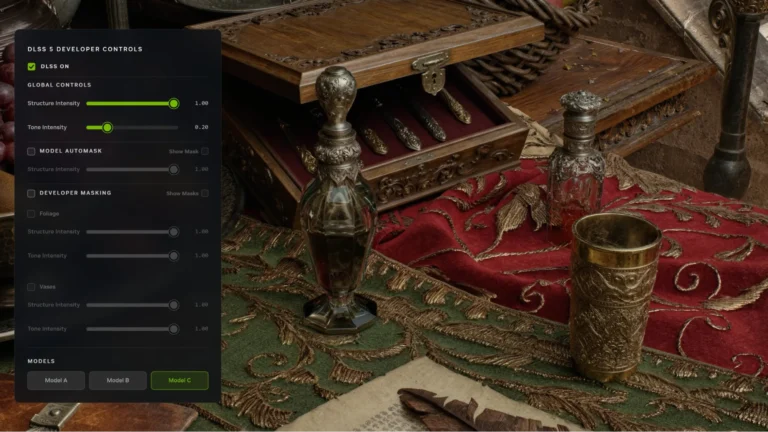
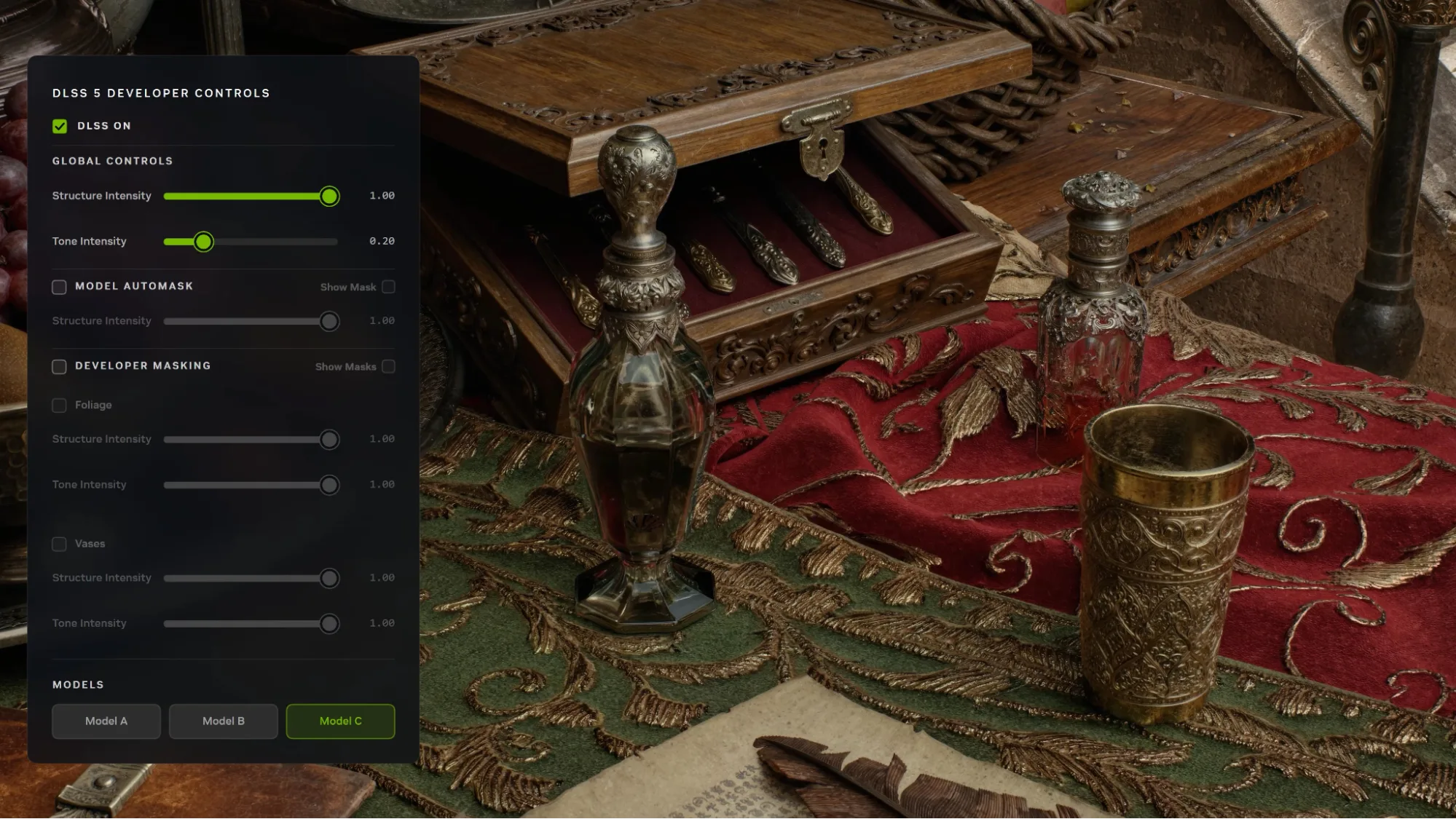
No. NVIDIA driver 621.24 supported GPUs are far broader than the hardware eligible for DLSS 5 3D-Guided Neural Rendering. NVIDIA’s announced local DLSS 5 support is limited to the relevant GeForce RTX 50 Series and RTX Spark hardware, with GeForce NOW Ultimate as the cloud option in supported games.
An RTX 4060, RTX 3060 or RTX 2060 may be included in this driver package but does not gain RTX 50-only neural-rendering support just by installing it. Earlier DLSS features such as Super Resolution have their own support requirements and can still be available on those older RTX generations.
NVIDIA driver 621.24 supported GPUs: which package to download?
If the exact GPU is on the list, select the GeForce Game Ready 621.24 package for your PC. NVIDIA also offers a Studio Driver with the same number, but it is a separate branch intended for different update priorities. Read the branch label as well as the driver version before downloading.
Related Guides
Checking NVIDIA driver 621.24 supported GPUs? These guides also explain the installation process and which DLSS features your card can use.
Official source: NVIDIA GeForce Game Ready Driver 621.24 desktop compatibility and release notes.