
Roblox Anime Music Codes are anime openings, soundtrack themes and fan-associated music IDs. This guide keeps the familiar audio numbers from The Click’s previous lists, so you can look up a remembered sound and try it in a compatible Roblox game or development project.
These are historical ID references, not a list of sounds newly verified playable in October 2026. Roblox assets may be private, removed or restricted to particular experiences. Check the asset itself, then test it in the game where you intend to hear it.
Roblox Anime Music Codes: audio numbers and names
The table has 16 distinct entries with no repeated numbers. The names reflect how they appeared in earlier lists rather than a current Roblox Creator Store inspection. If an asset doesn’t contain the recording described, the historical title may have become outdated.
| Previously listed sound | Roblox asset ID |
|---|---|
| Black Clover Theme | 2417056362 |
| My Hero Academia Theme | 2425229764 |
| Attack on Titan Theme | 237361114 |
| One Piece Theme | 288167326 |
| Seven Deadly Sins Theme | 321224502 |
| Chika Fujiwara Dance | 6334590779 |
| Chikatto Chika Chika | 5937000690 |
| Renai Circulation | 2751415304 |
| World Is Mine | 2891190758 |
| Naruto Theme Song | 4614097300 |
| Naruto Memories | 268463724 |
| Sadness and Sorrow | 3057786388 |
| Gurenge | 5682636501 |
| Tokyo Ghoul Opening | 5779530195 |
| Giorno’s Theme | 3457906535 |
| Pillar Men Theme | 627848963 |
Choosing Roblox Anime Music Codes for your game
Naruto, JoJo, Attack on Titan and Demon Slayer recordings make up much of the historical collection. They may be covers, edits or mislabeled uploads. Preview the actual asset before you tell players the listed audio is the original song.
Anime soundtrack recordings can be restricted by copyright or uploader permissions. An old ID with an anime title is not a licence or a guarantee the track plays.
If you want a short reaction instead of a song, funny audio clips and meme sound IDs offer other search references. annoying sound IDs covers repetitive jokes and troll music codes focuses on songs.
How to check anime song IDs
First check whether your Roblox experience supports a custom sound or music field. If it does, copy the numeric ID, enter it into that field and use the game’s playback or preview function. Soundboard, Boombox and custom elimination controls differ between experiences; one asset number alone cannot add a missing feature.
For Roblox Anime Music Codes, a game may limit the length, range or volume of playback. If nothing happens, try an audio asset explicitly supported by that developer. When another sound works but your chosen one does not, investigate that particular asset’s availability or permission.
Why Roblox Anime Music Codes sometimes do not play
Audio uploads have privacy and experience-access rules. A valid Roblox number doesn’t guarantee that every experience can use it. An old upload may have been removed or made inaccessible, while the experience owner may have disabled custom audio altogether.
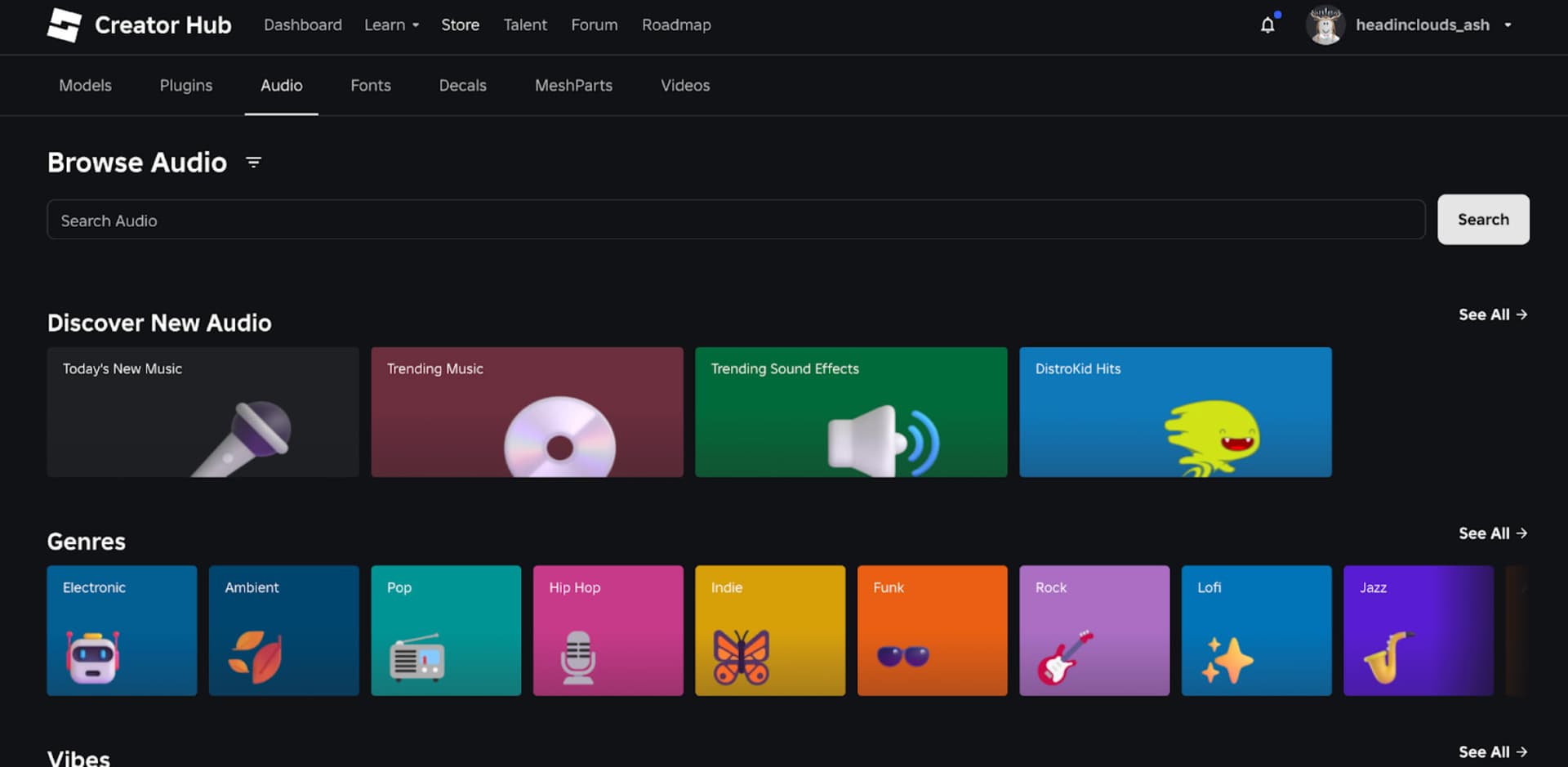
For creators, the Roblox Creator Store can be used to browse recordings and their asset pages. For players, the most useful checks are the game’s custom-audio rules and its recommended recordings. See music ID troubleshooting and Roblox audio compatibility for the detailed causes.
Can Roblox Anime Music Codes work in every experience?
No. Each game controls whether it offers custom sound playback, and private recordings need appropriate permissions. An audio ID that works in one game may be silent in another. The Boombox guide describes player-side music access, and Boombox availability is specific to the game you’re playing.
When testing Roblox Anime Music Codes, start with one audio number rather than copying a whole list. Confirm what you actually hear, then record which experience accepted it. This is more reliable than trusting an old label saying the ID works everywhere.
Related Guides
Official source: Roblox Creator Hub asset privacy and permissions.





