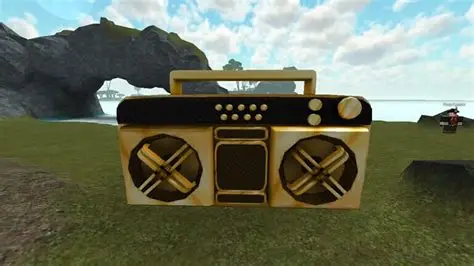
How to Get a Boombox in Roblox is one of the most common questions players ask after finding Roblox Music IDs. While thousands of working song IDs are available, you can’t simply play them in every Roblox experience. In most cases, you’ll first need access to a Boombox or another in-game radio item.
Here’s everything you need to know about how to get a Boombox in Roblox, how they work, and why they aren’t available in every game.
How to Get a Boombox in Roblox
There isn’t one Boombox that works across the entire Roblox platform.
Instead, Boomboxes are usually added by individual game developers. That means every Roblox experience has its own rules for how players unlock or purchase one.
Depending on the game you’re playing, you may be able to get a Boombox by:
| Method | Description |
|---|---|
| Purchasing a Game Pass | Many experiences sell permanent Boombox access through a Game Pass. |
| Buying with in-game currency | Some games let players unlock a Boombox using coins, cash or another in-game currency. |
| Receiving it during an event | Limited-time events occasionally reward players with music items. |
| Admin or VIP access | Certain games only allow admins, moderators or VIP players to use Boomboxes. |
Because every experience is different, it’s always worth checking that game’s shop, Game Passes or official description.
Can You Get a Free Boombox in Roblox?
Sometimes.
Some Roblox experiences give every player access to a Boombox, while others require a purchase before you can play custom audio.
If a game doesn’t include a Boombox feature, there usually isn’t a way to add one yourself.
Can You Use One Boombox Across Every Roblox Game?
No.
One of the biggest misconceptions is that buying a Boombox in one experience unlocks it everywhere.
That’s not how Roblox works.
Each experience is developed independently, meaning Game Passes, items and Boombox systems are managed by that game’s creator.
Buying a Boombox in one game won’t automatically unlock it in another.
Why Doesn’t Every Roblox Game Have a Boombox?
Developers decide which features they want to include.
Some games focus entirely on gameplay and don’t support custom audio at all. Others disable Boomboxes to reduce spam, copyrighted music or unwanted sound effects during multiplayer sessions.
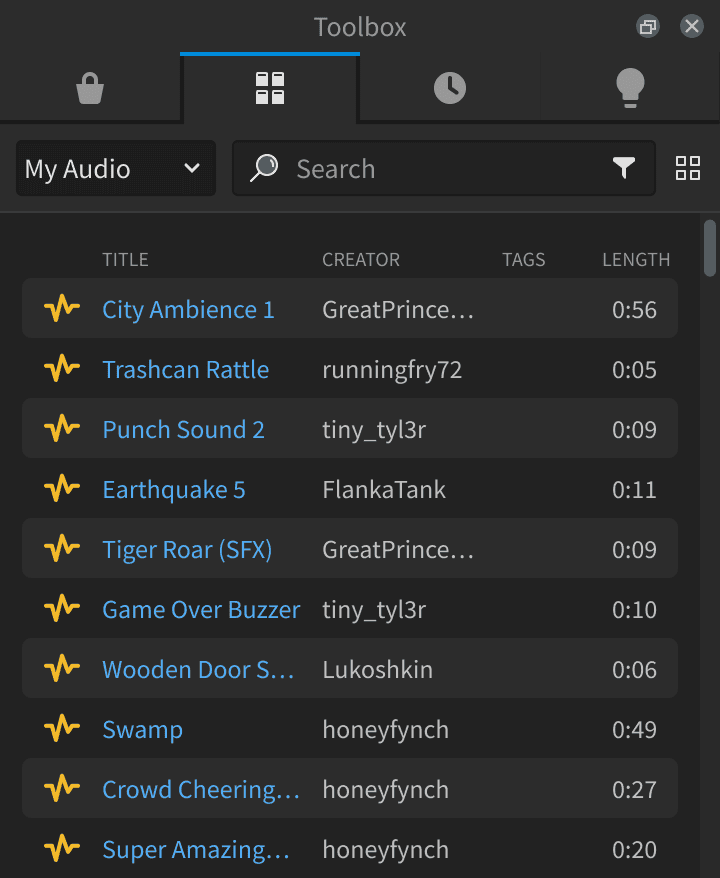
Even if you have a valid Roblox Music ID, you’ll only be able to use it in experiences that support custom audio playback.
How Do Roblox Music IDs Work With a Boombox?
Once you’ve unlocked a Boombox, using Roblox Music IDs is usually straightforward.
Most Boombox systems allow you to:
- Equip the Boombox.
- Open the music menu.
- Enter a valid Roblox Music ID.
- Confirm the song.
- Play the audio if the experience allows it.
Some games may limit who can hear your music or restrict playback to certain areas.
What If Your Boombox Doesn’t Work?
If your Boombox isn’t playing music, there could be several reasons.
Common issues include:
- The Roblox Music ID has been removed.
- The audio has been made private.
- The game doesn’t support custom audio.
- The developer has disabled Boomboxes.
- Roblox moderation has restricted the sound.
Trying a different, recently tested Music ID is often the quickest way to rule out an outdated code.
Best Roblox Games With Boombox Support
Not every Roblox experience includes Boomboxes, but social games, roleplay experiences and hangout games are much more likely to support them.
Before purchasing a Game Pass, check the game’s description or community to confirm that custom music playback is available.
How to Get a Boombox in Roblox:
Learning how to get a Boombox in Roblox is the first step towards using Roblox Music IDs.
While there’s no universal Boombox that works across every experience, many games offer their own versions through Game Passes, in-game currency or event rewards. Once you’ve unlocked one in a supported experience, you can start using Roblox Music IDs to play your favourite songs.
Related How to Get a Boombox in Roblox Guides
Related How to Get a Boombox in Roblox Guides
How to Get a Boombox in Roblox without buying the wrong pass
For How to Get a Boombox in Roblox, the first step is choosing the experience where you actually want to use it. Open that game’s store or equipment menu and check the item description before buying. Boombox access does not normally carry between unrelated experiences.
Roblox Creator Hub documents asset access and privacy; players can also review Boombox codes and silent audio troubleshooting.