UEFN Gaussian splats let you bring a captured room, building or landscape into a Fortnite island using a PLY or SPZ file. Epic added the importer in v43.00 on 1 November 2026, although the feature is still experimental.
A splat gives you the appearance of a real place without rebuilding its surfaces from individual meshes. You still need to handle the playable parts of your island separately. Here is what to import, how to place it and what to check before using it in a project.
How to import UEFN Gaussian splats from PLY or SPZ files
UEFN Gaussian splats are imported through UEFN. Epic Games editor artwork shown for context, not a splat-import screenshot.
You’ll need a finished Gaussian splat file of your own, or one you’re allowed to use. UEFN doesn’t turn an ordinary photo into a splat. The capture and processing happen outside the editor; UEFN handles the import and placement.
- Open your project in a version of UEFN that includes the v43.00 Gaussian splat support. Keep a backup or revision-control checkpoint before importing unfamiliar assets.
- Prepare an existing .ply or .spz Gaussian splat file. Check that it really contains splat data rather than a conventional point cloud or mesh that happens to share a filename extension.
- Open the Content Browser and import your supported splat file into your project’s content, following the prompts shown by the editor.
- Once the new asset appears in the Content Browser, place it into your level and position it within the scene.
- Preview the result in the editor, then run a playtest and check the view from the player’s perspective. Review visibility, scale and performance before deciding where it belongs.
Epic confirms the import-and-place workflow, but does not prescribe a particular scanning app or set of universal capture settings. Avoid blindly following an Unreal Engine plug-in tutorial that assumes features are available in UEFN.
PLY versus SPZ: which file works for UEFN Gaussian splats?
Both .PLY and .SPZ are accepted for the experimental splat importer in v43.00. PLY can also be used to store other types of 3D data, so the extension alone does not guarantee that an arbitrary file will work as a Gaussian splat. SPZ is another supported splat format.
If a file refuses to import, first confirm it was exported as an actual splat asset in one of those formats. Renaming a different model or image to .ply or .spz will not convert it. A USD or USDZ model is a different asset category and belongs in UEFN’s Interchange import workflow instead.
What UEFN Gaussian splats are useful for in Fortnite islands
Captured interiors, buildings, terrain and backdrops are the obvious uses. A scanned building could sit behind a playable courtyard, for example, while normal Fortnite geometry handles the area players walk through. It helps to decide which parts are scenery before you start adding collision or interaction.
A captured scene does not automatically give you Fortnite-ready walls, floors and collision. Check where the player can actually move rather than judging only by what the scan looks like. For important gameplay spaces, place and test suitable collision geometry separately.
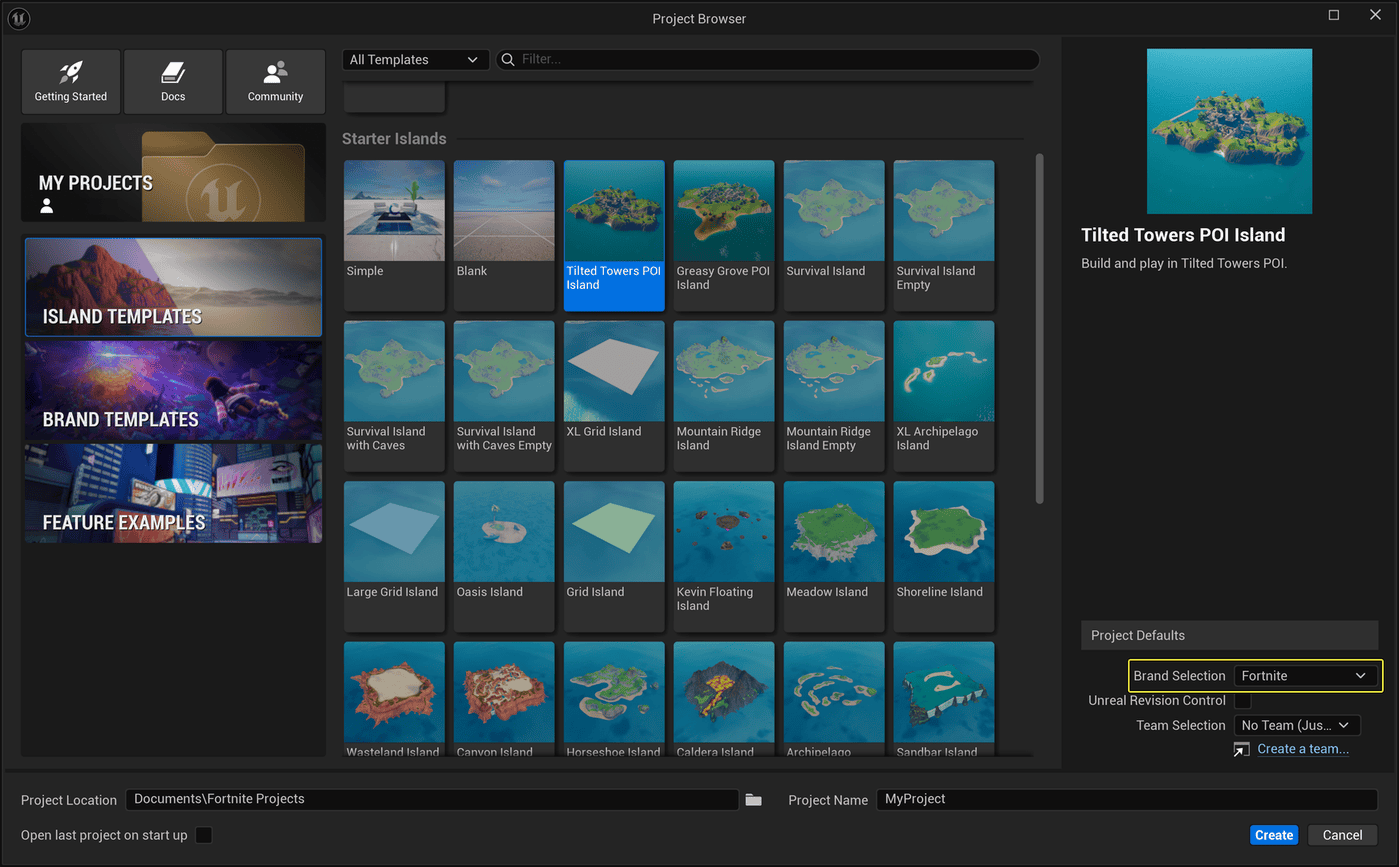
Epic Games’ UEFN project browser. Prepare and back up the island project before importing experimental assets.
Do UEFN Gaussian splats work on mobile?
Epic says splats use an optimized native rendering path and display on supported UEFN platforms, including mobile. That’s renderer support, not a guarantee that an enormous scan will run smoothly on every phone.
Check an actual mobile build or mobile profiling result for the island, not just the desktop editor viewport. Watch for slowdowns, excessive asset cost and visibility problems in the areas players will use. If a detailed capture is too heavy, reducing the area or choosing a simpler presentation is safer than trusting the editor preview.
Can you publish an island using UEFN Gaussian splats?
Epic lists Gaussian splats as experimental, but the v43.00 notes don’t explicitly confirm whether islands using them can be published. Don’t confuse mobile rendering support with publication approval. Check the current feature restrictions and run project validation before planning a public release around splats.
You should also have rights to the 3D capture and any recognizable protected material within it. Being technically able to import a scanned location does not grant permission to reproduce somebody else’s work.
Troubleshooting invisible or broken Gaussian splat imports
If the asset is missing from the Content Browser, check the project folder you imported into and read any editor warnings. If it’s in the browser but invisible in the level, check its position and scale before trying to import it again.
For strange edges, unexpected holes or blurry details, look at the source capture and processing output before assuming UEFN has damaged it. Captures may contain gaps or unwanted background geometry. If performance falls sharply, try a smaller scene and test it on the hardware you want players to use.
Niagara integration is another announced option for manipulating UEFN Gaussian splats, but it is not required for a basic import. It is better to get a static scene rendering correctly before experimenting with effects.
Common questions about UEFN Gaussian splats
Are splats the same as photogrammetry? No. Both can start from real-world images, but Gaussian splatting renders a captured scene differently from a reconstructed polygon mesh with textures.
Can UEFN export a splat? Epic’s announcement confirms importing PLY and SPZ, not a built-in splat-capture or export workflow. Create the source asset outside the editor.
Can I import OBJ instead? UEFN supports OBJ as a conventional 3D model format, but an OBJ model is not the same thing as UEFN Gaussian splats. Use the appropriate importer for the asset you actually have.
Related Guides
Official source: Epic Games’ Fortnite v43.00 release notes.