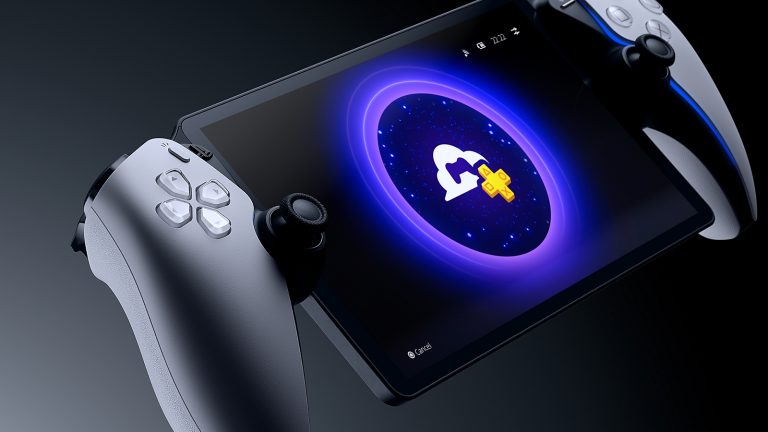
PlayStation Portal cloud streaming not showing? The first thing to work out is whether the Cloud Streaming tab is missing, or whether it’s there but a game you own isn’t listed. They’re different problems, and neither calls for an immediate factory reset.
Sony’s cloud service is fully launched, but only eligible accounts can use it and not every PS5 game is supported. Start with your account and membership, then check the game library or connection if that’s where things stop working.
PlayStation Portal cloud streaming not showing: first checks
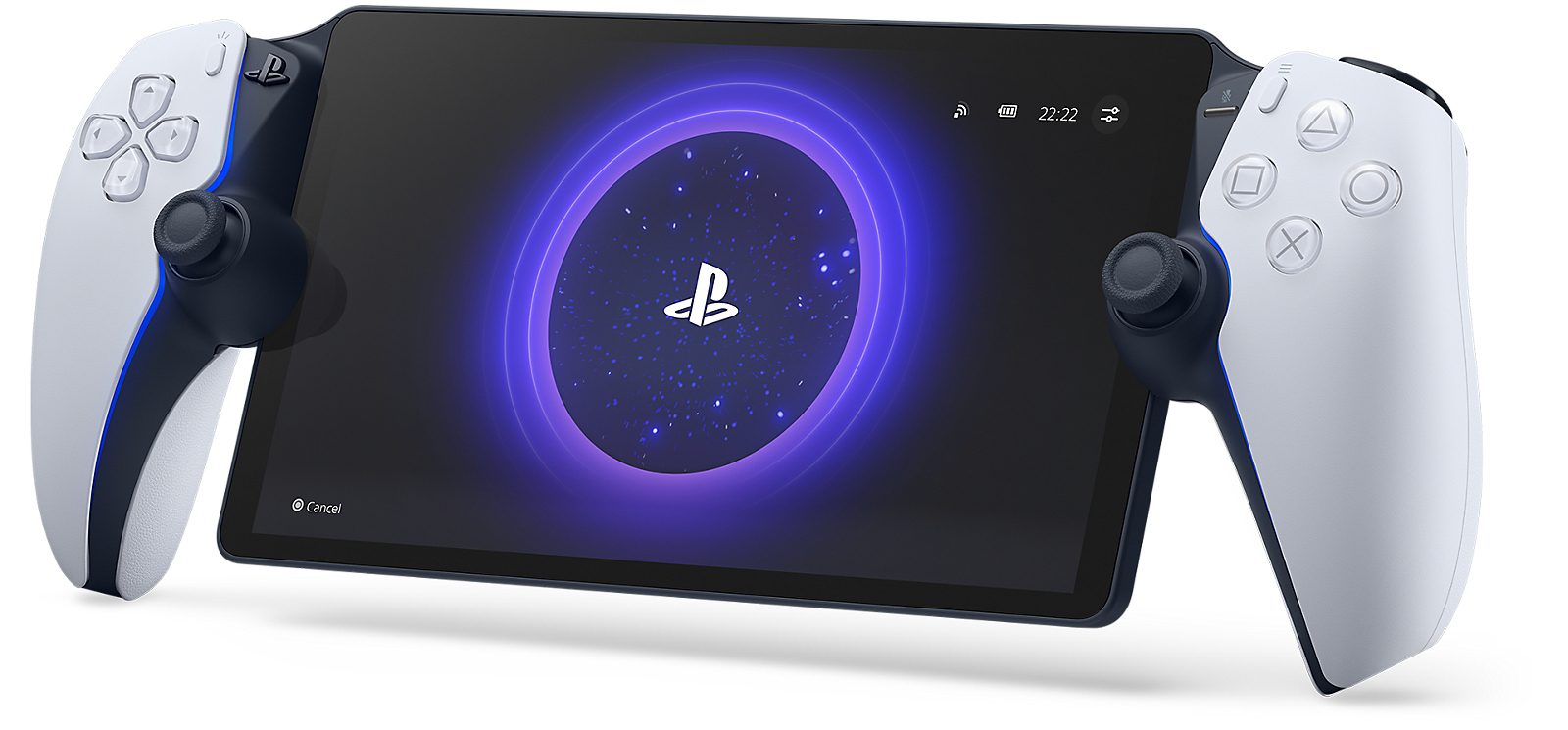
On eligible accounts, Sony’s Portal Home screen has separate Remote Play, Cloud Streaming and Search tabs. If Cloud Streaming is missing, check the account age, region and system software first. If one game is missing, check its eligibility instead.
PlayStation Portal cloud streaming not showing: account and region
Sony says Cloud Streaming isn’t available to child accounts. Cloud settings also only appear for adult accounts in countries offering PlayStation Plus Premium. The United Kingdom qualifies, but signing in with a child’s PlayStation account won’t make cloud gaming available.
Check the account signed into Portal, even if the handheld belongs to an adult. A child account cannot use Cloud Streaming, and a parent’s Premium membership doesn’t override Sony’s age restriction.
Does the account have PlayStation Plus Premium?
To play cloud games on Portal, the eligible account must have an active PlayStation Plus Premium subscription. Essential and Extra do not include this standalone streaming benefit. Check your actual membership tier and the account signed into the handheld.
If the Cloud Streaming tab is visible but you can’t start a game, check the membership and that game’s entitlement. If the tab itself is missing, Sony’s documented checks also include the account age, supported region and Portal software. An upgrade is not a guaranteed fix for a missing menu.
PlayStation Portal cloud streaming not showing after an update?
Open Portal’s quick menu, choose Settings > System and check for new system software. Cloud Streaming fully launched in November 2025 and the Home screen changed again in March 2026. Older tutorials can show a different layout.
Install any available update and check the Home screen again. Don’t erase the handheld’s settings to fix an account restriction.
PlayStation Portal cloud streaming not showing a purchased game?
If a purchased game isn’t appearing in Cloud Streaming, check the title’s eligibility. Sony streams selected digital PS5 purchases and participating Premium catalogue games. Owning a game doesn’t automatically make it available in the cloud.
Search for the title on Portal. If you don’t have the entitlement, Sony may show a QR code linking to the PlayStation App or a browser. The supported library changes over time and by territory; PS3 and PS4 games can’t be played through this cloud mode, and Portal doesn’t install unsupported games.
PlayStation Portal cloud streaming not showing: connection errors
If the tab and title are visible but a session won’t start, check Wi-Fi next. Sony requires at least 5 Mbps download and upload to establish a cloud session, 7 Mbps for 720p and 13 Mbps for 1080p.
Check your Wi-Fi connection and try another eligible title. Once a session is running, you can open Quick Menu > Troubleshoot > Show Network Status to check its connection quality. If no session will start, check the device’s Wi-Fi settings first. Public networks can impose sign-in steps or restrictions.
PlayStation Portal cloud streaming not showing: can you use Remote Play?
Yes, if you own a PS5. Remote Play is separate from Cloud Streaming and doesn’t require PlayStation Plus just for the connection. Your own console must be configured for Remote Play, connected to the internet and signed into the same PlayStation account as Portal.
If Cloud Streaming is unavailable, you may still be able to access compatible installed games through Remote Play on a PS5 you own. It isn’t a workaround for cloud account restrictions.
How to resolve the missing tab
To tackle PlayStation Portal cloud streaming not showing, work in this order: is it the tab or a game that’s missing? Check adult-account status, country, system software, Premium membership and game eligibility, then investigate Wi-Fi if an eligible stream can’t connect.
If Portal can’t find your own PS5 instead, that’s a Remote Play problem. See our PS5 connection guide for the relevant settings.
Official source: PlayStation Support, Cloud Streaming on PS Portal.