Xbox Series X games on Xbox One are possible through cloud gaming, but only when Microsoft offers the game for streaming. That means you can play certain newer titles on an older console without buying a Series X or Series S. The game runs on Xbox’s remote hardware rather than inside your Xbox One.
The catch is game availability. A title being released for Series X|S doesn’t guarantee it’ll appear in the cloud catalogue, and owning a copy doesn’t automatically give you streaming access. Check the game and your account before spending money or deciding you no longer need a hardware upgrade.
Can you play Xbox Series X games on Xbox One?

Yes. Selected Xbox Series X games on Xbox One can be played using Xbox Cloud Gaming. Microsoft specifically confirmed this option in September 2026, so Xbox One owners can access eligible Series X|S titles without buying the newer console. It works only for games that support cloud play on your device and account.
Don’t confuse streaming with installing the game. An Xbox One cannot run a Series X|S-only download locally just because cloud gaming exists. The newer game runs on remote Xbox hardware and your controller sends commands over the internet. If the cloud version isn’t available to you, the old console can’t simply run the Series build instead.
How to stream Xbox Series X games on Xbox One
Before trying Xbox Series X games on Xbox One, look up the game in Xbox’s current cloud library. Xbox supports cloud streaming directly on Xbox One, so you don’t need to stream through a phone or PC if your console and account qualify.
- Connect your Xbox One to the internet, sign in to your Microsoft account and open your games library or Game Pass.
- Find the title you want to play and check that it has a cloud-playable option for Xbox One. The game’s Series X|S platform label alone isn’t enough.
- Make sure your subscription or other supported cloud entitlement covers that particular game.
- Choose the cloud option to start streaming. It will run remotely rather than installing a Series X|S version on your Xbox One.
- If you can’t see the cloud option, check the live cloud catalogue, your region, the account’s eligibility and any plan restrictions.
For the best experience, Xbox advises a connection of about 20 Mbps for consoles and a 5 GHz Wi-Fi network where possible. An unstable connection can cause lag even when your broadband speed sounds fast enough. Cloud streaming may also have different resolution and feature limits from running a game locally.
Do you need Game Pass to play Xbox Series X games on Xbox One?
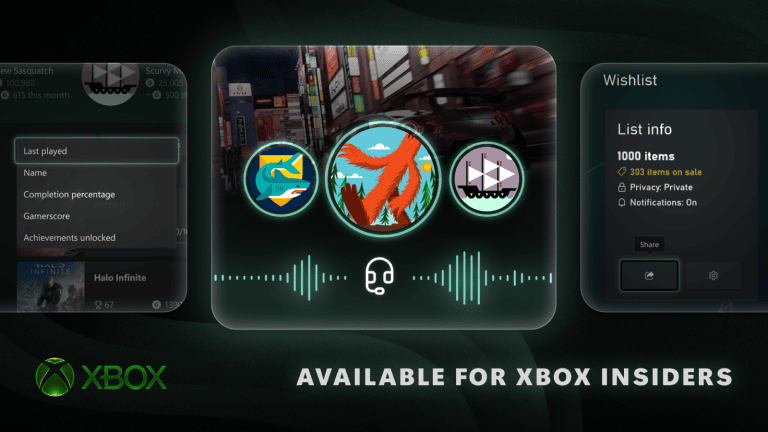
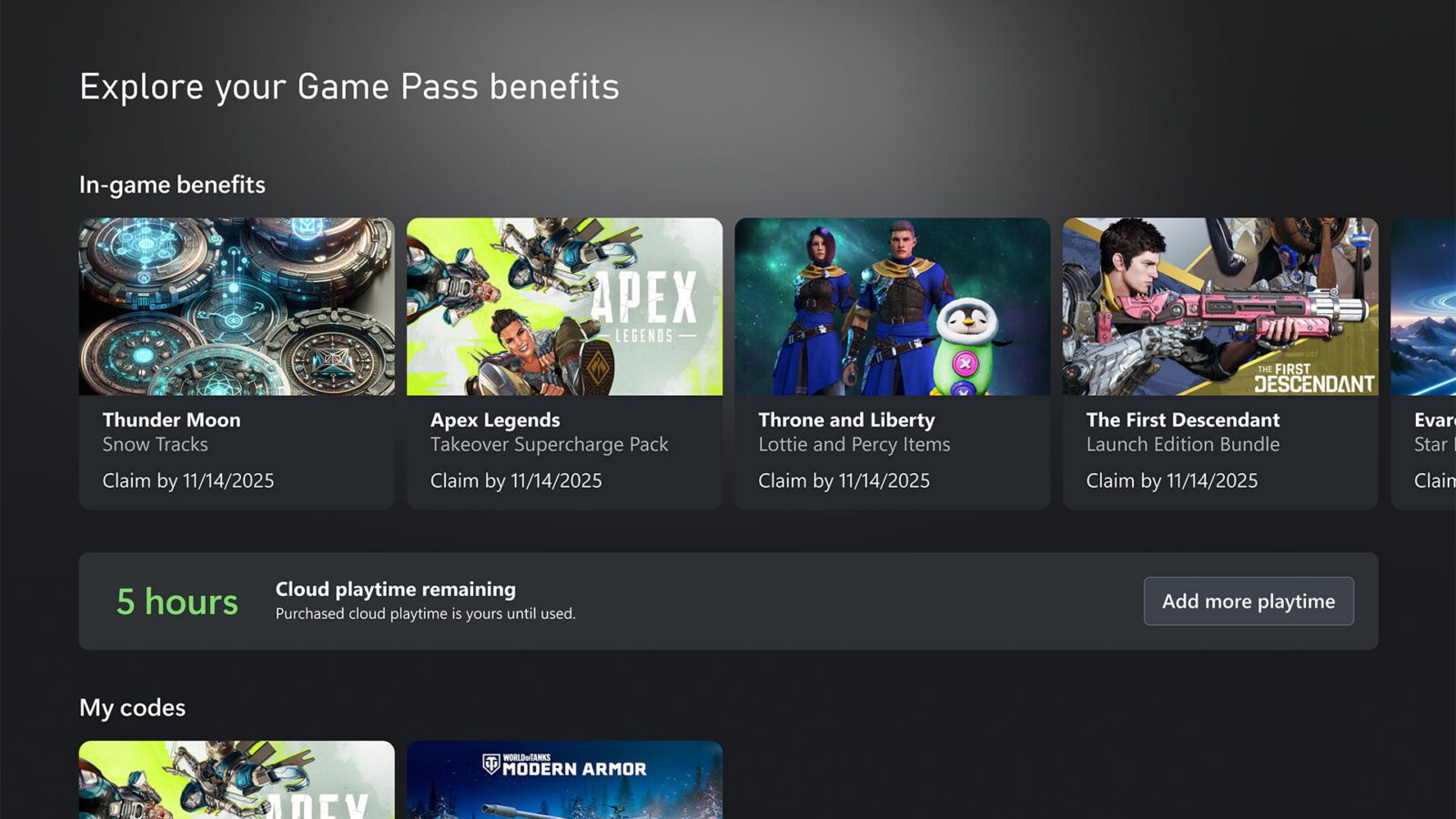
Game Pass Ultimate, Premium and Essential all offer access to supported cloud games, though the libraries and features differ. Microsoft has announced monthly cloud playtime limits for November 2026: 15 hours with Ultimate, 10 with Premium and five with Essential. Those figures are the announced allowances, not a promise that every Series X|S game is included.
Microsoft is also testing paid cloud playtime without Game Pass. Its October 2026 Xbox Insider preview includes packs of 10, 25 or 50 hours, advertised at $3.99, $7.99 and $11.99 respectively. Those are introductory US-dollar preview prices, not confirmed UK rates. Eligibility varies by region, device, account, preview ring and game.
For Xbox Series X games on Xbox One, the game still needs to be cloud-compatible even if you’ve bought it. Microsoft’s UK cloud service already supports streaming selected owned games with eligible subscriptions. The separate no-subscription paid-hours option is being trialled through Xbox Insider and shouldn’t be treated as a public worldwide feature.
Which Xbox Series X games work on Xbox One cloud gaming?
The safest way to check is to open Xbox’s live cloud gaming library while signed in. Microsoft says game selection and features vary by country, plan and platform, and the list changes over time. Find the exact game rather than relying on a round-up of titles that might have been available months earlier.
A store page marked Optimised for Xbox Series X|S tells you which consoles the game was designed for, not whether it streams to Xbox One. For Xbox Series X games on Xbox One, you need the cloud-playable version to be offered to your account. Without that option, the older console can’t run the game.
Cloud Gaming vs Remote Play: what’s the difference?
Xbox Cloud Gaming streams a supported title from Microsoft’s servers. Xbox Remote Play streams from a console you already own. If you only have an Xbox One, Remote Play doesn’t magically supply you with a Series X to run newer games. Xbox Play Anywhere is different again: it concerns eligible game purchases and shared progress on Xbox and Windows PC.
Xbox Series X games on Xbox One are a good option for trying selected newer releases without another console purchase. Just check the cloud catalogue and your entitlement first. Our Remote Play vs Cloud Gaming comparison explains the two services, while the November cloud gaming hours guide covers the announced playtime changes.
Official source: Xbox Wire: Upcoming Changes to Xbox Cloud Gaming.