
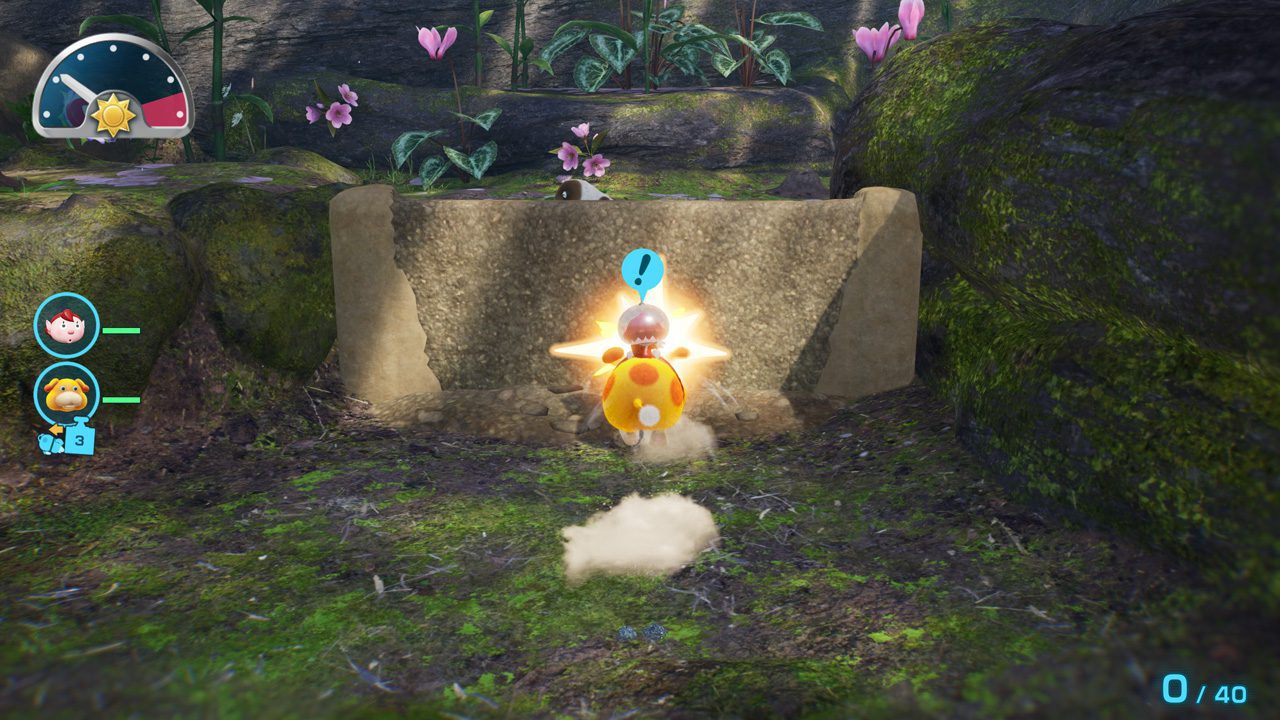
Pikmin 4 Switch 2 Oatchi voice commands let you direct Oatchi using the Nintendo Switch 2 console’s built-in microphone. The enhanced Pikmin 4 edition supports nine different spoken commands, including actions shown in Nintendo’s Pikmin Day presentation, when it launches on November 12, 2026.
It’s an extra way to interact with Oatchi, alongside the usual controls. Nintendo has demonstrated two phrases and described some of the things the microphone can help with, but it hasn’t released the full list of nine spoken commands.
Pikmin 4 Switch 2 Oatchi voice commands: what Nintendo has confirmed
Nintendo says the Switch 2 Edition recognises nine voice commands through the console’s built-in microphone. In the Pikmin Day Direct, you can hear “Oatchi, rush!” and “Go to work!”. Those are the two phrases demonstrated in the English presentation.
Nintendo also says you can ask Oatchi to gather up Pikmin and transport treasure. You can even praise him. Those are confirmed uses of the feature, although the website doesn’t give the exact phrase for every action.
The Pikmin 4 Switch 2 Oatchi voice commands feature is included with Pikmin 4 Nintendo Switch 2 Edition + Dandori Academy, releasing November 12. Players who already own Pikmin 4 on Nintendo Switch can purchase the upgrade pack for Switch 2 instead of rebuying the whole adventure.
Which Oatchi voice commands are known?
| Command or action | Nintendo confirmation |
|---|---|
| “Oatchi, rush!” | Spoken example in Pikmin Day Direct |
| “Go to work!” | Spoken example in Pikmin Day Direct |
| Gather nearby Pikmin | Function named on official UK game page |
| Help transport treasure | Function named on official UK game page |
| Praise Oatchi | Function named on official UK game page |
The table separates the two spoken examples from Nintendo’s descriptions of what Oatchi can do. Treat the other actions as confirmed features, not as an invented set of commands to say into the microphone.
How to use Pikmin 4 Switch 2 Oatchi voice commands on November 12
To use Pikmin 4 Switch 2 Oatchi voice commands, you need a Nintendo Switch 2 running the upgraded edition. The microphone is built into the console, so the announced feature doesn’t require buying a separate microphone.
Nintendo hasn’t shown a full settings walkthrough or the exact menu for enabling Oatchi’s voice recognition. Once the game launches November 12, check its control instructions for how to start using the microphone. Don’t assume there’s a particular toggle or calibration screen before Nintendo documents one.
The confirmed input is the Switch 2’s built-in microphone. Nintendo hasn’t specified whether an external headset microphone can be used instead, or whether voice recognition has different setup steps for handheld and TV play.
Do voice commands work on the original Nintendo Switch?
No. Pikmin 4 Switch 2 Oatchi voice commands belong to the Switch 2 Edition. The original Nintendo Switch release doesn’t gain the microphone feature just because it runs on a Switch 2 through backward compatibility.
If you already own the original physical or digital game, you can add the Switch 2 upgrade pack. The full edition is also available as a standalone purchase. Our upgrade guide explains the purchase options and our version comparison sets out the other changes.
Are Oatchi commands the same as GameChat?
No. Oatchi commands control your companion inside Pikmin 4. GameChat is the separate system for talking to friends online on Switch 2. You don’t need to confuse the game’s voice-command feature with setting up a GameChat call.
GameShare is different again. It lets friends join supported Dandori Battles locally or through online GameChat, even if the guest doesn’t own the game. You can read our Pikmin 4 GameShare guide for the host and guest requirements; there’s no indication that you must enter a GameChat session before commanding Oatchi in the adventure.
Will the Pikmin 4 Switch 2 Oatchi voice commands work in the free demo?
Nintendo’s free Switch 2 Edition demo launches November 2, with Sun-Speckled Terrace and two Dandori Academy stages. The announcement confirms those two playable portions, but doesn’t separately say whether Oatchi’s complete voice-command system is enabled in the demo.
If the microphone feature is what you’re most interested in, check the demo’s in-game controls when it launches. Nintendo has confirmed the Pikmin 4 Switch 2 Oatchi voice commands feature for the November 12 full edition, but hasn’t separately confirmed which commands are available in the November 2 demo.
Pikmin 4 Switch 2 Oatchi voice commands: what to remember
The November 12 edition supports nine voice commands through the built-in microphone. “Oatchi, rush!” and “Go to work!” are the two examples Nintendo has demonstrated. Gathering Pikmin, carrying treasure and praise are confirmed uses, but the complete spoken list still needs to come from the game.
Pikmin 4 Switch 2 Oatchi voice commands give you another way to work with your rescue pup without changing the game’s normal button controls. The full edition arrives November 12; our demo guide explains what you can try from November 2.
Official source: Nintendo’s UK Pikmin 4 Switch 2 Edition product page.





