
UEFN quest progress reset problems often come from saving the wrong data, or from expecting the new Progression API to preserve a quest automatically. Epic’s Short Coin Quest tutorial confirms that live quests, objectives, memberships and agents cannot be stored as persistent objects.
A returning player might start at zero or earn the same prize twice if a completed quest is restored as unfinished. Both problems come down to what you save and the order in which you restore it.
Why UEFN quest progress reset happens
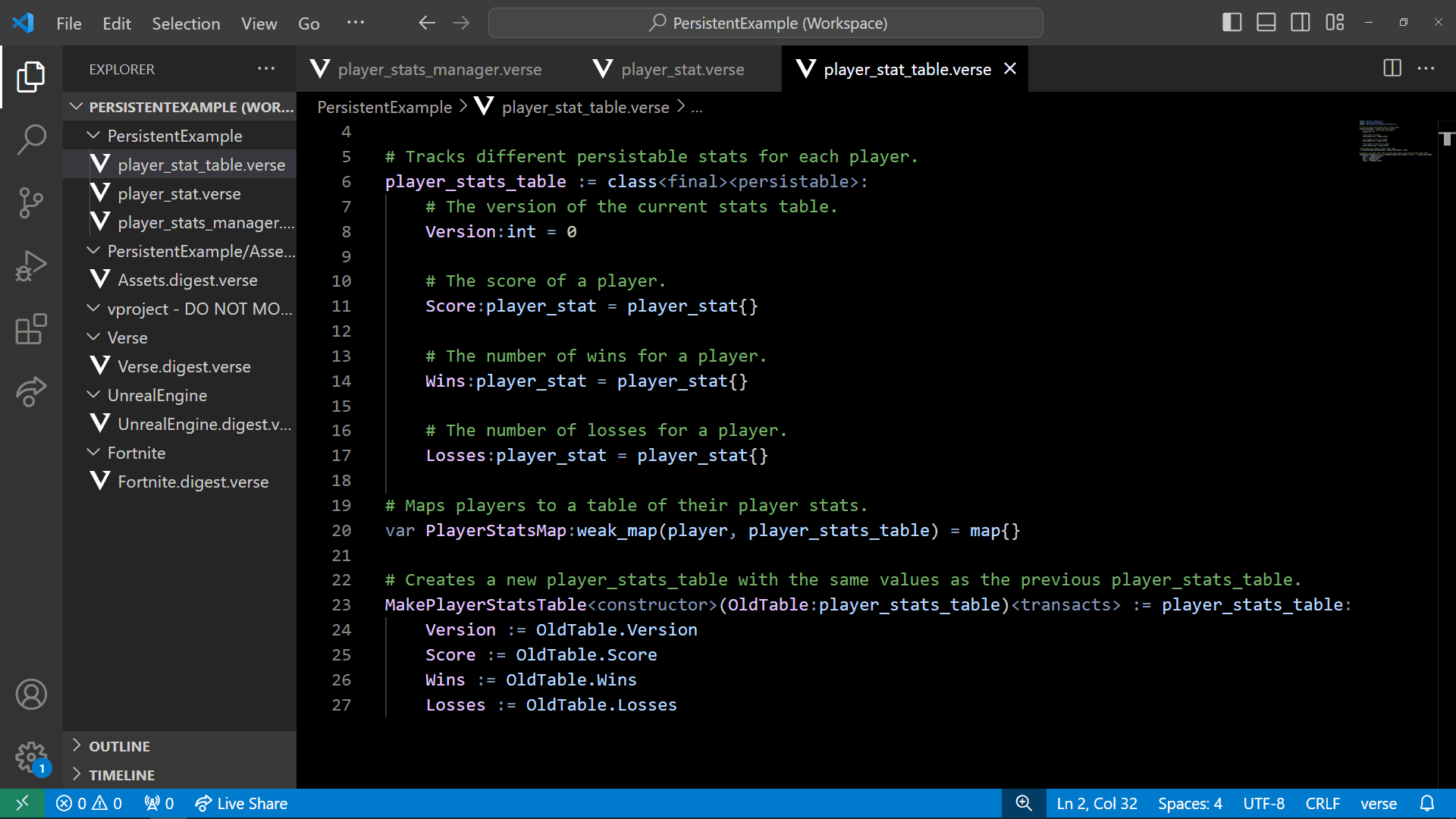
UEFN quest progress reset: an Epic Games Verse example demonstrating a persistent weak_map for saved player statistics, not the coin quest code.
The Progression API tracks objectives while the island is running, but quest and membership objects aren’t automatically saved for the next visit. Those live objects must be rebuilt.
To keep progress, an island must save a persistable record for the player and rebuild the quest when they return. In Epic’s example, this approach is designed for individual quests, where each player owns their own instance and can have a separate saved record.
A shared team quest uses a single session-wide instance. Epic explains that Verse has no persistent key for the shared session, making it unsuitable for the same per-player restore approach. Don’t treat shared progress as if it belongs to each player’s individual quest.
What to save in the persistent weak_map
Epic’s UEFN quest progress reset solution stores one record per player in a persistent weak_map. Within that record, each quest has a stable ID, a saved status and a progress value. The tutorial also saves the player’s gold and silver coin totals.
Record whether the quest is NotStarted, InProgress, Succeeded or Abandoned using your own persistable enum. The built-in objective_state enum cannot be saved, and a number alone doesn’t tell you whether a reward was already earned.
Save Progress, the amount earned, rather than RequiredProgress, the target you set. That way a returning player keeps their completed work while any new target set in an island update can still apply.
Quest IDs must remain stable after publishing. If you rename the ID, an existing player record will no longer match the quest, and the island may appear to have erased their saved progress. That is a common UEFN quest progress reset risk.
UEFN quest progress reset: save while the player is active
Save when the player makes progress, not when they disconnect. Epic’s coin example saves after a counted pickup or a quest restore, once the counters and completion state agree.
Always guard persistent weak_map access with Player.IsActive[]. Epic warns that using a player who has already left as the key can cause a runtime error, whether you are reading or writing the record.
Another UEFN quest progress reset trap occurs if a joining player isn’t active yet. Reading an empty fallback and then saving it over their real record can make an existing player’s progress disappear. Verify activity before loading or committing a replacement record.
Fix UEFN quest progress reset without double rewards
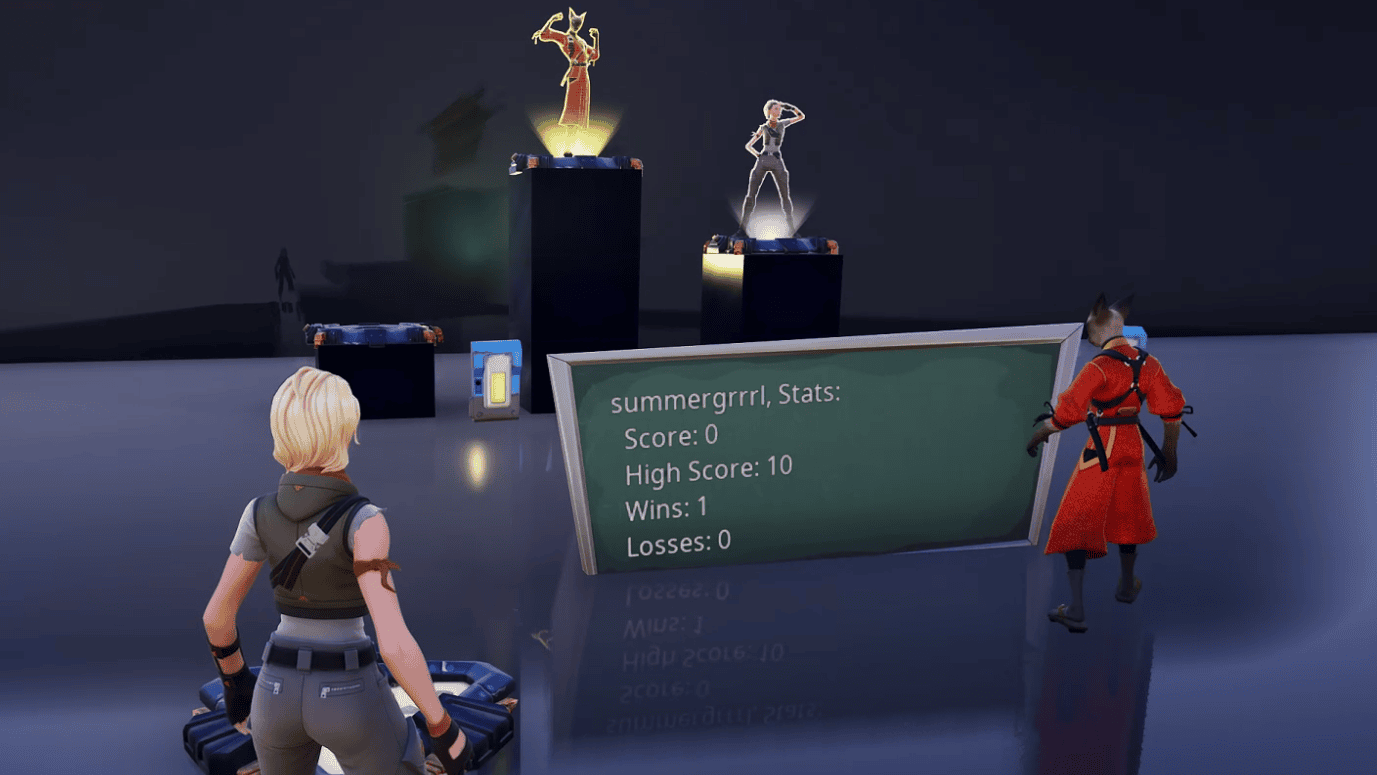
UEFN quest progress reset: Epic Games’ example of player statistics retained between sessions. The Quest API uses its own saving logic.
On join, load the player’s record and look up the saved quest by its stable ID. Restore the coin counts first, because the HUD uses those values when it is created. Then build the quest and restore its saved progress.
For a NotStarted or InProgress entry, create the quest, add the membership and set the objective progress. Run the normal completion check after the player has joined. Reward delivery depends on membership and its Receive permission.
If the saved status is Succeeded, leave it completed and show the saved counters. Rebuilding it as unfinished can award the tutorial’s 10,000 points and keycard a second time.
For Abandoned, follow the policy your island has chosen. Epic’s sample keeps that status closed across sessions. If your design allows a fresh attempt later, that needs to be an explicit reset decision rather than an accidental restore.
These checks address UEFN quest progress reset and duplicate rewards together. Correct numbers alone are not enough: the saved state must describe whether that player is still allowed to earn the reward.
Still seeing UEFN quest progress reset? Check these
Epic also distinguishes editor-launched sessions from Creator Portal playtests. Starting a fresh editor session can reset test data, so verify cross-session saves with a playtest code or private link before diagnosing your published quest logic. For a playtest, return using the same link code, then check the saved quest ID, counters and reward state.
First, compare the published quest ID with the ID stored in the player record. Then check Player.IsActive[] on join, confirm a save occurs after an action and verify that the HUD is initialised after the counters are restored.
Next, test the completion and abandonment paths. A completed quest must stay Succeeded. An abandon event must not replace that completed status, or the next session may treat a finished player as eligible to repeat the reward.
Finally, review changes to coin values and objective targets. In the official example, changed values can affect progress after a new pickup, and a lower target can cause an unfinished returning quest to complete when it loads.
Test three cases before publishing: a player who leaves mid-quest, a player who has already won the reward and a player who abandoned. Each should return with the appropriate state and no unwanted duplicate payout.
Related Guides
Official source: Epic Games’ Short Coin Quest persistence tutorial.





