
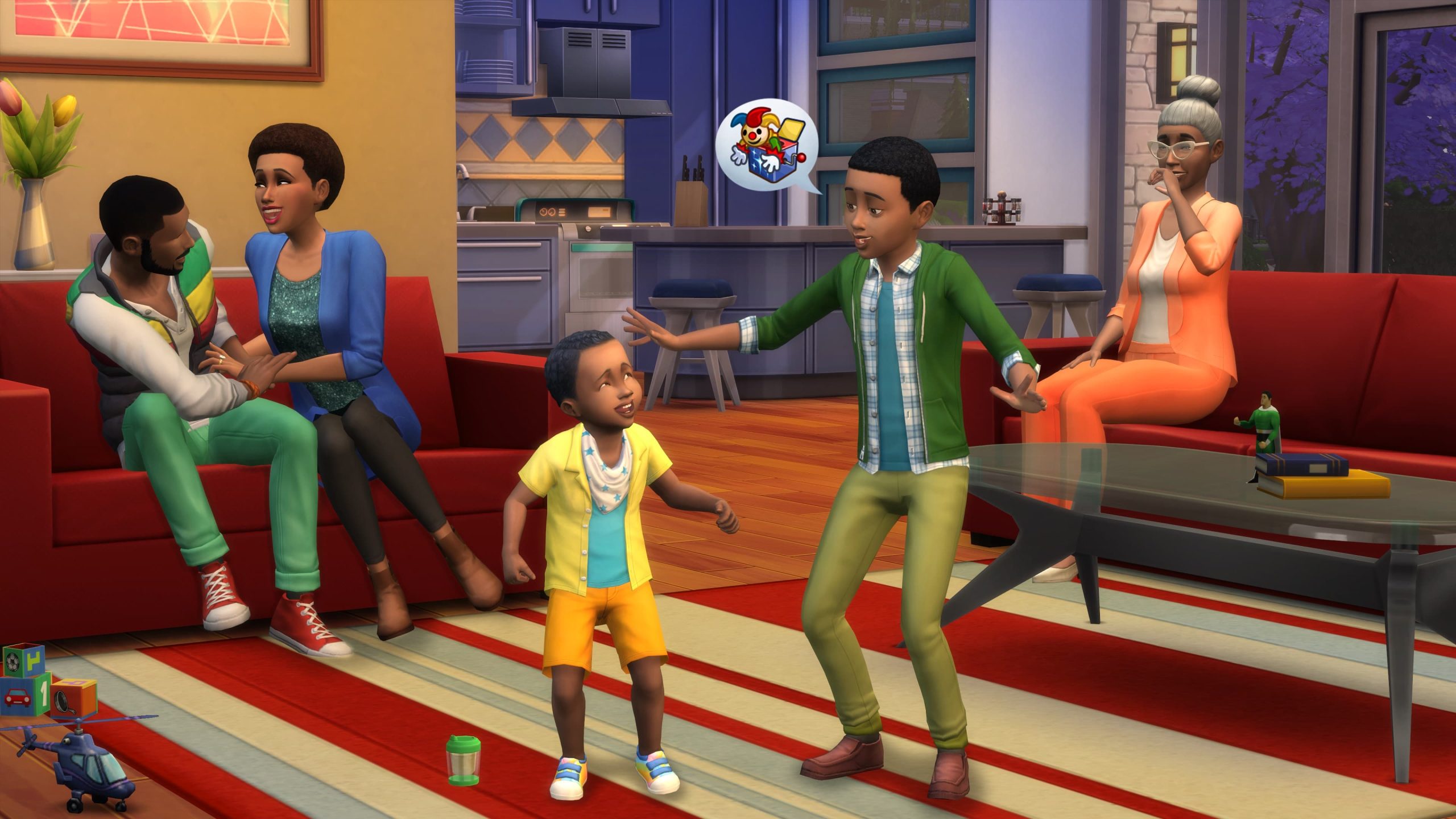
The Sims 4 Sims Keep Resetting when an interaction fails and the game forcibly returns a Sim to a neutral standing state. You may see the Sim briefly jump position, drop the queue or abandon an object they were using.
The Sims 4 Sims Keep Resetting is usually easier to solve when you identify the exact interaction that triggers it. A broken bed, custom object, routing conflict or outdated script mod can all produce similar-looking resets, so broad reinstalling is rarely the best first step.
The Sims 4 Sims Keep Resetting: find the trigger first
Image credit: Electronic Arts
The Sims 4 Sims Keep Resetting is easiest to troubleshoot when you make one change at a time and test the same symptom again. The steps below are ordered from reversible checks to deeper repair work, so you can stop as soon as the problem is gone.
- Repeat the action once and note the exact object or interaction involved.
- Try the same action with another Sim or on another lot.
- Remove custom objects and gameplay mods linked to that action.
- Delete localthumbcache.package after changing Mods.
- Test the action in a fresh save before repairing the whole game.
Watch for an object-specific reset
If every reset happens when using one bed, shower, counter, chair or custom object, replace that object before changing anything else. A broken footprint, slot or tuning file can reset the Sim the moment the interaction begins.
For custom objects, test a base-game equivalent. If the base-game version works, the custom object or a dependency is the stronger suspect.
Check routing and blocked footprints
Move the object into open space and try again. Clutter, platforms, half walls and tightly packed furniture can create routing failures that look like a game bug.
If the reset only happens in one room, a temporary empty-room test is more informative than repairing the entire installation.
Test mods that touch the failed interaction
EA’s official mods troubleshooting guide recommends testing the game with Mods disabled and then adding files back in batches. Prioritise script or gameplay mods that change the interaction you are testing.
Delete localthumbcache.package after removing or replacing files so cached tuning does not muddy the result.
Compare another save
Open a new save and reproduce the same action with base-game objects. If the reset is gone, the issue is probably save, lot or mod related rather than a universal installation failure.
If the same reset happens everywhere with no mods, repair the game and check whether the current patch has a known bug affecting that interaction.
Do not confuse resets with cancelled autonomy
A cancelled action disappears from the queue before the Sim starts it. A reset often interrupts the Sim mid-action and may make the Sim jump or snap position. That distinction helps narrow the cause.
For queue cancellations rather than true resets, use the cancelling actions guide.
What your troubleshooting result means
If The Sims 4 Sims Keep Resetting disappears in a clean test, you have narrowed the problem to something in the normal user setup rather than the untouched base game. Restore files in small groups, retest after each change and stop as soon as the symptom returns. That is much safer than putting the full Mods, Tray and settings collection back at once.
If The Sims 4 Sims Keep Resetting still happens in a brand-new save with no Mods folder after Repair, keep the clean test intact and record the game version, platform and exact reproduction steps. At that point the evidence is much stronger for a game, installation or platform issue, and those details are useful for an EA support case or bug report.
Stop The Sims 4 Sims Keep Resetting by isolating the failed interaction
The Sims 4 Sims Keep Resetting is a symptom, not one single bug. Identify the action, object and lot involved, test without interaction-changing mods, and compare a clean save before you touch the installation. That usually finds the real trigger much faster.
More The Sims 4 guides
- THE SIMS 4 GUIDES HUB
- How to Fix Broken Mods in Sims 4? Common Causes and Fixes (2026)
- How to Fix Infinite Loading Screens in Sims 4 ? How to Fix It (2026)
- The Sims 4 Won’t Launch After the July 21 Update: How to Fix It
- Sims 4 Custom Content Missing After Update: How to Restore It
- How to Fix Broken UI in Sims 4 – How to fix Guide 2026





