
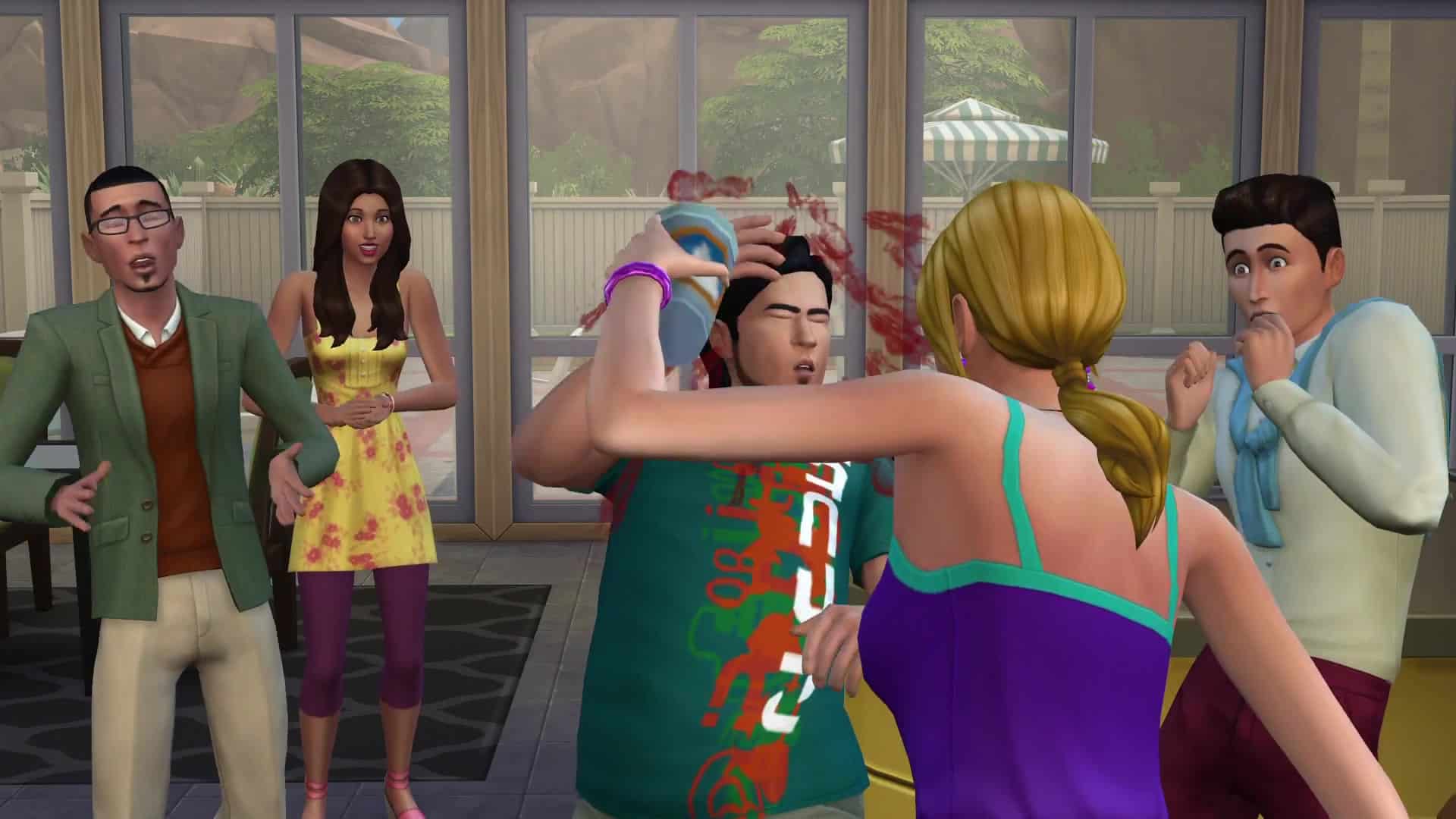
The Sims 4 Sims Frozen After WooHoo issue has a specific Patch 1.128 fix for a case where an autonomous interaction entered the queue during WooHoo and left Sims idle afterward.
The Sims 4 Sims Frozen After WooHoo should improve for that confirmed scenario after the September 22 update. Other freezes can have different causes, so persistent problems still need a clean unmodded test before they are treated as the same bug.
The Sims 4 Sims Frozen After WooHoo fix is live
The Sims 4 Sims Frozen After WooHoo Image Electronic Arts.
The Sims 4 Sims Frozen After WooHoo issue is described by EA as one identifiable case rather than every post-WooHoo problem players may encounter. The confirmed bug involved an autonomous action being queued while WooHoo was still running.
Why the interaction queue mattered
Autonomy can add actions to a Sim’s queue without the player selecting them. In The Sims 4 Sims Frozen After WooHoo case, EA says an autonomous interaction queued during WooHoo could leave the Sims idle and frozen once the main interaction ended.
The September 22 update is intended to stop that particular sequence from creating the freeze.
What the fix does not guarantee
The Sims 4 Sims Frozen After WooHoo fix should not be treated as a universal cure for Sims freezing. EA says it is still investigating other cases of frozen Sims, stuck interactions and actions being canceled because similar symptoms can come from different underlying problems.
A modded game can also produce freezes through outdated script files, so test the patched vanilla game before assuming the official fix failed.
How to test after September 22
After the update, reproduce the same interaction in a backed-up or disposable save. If The Sims 4 Sims Frozen After WooHoo no longer appears without mods, restore compatible mods in controlled groups and retest.
If the freeze occurs in a completely clean save, record the location, objects, participating Sims and interaction queue so the remaining case can be reported accurately.
Do not use destructive fixes first
The Sims 4 Sims Frozen After WooHoo should not require deleting saves or reinstalling the entire game as a first response. Start with the live patch, a clean test, cache cleanup after mod changes and a controlled reproduction. Reinstallation does not fix a broken mod or a save-specific interaction state.
How to verify the change after the update
Once the patch is installed, test The Sims 4 Sims Frozen After WooHoo in a backed-up or disposable save before changing several settings at once. Start without mods where possible, reproduce the exact behaviour the guide describes, and then restore compatible files gradually. This gives you a clean comparison between the official September 22 patch and anything being added by custom content or script mods.
If the result differs from the live Patch 1.128 behaviour, record the platform, game version and exact steps that reproduce it. Then repeat the test with mods removed so an outdated script or UI mod is not mistaken for a remaining base-game bug.
What to check in the live game
After the September 22 patch is installed, compare the behaviour in a backed-up save with a completely clean test save. Use the exact interaction, object or relationship state described above, then repeat the same steps with mods removed if the result is inconsistent. This makes it much easier to tell the difference between a base-game regression, an old save state and custom tuning that has not yet been updated.
Keep notes on the platform, game version and steps that reproduce the problem. Use the live Patch 1.128 behaviour as the new baseline. If an affected household still behaves differently, compare it with a clean test save and keep the exact reproduction steps ready for an EA Forums report.
The September 22 update is now live as Patch 1.128. EA previewed the changes in its official September 15 Laundry List, and the live patch confirms the fix is included. If the same symptom continues, test an unmodded save before treating it as a failed base-game fix.
The Sims 4 Sims Frozen After WooHoo has one confirmed fix
The Sims 4 Sims Frozen After WooHoo problem has a concrete September 22 fix tied to autonomous interactions entering the queue during WooHoo. That is good news for affected households, but keep an eye on the live patch notes because EA is clear that other freezing patterns are still being investigated separately.





