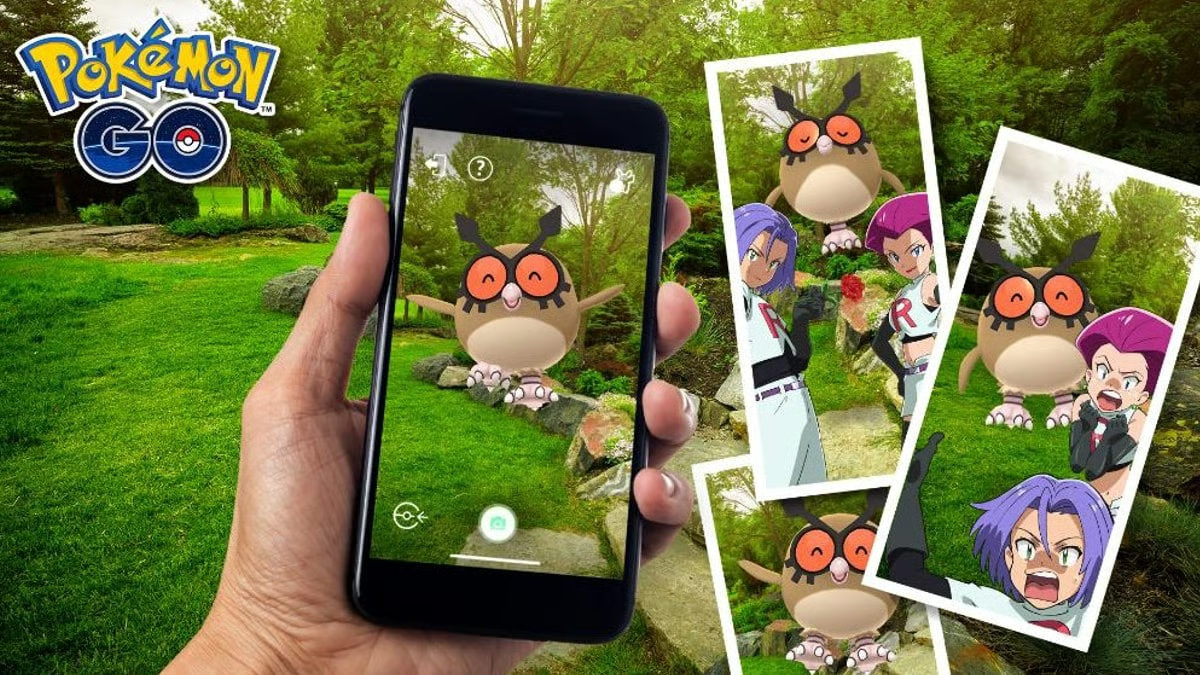
Take a Snapshot in Pokémon GO by opening a Pokémon from storage and tapping the camera icon, or by opening your Buddy and entering the Buddy interaction screen. GO Snapshot is used for Buddy hearts, research tasks and surprise photobombs, including the normal Smeargle encounter that can appear after a photo session.
Take a snapshot from Pokémon storage
Open the Main Menu, choose Pokémon and select the Pokémon you want to photograph.
Tap the camera icon on its summary page.
To take a Snapshot in Pokémon GO with a stored non-Buddy Pokémon, the current GO Snapshot system may use AR depending on your device and settings.
Position the Pokémon, tap the shutter button and then review or exit the photo session.
The photo does not need to be shared publicly for normal research credit.
Take a Buddy Snapshot
Open your Buddy page and tap Play.
Once your Buddy appears in the interaction view, use the camera button to take a Snapshot in Pokémon GO.
A Buddy Snapshot can award the daily snapshot heart when that activity is available.
This route is often quicker for research because your current Buddy is already accessible from the map.
If AR is unavailable, supported devices may offer a simpler static-background interaction mode.
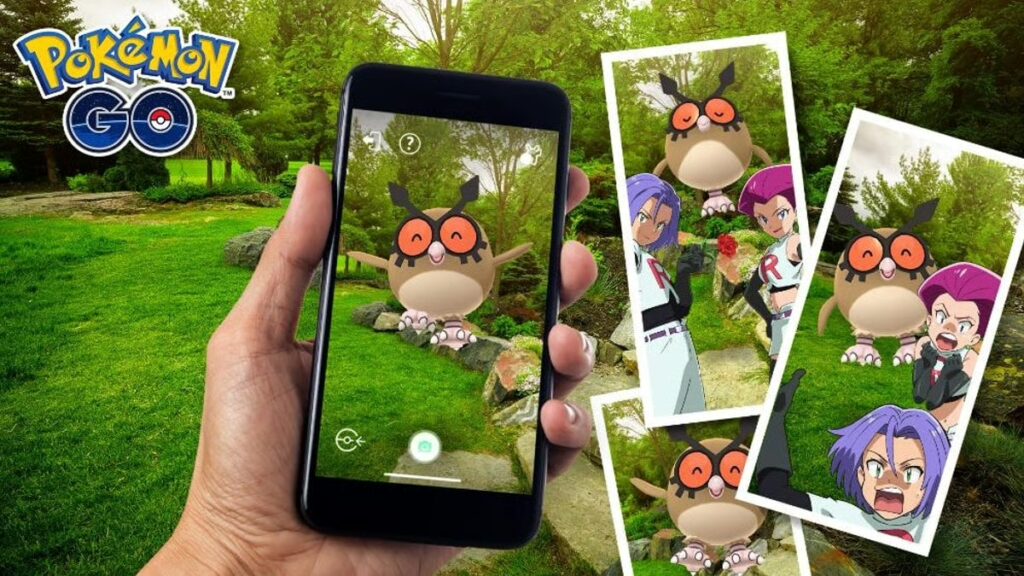
How Smeargle photobombs work
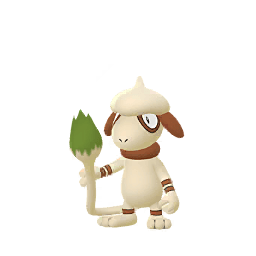
Outside special photobomb events, Smeargle can surprise you in a GO Snapshot.
When the photobomb triggers, Smeargle appears in the photo review even though it was not the Pokémon you originally chose.
Exit back to the map and a Smeargle encounter should appear nearby.
That is why many players take a Snapshot in Pokémon GO every day even when they do not care about saving the actual picture.
Smeargle is not guaranteed on the first session
If Smeargle does not appear, start another Snapshot session and try again.
The photobomb chance is not something you trigger by taking hundreds of photos in the same session.
For ordinary Smeargle hunting, take a photo, check the result, exit and start another session when necessary.
Once the day’s normal Smeargle photobomb has occurred, continuing to take a Snapshot in Pokémon GO usually will not produce another until the next day outside special events.
Event photobombs can change the rules
Special events sometimes replace Smeargle with featured Pokémon or allow multiple surprise encounters per day.
Always read the event bonus text.
A guide saying Smeargle is always the only photobomb or that one daily encounter can never change will be wrong during those events.
The permanent take a Snapshot in Pokémon GO method stays the same, but the surprise Pokémon and daily allowance can be temporarily different.
Why Smeargle’s moves are unusual
Smeargle copies moves based on the Pokémon that was photographed, subject to the moves the game allows Smeargle to learn.
That mechanic makes Snapshot choice relevant for collectors who are chasing particular Smeargle moves rather than simply filling the Pokédex.
The spawned Smeargle is still a normal encounter, so catching it requires a Poké Ball like other map spawns.
Use a Berry if you particularly care about the encounter.
Snapshot research tasks
When a task says take a Snapshot in Pokémon GO, research can ask you to photograph a Pokémon, a Buddy, a wild Pokémon or a particular type or species.
Read the wording carefully.
To take a Snapshot in Pokémon GO for a Buddy task, photographing some unrelated stored Pokémon may not satisfy it. Conversely, a general Snapshot task may not require AR placement beyond opening the correct camera mode.
If a task does not update, confirm you photographed the requested target and then return fully to the map.
Do screenshots count?
No. A normal phone screenshot is not the same as using GO Snapshot.
The game needs the in-app Snapshot action to record Buddy hearts, research progress and photobomb checks.
Use the camera icon rather than the phone’s volume-and-power screenshot shortcut.
Best Smeargle routine
Pick a Pokémon, open GO Snapshot, take one photo and inspect it for the photobomb. If Smeargle is absent, leave the session and try again with another Snapshot session.
Once Smeargle appears in the photo, return to the map promptly and catch the spawned encounter.
Learning to take a Snapshot in Pokémon GO takes seconds, and the feature does far more than create pictures: it advances Buddy activities, completes research and provides the game’s regular route to Smeargle encounters.
Official site: Pokémon GO