Adventure Sync Pokémon GO is an optional fitness feature that records walking distance even when the game is not open, helping hatch Eggs, earn Buddy Candy and progress weekly distance rewards. It unlocks at Trainer level 5 and needs the correct location plus Apple Health or Google Fit permissions before background distance can be credited.
How to turn on Adventure Sync
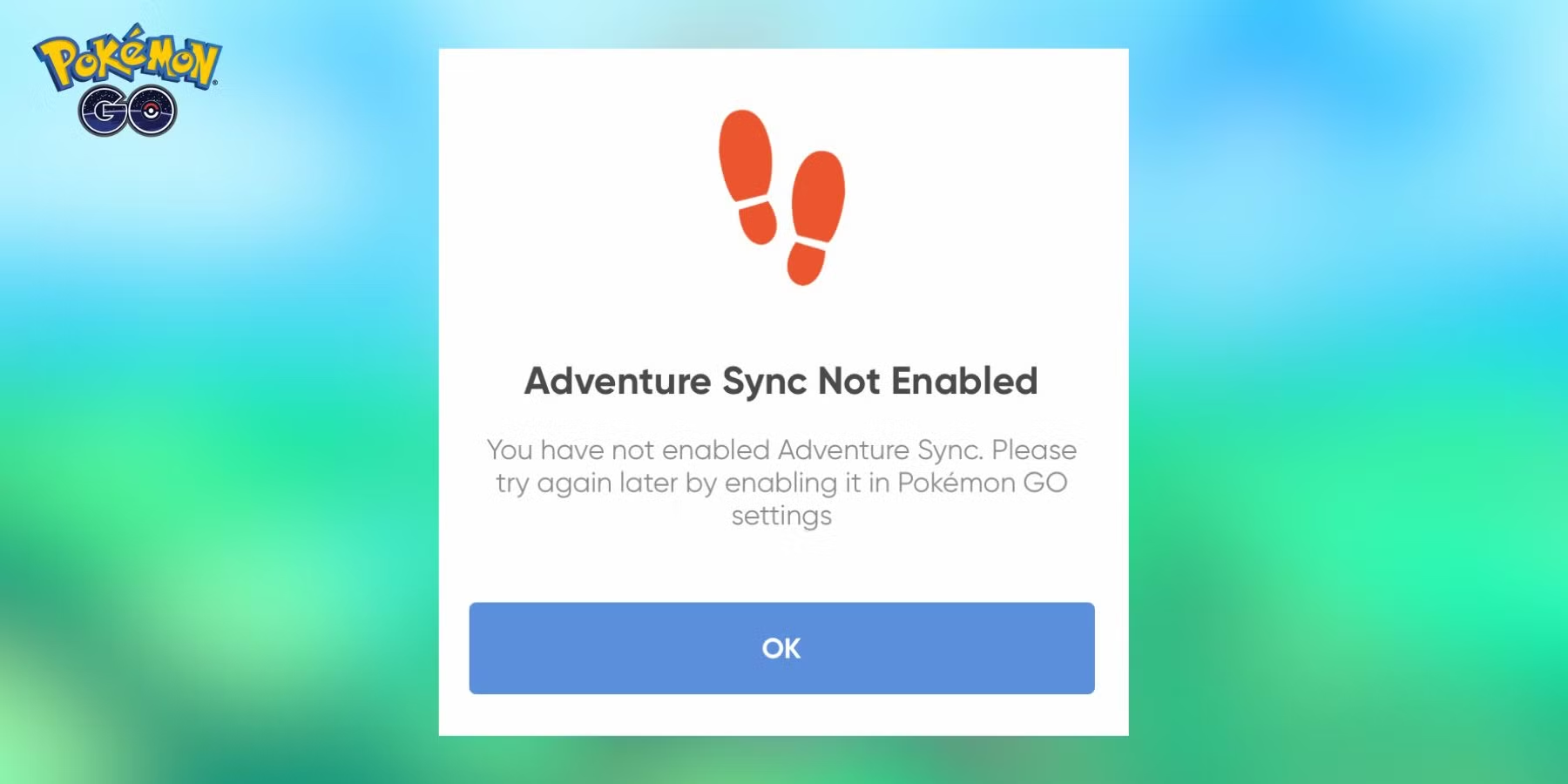
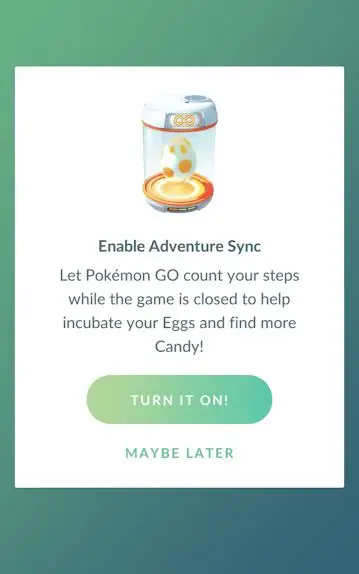
Open Pokémon GO, tap the Main Menu button, open Settings and choose General. Find Adventure Sync Pokémon GO and enable it.
The game will ask for permission to access the fitness and location services used by your phone.
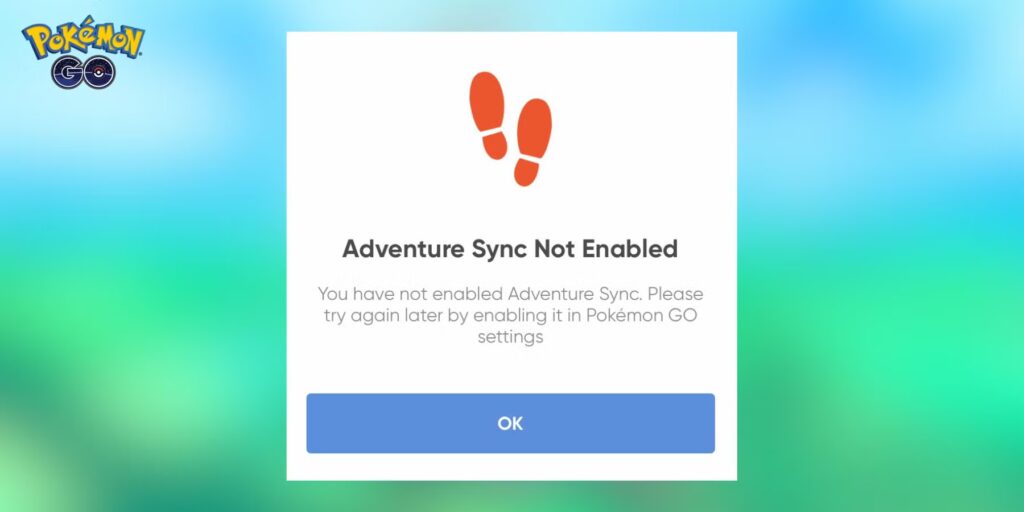
Accept the required prompts rather than enabling the in-game switch and denying the operating-system permissions afterward.
If the permissions are missing, the switch can appear enabled while little or no distance is recorded.
Trainer level requirement
Adventure Sync Pokémon GO is available from Trainer level 5.
Very new accounts below that level need to keep playing normally until the feature unlocks.
Once level 5 is reached, the Adventure Sync option should appear in Settings.
If it is missing on an eligible account, restart the app and make sure you are using the current Pokémon GO version before troubleshooting deeper.
iPhone permissions
On iPhone, Adventure Sync Pokémon GO uses Apple Health and location access.
Allow Pokémon GO to connect to the relevant Health data and give the app the location permission required for background tracking. Niantic’s current troubleshooting guidance says location should be set to Always for Adventure Sync.
Also check that Pokémon GO appears as a connected source in Apple Health.
If Health is not recording your movement in the first place, Pokémon GO has nothing useful to import.
Android permissions
Android uses Google Fit on supported devices along with location access.
Make sure Google Fit is recording activity and that Pokémon GO is connected as an authorized application. Device manufacturers can place extra battery restrictions on background apps, so check those if Adventure Sync Pokémon GO stops tracking when the screen is off.
An Android device that cannot use Google Fit will not provide the normal fitness-tracking feature.
What Adventure Sync tracks
Adventure Sync Pokémon GO can credit distance toward Egg hatching and Buddy Candy while the app is closed.
The weekly fitness summary also turns ordinary walking into a recurring goal, with milestone rewards based on the distance recorded during the week. You do not need to plan a dedicated Pokémon GO walk for every kilometre; commuting, errands and other movement can contribute when the phone’s fitness system records them correctly.
It also contributes to weekly walking totals and their associated fitness rewards.
The feature is designed for ordinary physical movement captured by the device’s health system, not manually entered fitness records.
You may also receive optional push notifications when an Egg is close to hatching or your Buddy finds Candy.
Distance can take time to appear
Adventure Sync distance is not always instant.
Niantic notes that syncing from Apple Health or Google Fit can be delayed by several hours. Reopening or restarting the game can help the latest fitness data appear.
Do not repeatedly toggle Adventure Sync Pokémon GO off and on after every short walk simply because the number has not changed immediately.
Give the health app time to sync first.
Battery saver can interfere
Phone-level battery saving can disable or restrict sensors and background activity.
If Adventure Sync Pokémon GO suddenly records only a fraction of your walks, turn off restrictive battery modes for both Pokémon GO and the connected fitness service.
The in-game Battery Saver option is different from aggressive operating-system power management.
On some Android phones, you may also need to remove Pokémon GO from manufacturer-specific sleeping-app lists.
Best setup checklist
Enable Adventure Sync in Pokémon GO, confirm Trainer level 5 or higher, allow the required location permission and connect Apple Health or Google Fit.
Then verify that the health app itself records a walk before blaming Pokémon GO.
Adventure Sync Pokémon GO works best as a background convenience rather than something you constantly micromanage every day. Once the permissions are correct, normal everyday walking can make steady progress on Eggs, Buddy Candy and weekly goals without keeping the game open in your hand.
Official site: Pokémon GO