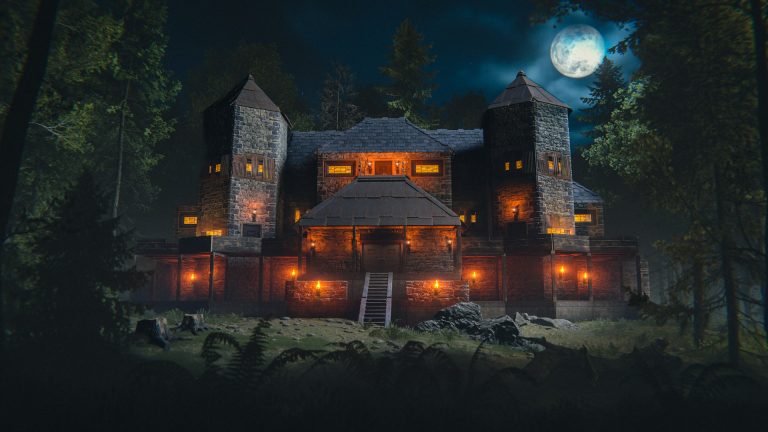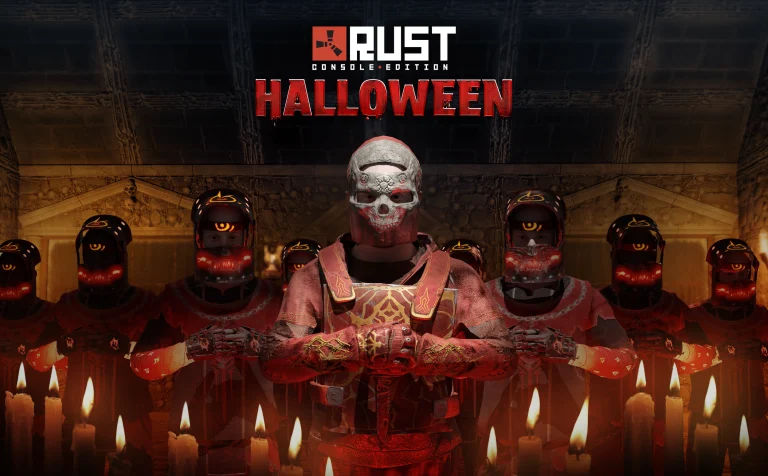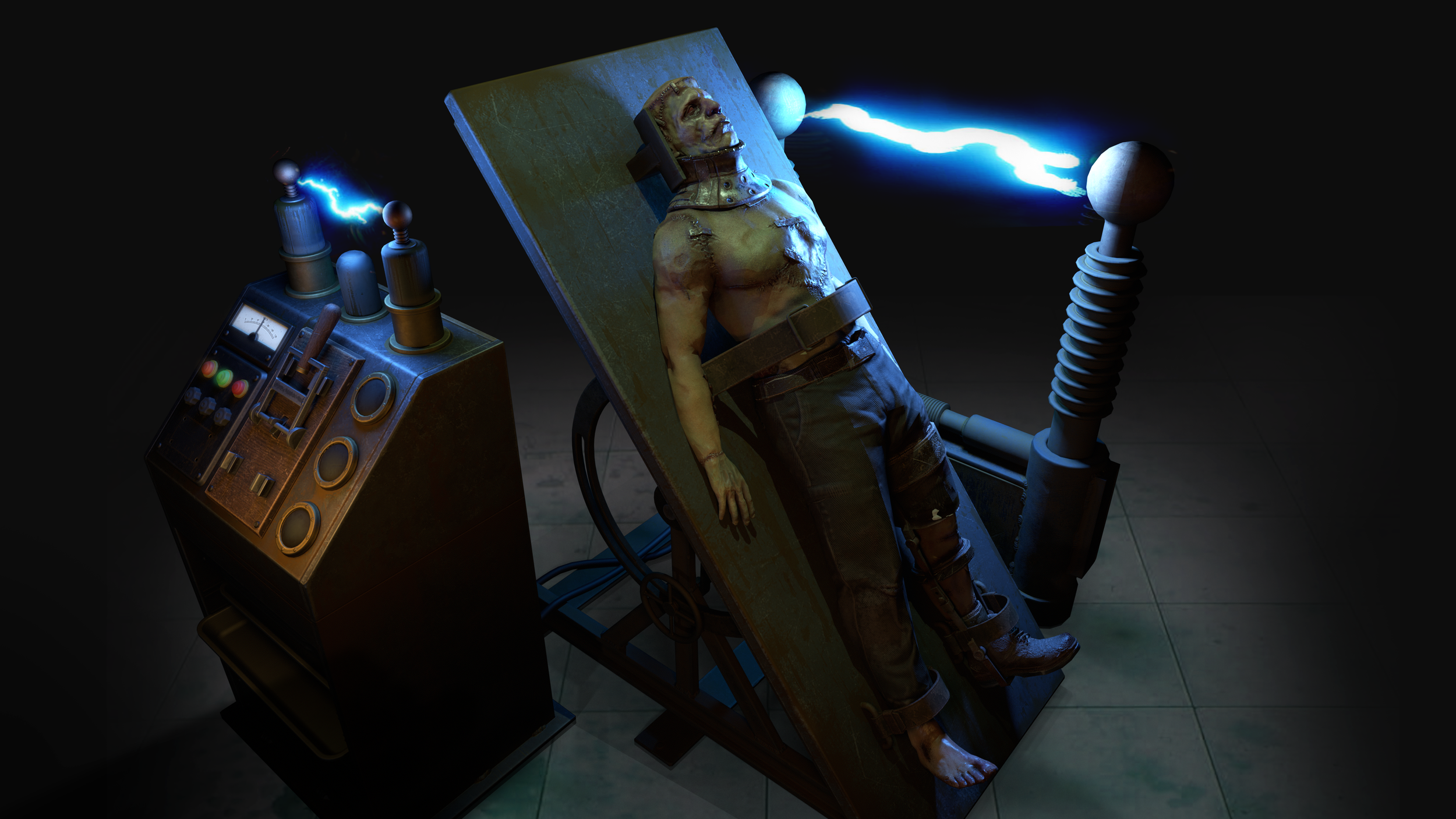
Rust Console Edition Frankenstein Monster returns during the Halloween event from October 15 to November 5. Build your own creature using Head, Torso and Leg parts dropped by Scarecrows and Mummies, then assemble them at Frankenstein’s Table.
You can mix Light, Medium and Heavy body parts, and you aren’t locked into the first combination you assemble. The table and command wheel make it possible to change the monster’s behaviour and its parts as you collect more.
Rust Console Edition Frankenstein Monster: how to collect Frankenstein body parts
To make a Frankenstein Monster in Rust Console Edition, start by hunting the Scarecrows and Mummies that appear during the Halloween event from October 15 to November 5. These enemies can drop the Head, Torso and Leg parts required for assembly.
Parts come in three weight classes: Light, Medium and Heavy. You’re allowed to mix those classes, so you don’t have to wait until you find a matching set of three pieces. Check each drop before discarding it, especially if you’re trying to put a particular combination together.
Rust Console Edition Frankenstein Monster: crafting and using Frankenstein’s Table
Frankenstein’s Table is crafted through a Tier 1 Workbench. Once you’ve made the table, place it somewhere suitable and use it to assemble the Head, Torso and Legs you’ve collected. The table is the point where you build and later manage your monster.
Because the event features different part tiers, it’s worth collecting extra heads and limbs as you fight Halloween enemies. You can alter the mixture later, so your first functioning monster doesn’t have to be the final one you keep using.
Rust Console Edition Frankenstein Monster: how to control the monster
Once the monster is assembled, use its Command Wheel to set its behaviour. Follow makes it accompany you, Defend focuses on protection, and Attack orders it towards a target. Those are distinct commands, so choose the mode that suits what you’re doing rather than expecting it to behave the same way all the time.
Sleep is the command to use when you want the monster to return to its table. Once it’s back at Frankenstein’s Table, you can swap individual body parts you have collected. That’s particularly useful if you started with whatever dropped first and have since found heavier or lighter options.
Rust Console Edition Frankenstein Monster: Light, Medium and Heavy parts
For the Rust Console Edition Frankenstein Monster, Light, Medium and Heavy are the confirmed part tiers. Double Eleven says you can combine them freely, but its announcement doesn’t supply a definitive numerical speed, health or damage chart for every possible mix. Treat claims about one exact best combination as untested unless they’re supported by the current game.
To collect parts for the Rust Console Edition Frankenstein Monster, fight the event’s Scarecrows and Mummies, not by opening Candy Hunt lootbags. Candy Hunt has its own reward pool, including the chance of a Vampire Stake in Small Candy Bags. That weapon can help against Scarecrows, but it’s separate from assembling your monster.
Once you’ve assembled your monster, you can replace its parts later. Select Sleep on the Command Wheel to send it back to the table, where you can swap individual pieces. That’s useful when you find a different Light, Medium or Heavy part.
Use Follow while moving between locations, Defend when you want protection and Attack when directing it at a target. These are commands in the same wheel; you don’t have to rebuild your monster to change its behaviour.
Related Guides
Official source: Double Eleven Rust Console Edition Halloween 2026 announcement