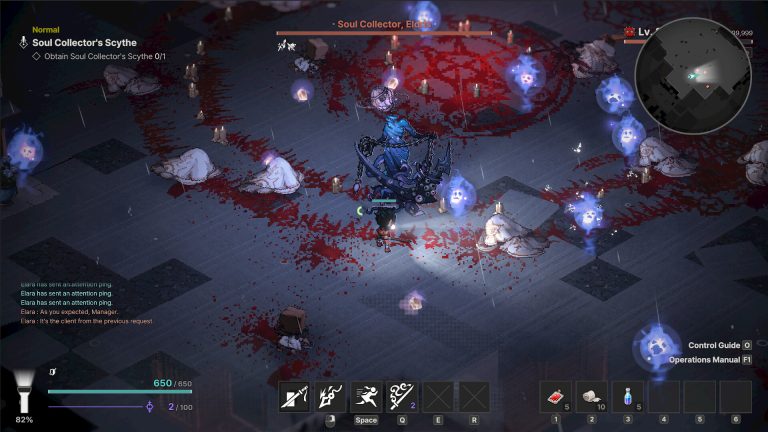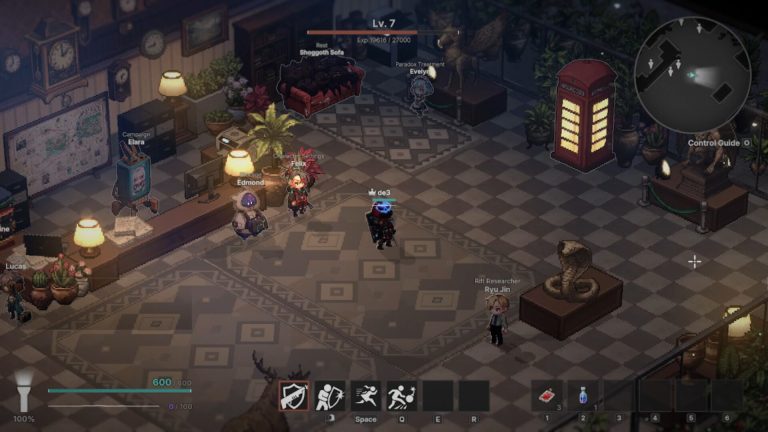
The Queen's Domain PC requirements are worth checking even though the game's deliberately retro visual style can make it look far lighter than a modern action RPG. Freshly Baked Games has built a dense first-person world with combat, physics, enemies and traversal systems beneath the low-resolution fantasy presentation, so appearance alone is not a reliable way to judge what a PC needs. Steam now publishes both minimum and recommended tiers, which makes it possible to plan without guessing from the demo.
The more useful comparison is not whether a machine is new, but where its processor, graphics card, memory and operating system sit against the developer's two listed targets. Storage is modest compared with many current games, while the GPU requirements reach back several generations. Before October 30, players can also use the free demo as a practical check alongside the Queen's Domain PC requirements rather than assuming every system will behave identically.
Queen's Domain PC requirements: minimum specs

Image credit: Freshly Baked Games / Future Friends Games
The minimum Queen's Domain PC requirements are Windows 10 on a 64-bit system, an Intel Core i5 quad-core processor at 2.5 GHz, 4 GB of RAM, and either an NVIDIA GeForce GTX 760 or AMD Radeon RX 560 class graphics card. DirectX 11 is required, and Steam lists 1,500 MB of available storage. A 64-bit processor and operating system are explicitly required.
That is a relatively accessible floor by current PC gaming standards, particularly on memory and storage. However, the processor line is described by core count and clock speed rather than one exact model, so it should be treated as a target class rather than a guarantee that every older quad-core i5 will behave the same. The Queen's Domain PC requirements also do not attach a resolution, frame rate or graphics preset to the minimum tier.
The graphics requirement is clearer because Steam gives named reference cards. A GTX 760 or RX 560 class GPU is the minimum published target. If your graphics hardware falls substantially below those cards, the retro presentation is not enough evidence to assume acceptable performance. The Queen's Domain PC requirements are the developer's current published baseline, not a visual guess based on screenshots.
Recommended PC specifications
The recommended Queen's Domain PC requirements keep Windows 10 and DirectX 11 but raise the CPU target to an Intel Core i5 quad-core processor at 3.5 GHz. Memory rises to 6 GB of RAM, while the recommended graphics cards are a GeForce GTX 1060 or Radeon RX 580. Storage remains 1,500 MB, and a 64-bit processor and operating system are still required.
The step from minimum to recommended is modest compared with many modern releases. The biggest practical jump is the GPU class, while RAM only rises from 4 GB to 6 GB. That makes the Queen's Domain PC requirements unusually friendly to older gaming PCs on paper, but Steam does not say that the recommended tier guarantees a particular frame rate or maximum settings.
Players should therefore avoid converting the recommended list into an invented '1080p 60 FPS' promise. The store does not publish a performance target for either tier. If exact frame pacing, ultrawide behaviour or high-refresh performance matters to you, the demo and launch-day benchmarks will provide better evidence than attaching numbers Steam never claimed.
How much storage does Queen's Domain need?
Steam lists 1,500 MB of available storage for both tiers. Nintendo's Switch 2 page separately estimates its console download at about 1.2 GB, which is broadly consistent with a compact installation but should not be used as a substitute for the PC figure. For Windows players, the Queen's Domain PC requirements currently ask for 1.5 GB of free storage.
Leaving extra free space is still sensible. Game updates, shader caches, temporary installation files and save data can all require room beyond the headline figure. Steam also does not currently state that an SSD is mandatory, so an SSD-only requirement should not be added to the Queen's Domain PC requirements unless the developer changes the listing.
The small install footprint is one of the more notable technical details because it is dramatically below the tens or hundreds of gigabytes common in larger modern RPGs. It also makes downloading the demo a low-risk way to test basic compatibility before buying the full game.
Can you use the demo to test your PC?
Yes, the free Steam demo is useful as a real-world compatibility check because it uses the same published minimum and recommended specification ranges. It includes the opening area, several weapons, a first dungeon and a boss, giving the machine more to do than simply rendering a menu. That does not mean the demo proves every later area will perform identically, but it is valuable evidence alongside the Queen's Domain PC requirements.
If your PC is near the minimum, pay attention to frame pacing during combat, busy scenes and traversal rather than only checking whether the game launches. Also test the resolution and settings you actually plan to use. A machine that technically starts the demo may still need lower settings to remain comfortable during heavier encounters.
Controller support is also listed on Steam, so players intending to use a gamepad can test that input path in advance. Input support is separate from raw performance, but checking both before release reduces the chance of discovering an avoidable compatibility issue on launch day.
What the published specs do not tell us
The Queen's Domain PC requirements do not currently list a native Linux or macOS version, a required SSD, a VRAM figure, ray-tracing hardware, upscaling requirements or explicit resolution and frame-rate targets. Steam lists Windows support and DirectX 11. Those omissions matter because they limit how far the current specification table can be interpreted.
Steam Deck compatibility is also not established by the requirements alone. A handheld can satisfy or exceed parts of a PC specification sheet while still need compatibility work around Proton, controls, text size or performance. The demo currently shows its Steam Deck compatibility status as Unknown, which is a different question from whether the desktop Queen's Domain PC requirements are modest.
For launch planning, the published Queen's Domain PC requirements are straightforward: Windows 10 64-bit, 4 GB RAM and GTX 760 or RX 560 at minimum, with 6 GB RAM and GTX 1060 or RX 580 recommended. Anything more specific should come from an updated Steam listing, developer guidance or measured performance after release. The Queen's Domain PC requirements are more useful when treated as hardware tiers rather than promises of a specific frame rate.
Official source: Steam