PS5 Update 26.06-14.00.00 is a more substantial system software release than the usual stability-only patch. Sony has changed the default behaviour of enhanced PSSR on PS5 Pro, added a way to identify whoever is talking in voice chat, introduced a new Community Activity widget for the Welcome Hub and adjusted a specialist Bluetooth option used at esports venues.
The update applies across PS5 consoles, although the PSSR change is exclusive to PS5 Pro. If you only want the practical differences rather than every historical patch note, the useful additions can be split into four areas: image quality, voice chat, the Welcome Hub and controller connection management.
PS5 Update 26.06-14.00.00 and the PS5 Pro PSSR change
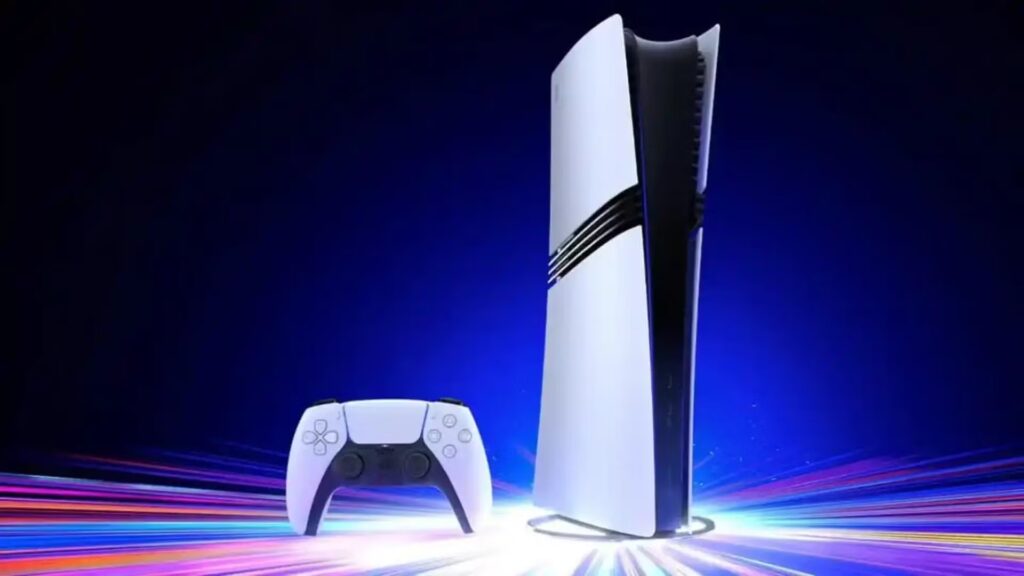
PS5 Update 26.06-14.00.00 turns Enhance PSSR Image Quality on by default on PS5 Pro. Sony says the enhanced model can now be used even for games that support the previous PSSR version, giving compatible titles access to the newer reconstruction behaviour without players needing to enable the setting manually after the update.
The option is still reversible. PS5 Pro owners can go to Settings, Screen and Video, Video Output and switch Enhance PSSR Image Quality off. Sony describes the enhanced model as producing sharper, clearer visuals, but results vary by title and the standard PS5 does not have this PSSR option.
Voice chat can now show who is speaking
The update adds a speaker indicator for PS5 voice chat. Open the voice chat card in the control centre, select More, choose Display Who’s Speaking and turn on Display Names. A separate Position option lets you decide where the indicator appears on screen.
PS5 Update 26.06-14.00.00 makes that especially handy in larger parties where voices are unfamiliar or several people talk at once. It is a console-level chat aid rather than an overlay for every game’s independent voice system, so the option lives inside the PlayStation voice chat card.
Community Activity arrives in the Welcome Hub
Sony has also added a Community Activity widget with two views. Trending Now shows ten multiplayer games or modes that are currently surging in popularity, which can surface new launches and games that just received major updates. Top 10 shows the ten most popular games from the previous week for your country or region.
PS5 Update 26.06-14.00.00 therefore gives the Welcome Hub another discovery tool rather than only displaying personal console information. The lists are based around community activity, so they can change as player interest moves between new releases, live-service updates and established multiplayer games.
Bluetooth behaviour and other system changes
In certain countries or regions, Sony changed what happens when Turn Off Bluetooth is selected under Settings, Accessories, General, Advanced Settings. The console will not enter rest mode and HDMI Device Link will not function while that specialist option is active. Sony says the feature is intended for managing controller connections at esports venues and similar locations, not normal home use.
PS5 Update 26.06-14.00.00 also includes the usual system software performance and stability improvements. There are no published notes here about new storage limits, major dashboard redesigns or controller features beyond the changes Sony actually lists, so those should not be inferred from the version number alone.
What you need to change after installing it
Most players do not need to reconfigure the console after PS5 Update 26.06-14.00.00. The main automatic change is enhanced PSSR on PS5 Pro, while the voice-chat indicator and Community Activity widget are features you can use when useful. PS5 Update 26.06-14.00.00 leaves the enhanced PSSR off switch available, so Pro owners can still return to the previous reconstruction behaviour for comparison. PS5 Update 26.06-14.00.00 therefore adds features without forcing every new option into a fixed, unchangeable state.
For the current first-party details, see Sony Interactive Entertainment’s official PlayStation support page at https://www.playstation.com/en-gb/support/hardware/ps5/system-software-info/.