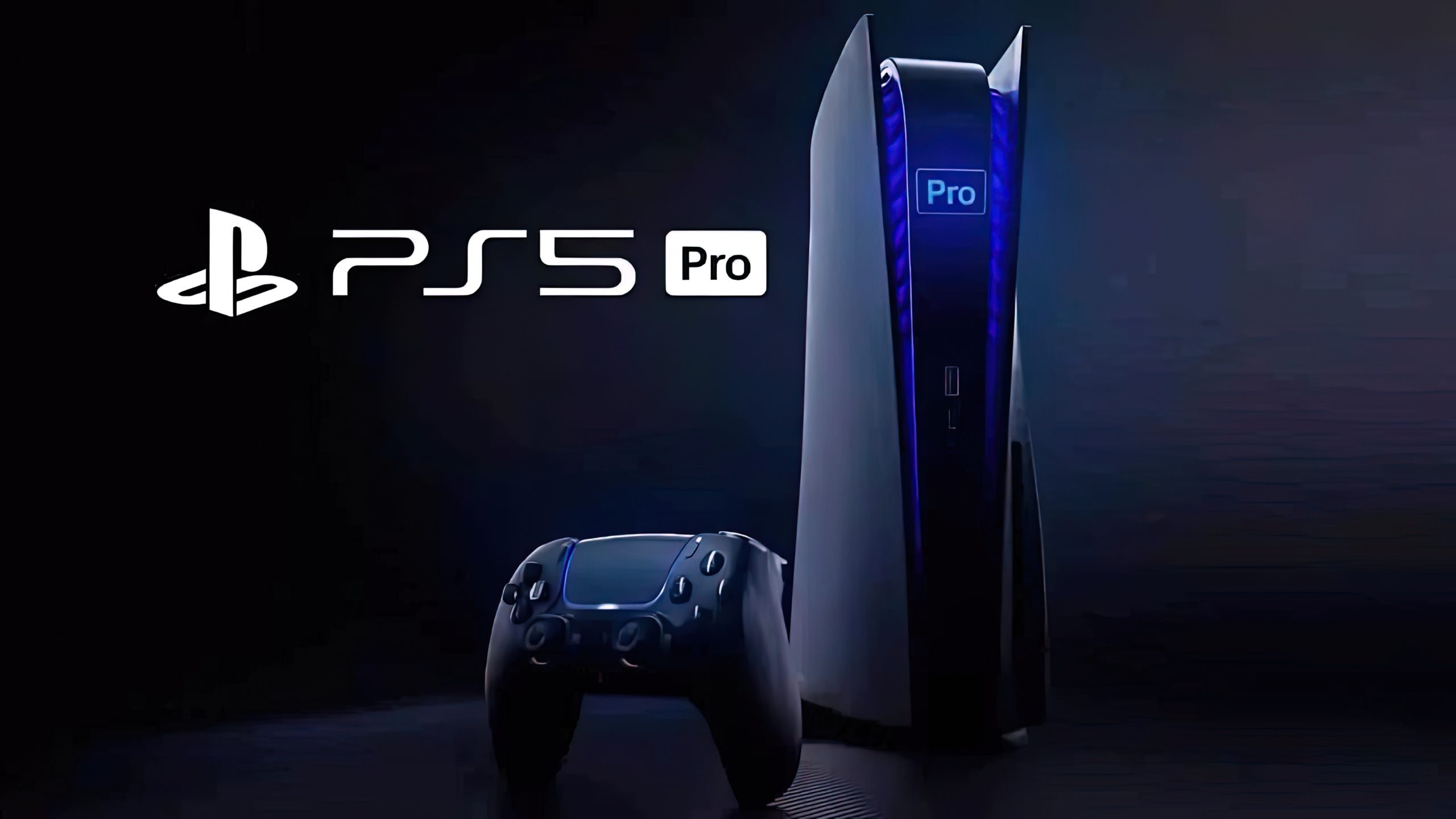
PS5 Pro PSSR Automatic Setting is the reason some PS5 Pro owners are opening the Video Output menu and finding Enhance PSSR Image Quality enabled after the September 2026 firmware update. Sony explicitly says version 26.06-14.00.00 turns the setting on automatically when the system software is installed.
That makes this a deliberate default change rather than a random settings reset. The enhanced PSSR model had already been available on PS5 Pro, but it previously required players to enable the compatibility option for games that were still using the older PSSR version. Sony has now flipped that relationship around.
PS5 Pro PSSR Automatic Setting behaviour in update 26.06-14.00.00
PS5 Pro PSSR Automatic Setting behaviour is documented in the first item of Sony’s current firmware notes. When the console updates, Enhance PSSR Image Quality is turned on as the default. Compatible games can then use enhanced PSSR even when they support the previous reconstruction model.
Nothing in the notes suggests the update is enabling every unrelated display option or changing television settings. PS5 Pro PSSR Automatic Setting refers specifically to the enhanced PSSR toggle under Video Output, so there is no need to rebuild your entire HDR or 120 Hz setup simply because this one option changed.
Why Sony changed the default
Sony describes enhanced PSSR as providing a sharper and clearer visual experience, and its PS5 Pro product page highlights improved image stability and clarity in fine detail. Making the compatibility option the default exposes that newer model to more supported titles without requiring every player to know the setting exists.
The PS5 Pro PSSR Automatic Setting also reduces a confusing split between newly enhanced games and older PSSR-compatible titles. A game can still have its own graphics modes, but the console is now more likely to use the newer reconstruction model whenever the title supports the relevant PS5 Pro feature.
Can you turn the automatic PSSR setting back off?
Yes. Go to Settings, Screen and Video, Video Output, then switch Enhance PSSR Image Quality off. Sony has not removed the toggle or made enhanced PSSR mandatory. The change affects the default state after updating, not your ability to choose the older behaviour for a supported game.
PS5 Pro PSSR Automatic Setting changes are easiest to judge in a repeatable scene. If one game looks unusual, compare the same camera position with the option on and off before changing several other graphics settings at once. That isolates the effect of the reconstruction model and makes any difference easier to spot.
Does this affect a normal PS5?
No. Sony states that Enhance PSSR Image Quality is available only on PS5 Pro. The standard PS5 still receives system software 26.06-14.00.00 and its other features, including the new voice-chat speaker indicator and Community Activity widget, but it does not gain PSSR through the firmware update.
PS5 Pro PSSR Automatic Setting therefore matters only to Pro owners. If the option is missing on a base console, that is expected. If it is missing on a PS5 Pro that has not yet received the new firmware, check the installed system software version before assuming there is a problem.
What to expect after future restarts
The change is a system default rather than a temporary session toggle, so a normal restart should not be treated as the cause of the feature appearing. PS5 Pro PSSR Automatic Setting behaviour is tied to the installed firmware. If you manually disable Enhance PSSR Image Quality after updating, check the option again only if a later system update changes the documented default or a specific troubleshooting step asks you to compare it. PS5 Pro PSSR Automatic Setting status can always be verified in Video Output before troubleshooting a particular title.
For the current first-party details, see Sony Interactive Entertainment’s official PlayStation support page at https://www.playstation.com/en-gb/support/hardware/ps5/system-software-info/.