Pokémon GO Private Dynamax Battles let you enter a Max Battle lobby with a group code instead of joining through the usual automatic matchmaking. Pokémon GO announced the new Private Group option ahead of GO Wild Area 2026. If your friends already have a private group, choose Private Group in the Dynamax lobby and enter their code to join it.
This changes how you enter a Max Battle, not the basic fight. You’ll still need an eligible Max Pokémon and the required Max Particles, and the battle still takes place at a Power Spot. The important detail is that the announcement explains how to join an existing group. It does not give instructions for creating one, so don’t mistake a guessed hosting method for an official step.
How to join Pokémon GO Private Dynamax Battles with a group code
You only need a group code to join a lobby that already exists. Here’s the process Pokémon GO has confirmed for Pokémon GO Private Dynamax Battles:
- Open a Power Spot featuring an eligible Dynamax Max Battle.
- Enter the battle lobby and look for the choice between Battle and Private Group.
- Select Private Group rather than the automatic matching option.
- Enter the group code for an existing private group when prompted.
- Prepare your Max Pokémon team and follow the lobby’s battle prompts.
You’ll need the code from the existing private group. Private Group is for joining that group; tapping Battle uses automatic matchmaking instead. A Party Play code isn’t the same as a Max Battle private-group code.
Private Group versus regular Battle matchmaking
| Lobby choice | What it does | What you need |
|---|---|---|
| Battle | Automatically matches you with other participating players | A valid Max Battle team and sufficient Max Particles |
| Private Group | Lets you join a private group that already exists | The group’s code, plus the normal battle requirements |
Choose Private Group when you want to battle alongside a specific team. Automatic matching is useful if you’re not organising a group. Both routes use the same Max Battle boss and the same eligible Pokémon requirements.
What you need before entering Pokémon GO Private Dynamax Battles
Check your Max Pokémon first. Max Battles use Dynamax- or Gigantamax-capable Pokémon; a normal raid team isn’t interchangeable. Niantic’s Max Battle help says you select up to three eligible Pokémon, including at least one Max Pokémon. You also need enough Max Particles for the encounter. The required amount depends on the difficulty of the Max Battle boss.
You can gather Max Particles at Power Spots and through exploration. A key reassurance if your first attempt fails: Niantic says the Max Particles required to enter are deducted only when the boss is defeated. You can retry an unsuccessful battle while the encounter remains available. A private code does not remove these costs or the usual Power Spot conditions.
For tougher Dynamax encounters, consider which member of the group can support others with Max Spirit healing or Max Guard protection. The Private Group choice doesn’t substitute for preparation. You still need a functioning battle party, and the boss can defeat an underprepared group just as it can in an automatically matched lobby.
Can you create your own private Dynamax lobby?
Pokémon GO has explained how to join a private Max Battle group but hasn’t supplied the steps to create one in the November announcement. Don’t follow Raid Battle or Party Play hosting instructions and assume they apply unchanged. For now, use the code provided by an existing Max Battle group.
There’s no separate private-group ticket requirement in the announcement. The option arrives with Wild Area 2026 and is described as a feature for future events too. Paying for Wild Area unlocks other bonuses, not a different group-code system.
Do Pokémon GO Private Dynamax Battles support remote players?
A group code alone doesn’t remove the normal remote Max Battle rules. Pokémon GO supports remote Max Battles through a Remote Raid Pass and the required Max Particles, but the new announcement doesn’t explain whether every private group can be entered that way. Check the actual lobby and any event restrictions before organising remote friends.
Ordinary Max Battle groups have a limit of four Trainers. The Private Group announcement does not introduce a larger limit. Keep your team to the number of players the lobby accepts.
When does the new Private Group option arrive?
Pokémon GO says Pokémon GO Private Dynamax Battles begin with GO Wild Area 2026, whose in-person events run from 6 to 8 November and whose Global weekend follows on 14 and 15 November. The company explicitly refers to using the feature at future events, so it is not presented as a code mechanic that disappears as soon as the Global weekend ends.
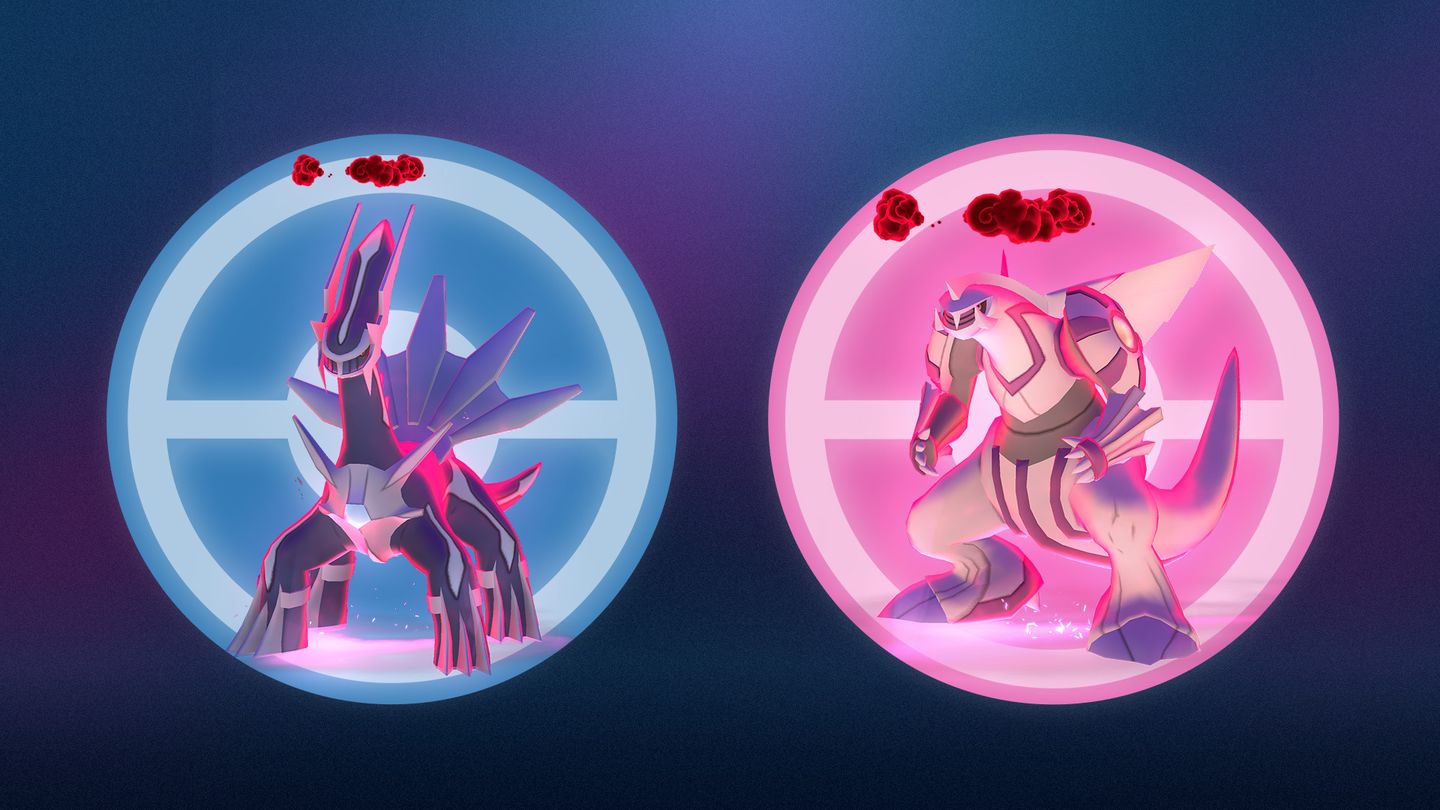
If you’re planning to battle Dynamax Dialga or Palkia during the Global event, this gives you another way to coordinate a known team. Our Dynamax Dialga and Palkia guide covers those bosses; our GO Wild Area Global 2026 guide covers event times and ticket extras.
Quick troubleshooting for Pokémon GO Private Dynamax Battles
If you don’t see Private Group, first check you’re entering a Max Battle rather than a regular Raid Battle. The announcement describes the option in the Dynamax lobby, not on the map’s normal raid screen. Make sure the game is up to date and use the current in-game prompts.
The main thing to remember about Pokémon GO Private Dynamax Battles is simple: enter the Max Battle lobby, choose Private Group and enter your group’s code. Don’t confuse joining a lobby with creating one, and bring a Max-capable Pokémon team. Pokémon GO Private Dynamax Battles are a lobby option, not a different battle type.
Related Guides
Official source: Pokémon GO’s private Dynamax group announcement.