Pokémon GO adidas Research Not Showing? Check the shop first, then your location in the game, then the Events tab. The promotion is limited to participating adidas and partner retailers, so simply standing in any adidas store isn’t enough. The adidas collaboration uses a physical-location unlock, so being at a normal adidas store is not automatically enough.
You can only pick up the research at participating shops until 15 January 2027 at 8:00 p.m. local time. Once obtained, it can be completed until February 13 at 8:00 p.m. local time.
If you are trying to get the free adidas shoes rather than the research, you are looking in the wrong place. The shoes use the code ADIDASxPOKEMON on the official Pokémon GO Web Store. No adidas shop visit is needed, and entering the code does not make the jacket-and-cap research appear in your Events tab. Our Pokémon GO adidas Shoes Code guide covers the free web redemption.
The separate Timed Research still requires you to open the game at a participating adidas or retail location by 15 January 2027 at 8 p.m. local time. If you obtain it successfully, finish and claim the rewards before 13 February 2027 at 8 p.m. local time. This guide’s location checks apply to that research, not to redeeming the shoes.
Track Your Pokémon GO Collection
Use our interactive Pokémon GO trackers to record shinies, regional Pokémon, costumes, patterns and event collections.
 Shiny Pokémon TrackerTrack every shiny Pokémon you have caught.
›
 Regional Pokémon TrackerRecord every regional Pokémon in your collection.
›
 Costume Pikachu TrackerTrack every costume Pikachu released in Pokémon GO.
›
 Vivillon TrackerTrack Vivillon patterns and regional postcard progress.
›
 Unown TrackerRecord every Unown letter and symbol collected.
›
 Costume Eevee TrackerTrack costume Eevee and every available evolution.
›
 Ultra Unlock Event TrackerTrack limited Ultra Unlock Pokémon and rewards.
›
 Summer Marathon Event TrackerTrack event encounters and collection progress.
›
 Pokemon GO XP Calculator
›
 Raichu Costume Tracker
›
 Pichu Costume TrackerDescribe what players can track.
›
 Pokémon GO Costume Pokémon Tracker
›
Pokémon GO adidas Research Not Showing at the store
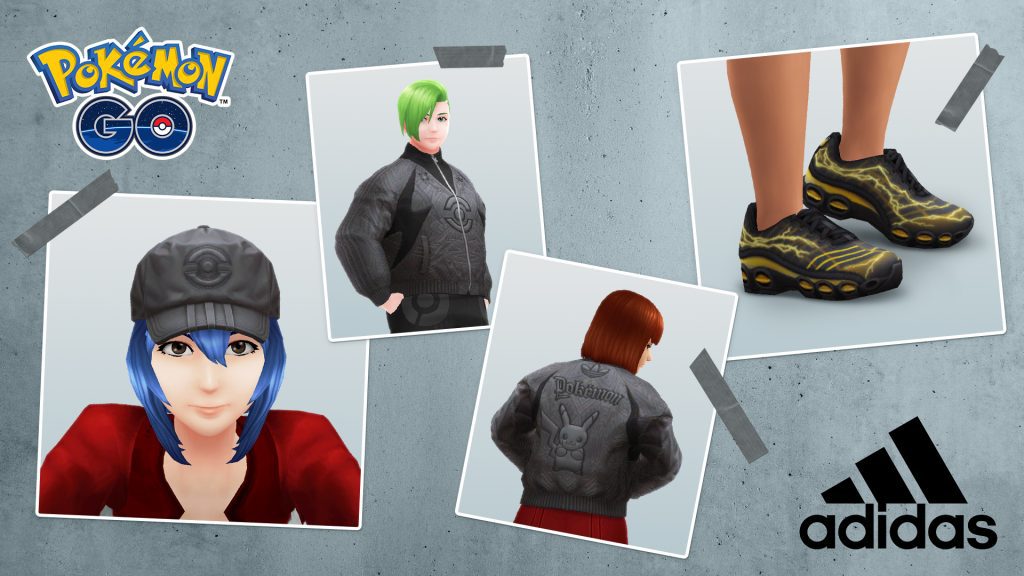
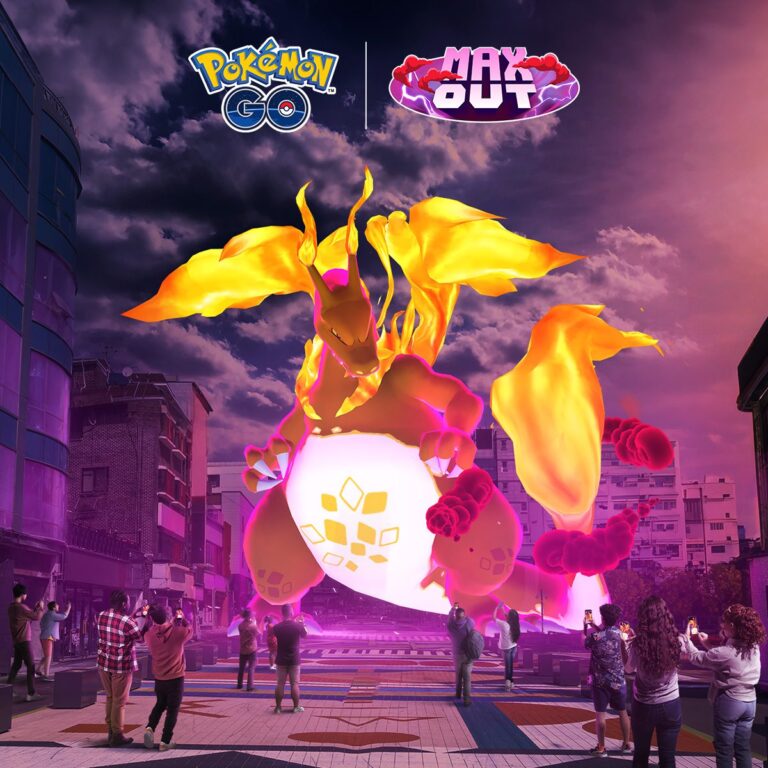
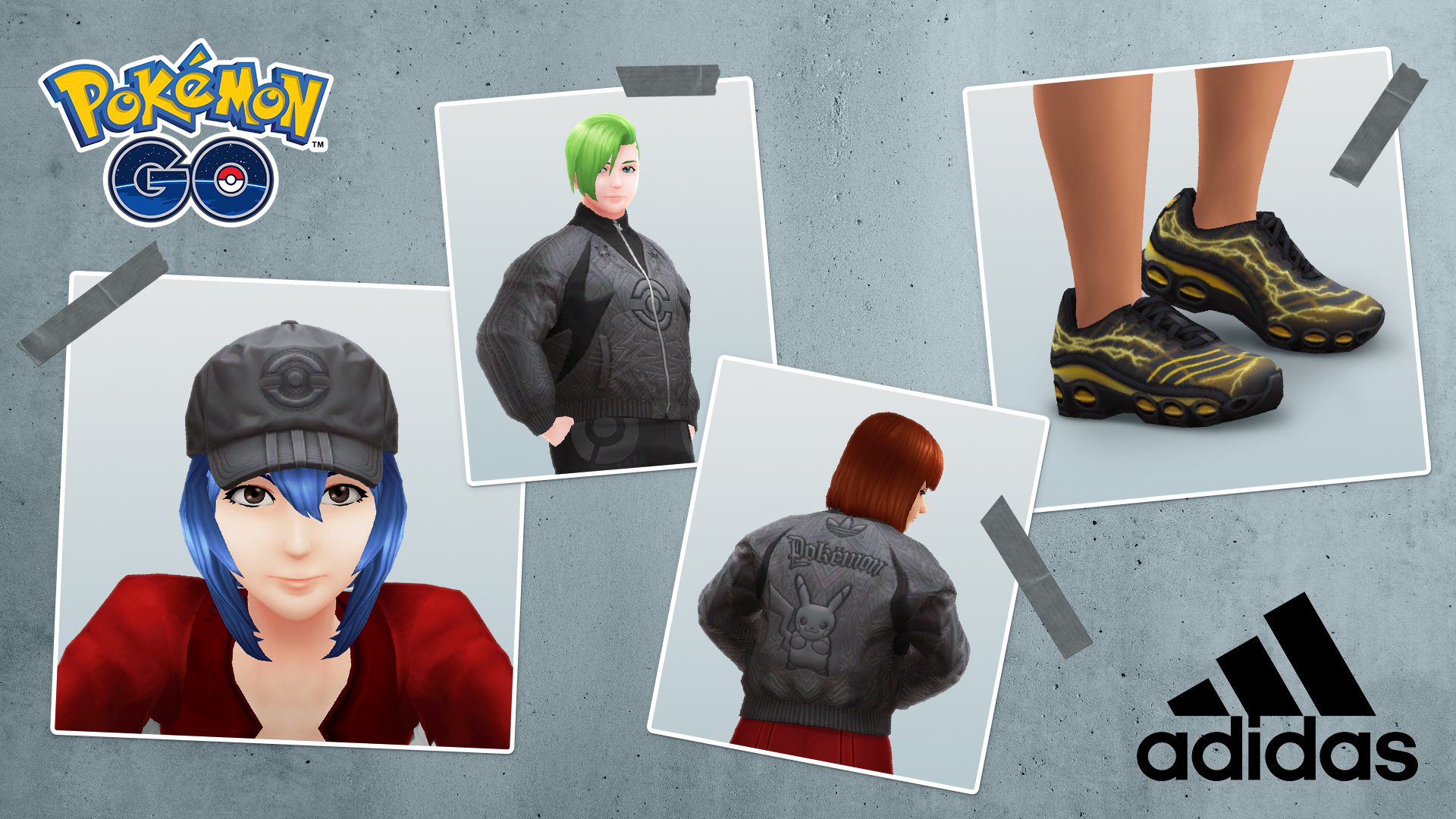
Pokémon GO adidas Research Not Showing: official adidas collaboration artwork. Image: Pokémon GO.
First confirm the exact branch on the participating-location resource. The official announcement uses the words select adidas stores and retail stores worldwide, which means two branches in the same city can have different eligibility. Do not rely only on a Google Maps adidas listing or the fact that the shop sells the physical Pokémon collaboration.
| Check | What to do |
|---|---|
| Participating branch | Match the exact branch on the event location resource |
| GPS position | Wait for the map avatar to settle at the store |
| App refresh | Fully restart Pokémon GO while still at the location |
| Research tab | Open Research and check Events |
| App version | Update Pokémon GO if an update is available |
| Deadline | Make sure it is before January 15, 2027 at 8:00 p.m. local time |
Pokémon GO adidas Research Not Showing? Restart at the shop
If the branch is correct, close and reopen the app while you remain at the location. Reopening the game may refresh its location and help if Pokémon GO adidas Research Not Showing when the game was opened before you entered the activation area. Stay near the shop rather than troubleshooting from several streets away.
Check the Events tab, not Field or Special Research
This promotion is Timed Research, so check the Events tab. It is not a Field Research task obtained by spinning a PokéStop and it is not a promo code entered on the web store. The official unlock instruction is simply to go to a participating location and open Pokémon GO.
Make sure location permissions are working
Pokémon GO needs a usable location fix to recognise the campaign venue. If the in-game map is placing you far from the store, check device location permissions and wait for GPS accuracy to improve. Keep normal location services enabled and wait until the game places your avatar near the shop.
Pokémon GO adidas Research Not Showing after you’ve already unlocked it?
The campaign is designed around obtaining the research, not repeatedly collecting it at different stores. If your Events tab already contains the adidas research, travelling to another branch should not be expected to add a second copy. Complete the existing quest and claim the rewards before the February deadline.
What rewards are you trying to unlock?
The confirmed reward pool includes an adidas jacket and cap for your avatar, XP, Stardust, Lucario, Lucario Mega Energy and additional rewards. If the Timed Research hasn’t appeared at all, focus on the shop location and Events tab first rather than looking up individual research tasks.
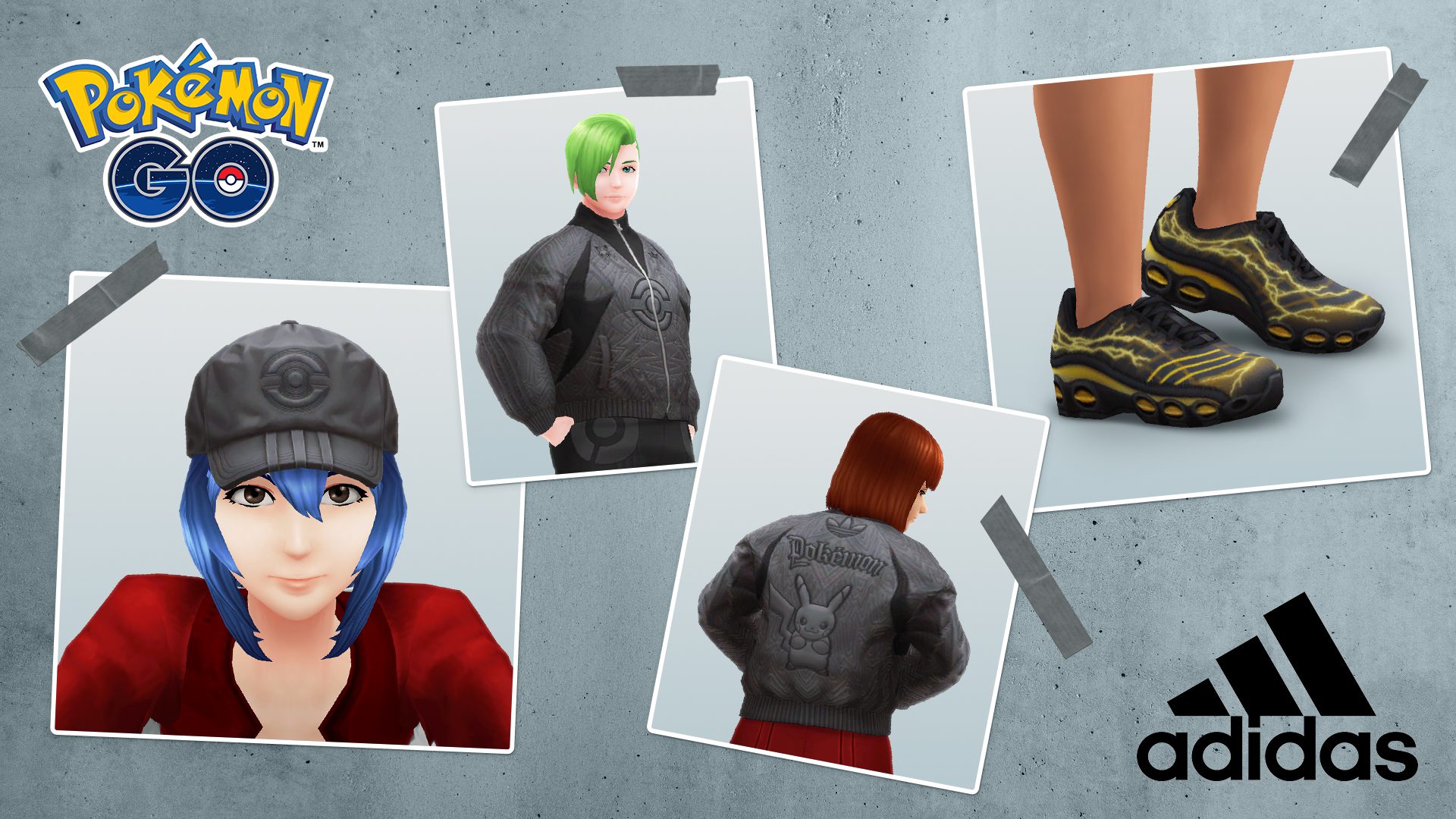
Use Pokémon GO adidas Store Locations to confirm the branch and Pokémon GO adidas Timed Research for rewards and deadlines. The Pokémon GO hub has the rest of the current event coverage.
The official adidas collaboration post confirms the location-based unlock and campaign dates. If you’re at a listed branch and the Events tab still looks empty after reopening the app, contact in-game support. A screenshot showing the branch and your in-game location may help.