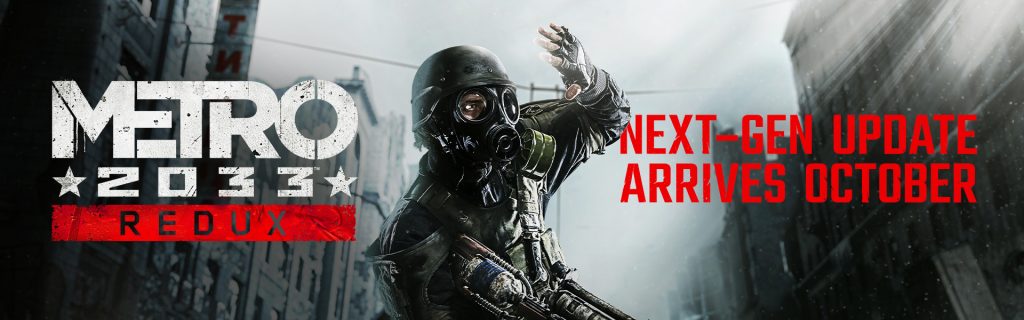
Metro Redux Legacy Version is the older PC build you can restore after the October 2026 next-gen update. Deep Silver keeps legacy branches available for Metro 2033 Redux and Metro: Last Light Redux on Steam and GOG, giving players a way to return to the earlier versions if their computers struggle with the new requirements.
The next-gen update improves textures, lighting and frame rates, but raises the PC requirements. If it runs poorly on your computer, the earlier build is a useful alternative. Back up your saved games first, especially if you’ve already played the new version.
Metro Redux Legacy Version branch names for each game
| Game | Legacy branch | Supported PC storefronts |
|---|---|---|
| Metro 2033 Redux | metro_2033_redux_legacy | Steam, GOG |
| Metro: Last Light Redux | metro_last_light_redux_legacy | Steam, GOG |
The Metro Redux Legacy Version branch is different for each game. Metro 2033 Redux uses metro_2033_redux_legacy, while Last Light Redux uses metro_last_light_redux_legacy. Select the branch for the title you own.
Metro Redux Legacy Version: How to select it on Steam
Open Steam, right-click the Redux game in your Library and choose Properties. Open Betas and select the matching _legacy branch from the dropdown. Steam will download the older game files.
Let Steam finish downloading before launching. Once the branch is installed, you’ll have the earlier Redux build, rather than the October 2026 update. Keep a backup of mods and configuration files you’ve changed too.
Changing to the Metro Redux Legacy Version replaces the files in your current Steam installation. It doesn’t create a second copy of the game or a backup of your progress.
How to switch to the Metro Redux legacy branch on GOG
In GOG GALAXY, choose the Redux game and use the customisation button beside Play. Open Manage Installation > Configure. Under Installation, untick Automatically update to newest version, select the legacy build or branch and confirm your choice.
GOG will download the selected build. Its version controls also allow rollback to older available releases. For Metro Redux, choose the publisher’s named legacy version for the relevant game rather than a different historical version.
Once the older files are installed, launch the game as normal. The legacy branch is handled through GOG GALAXY or Steam, not a command to type into game launch arguments.
Leave Metro Redux Legacy Version and reinstall the update
To return to the current build on Steam, reopen Properties and Betas, then choose the normal public release. Steam will replace the legacy files with the updated game.
On GOG GALAXY, return to Manage Installation and Configure, select the latest version or normal channel, and re-enable automatic updates if you want future fixes downloaded.
Why use Metro Redux Legacy Version?
The legacy release can be a better fit for older graphics hardware or a system below the new minimum requirements. The October next-gen version asks for Windows 10 or 11 on PC, 4 GB RAM, a GTX 750 Ti 2 GB or Radeon R7 260X 2 GB at minimum, and 20 GB of available storage per game on Steam.
Players with an older operating system, a weaker graphics card or a configuration that relied on previous mods may find it more useful to stay on the former build. Returning to the legacy version also gives you the game as it was before the graphics and high-refresh changes, including the older bugs and limitations that the new patch addressed.
Protect your save files before switching
Before switching, check Documents\4A Games in File Explorer. Metro 2033 Redux normally stores saves under Metro 2033, while Last Light Redux uses Metro Last Light. Copy the applicable folder to a backup outside the game’s active save location.
The Metro Redux Legacy Version is an older set of game files, not a save converter. Keep a separate copy of saves created under the next-gen release, particularly when Steam Cloud or GOG cloud syncing is turned on.
Is there an Epic Games Store legacy branch?
The Metro Redux Legacy Version instructions published with the patch name Steam and GOG as the supported branch platforms. Epic Games Store is included in the new PC release, but the announcement does not provide an Epic legacy branch or an equivalent version selector.
The Microsoft Store release is different. Its older Windows Store saves don’t carry into the new version, and switching to a Steam or GOG branch won’t change that. The upgraded Microsoft Store games instead unlock every chapter in Chapter Select, with default equipment.
What changes when you go back?
Metro Redux Legacy Version builds retain the older rendering and system requirements. The new version includes DLSS, FSR, 4A TSR, uncapped frame rates, improved textures, spatial audio and the October 23 hotfix that repaired resolution detection, Epic achievements, Steam Overlay and other issues. Returning to the old build removes that newer feature set.
For a PC that runs the current version well, the new build keeps its improved visuals and stability fixes. If you need the older requirements, install the Metro Redux Legacy Version on Steam or GOG and keep your save backups for when you switch again.
Official source: Deep Silver: Metro Redux next-gen update and PC rollback.