
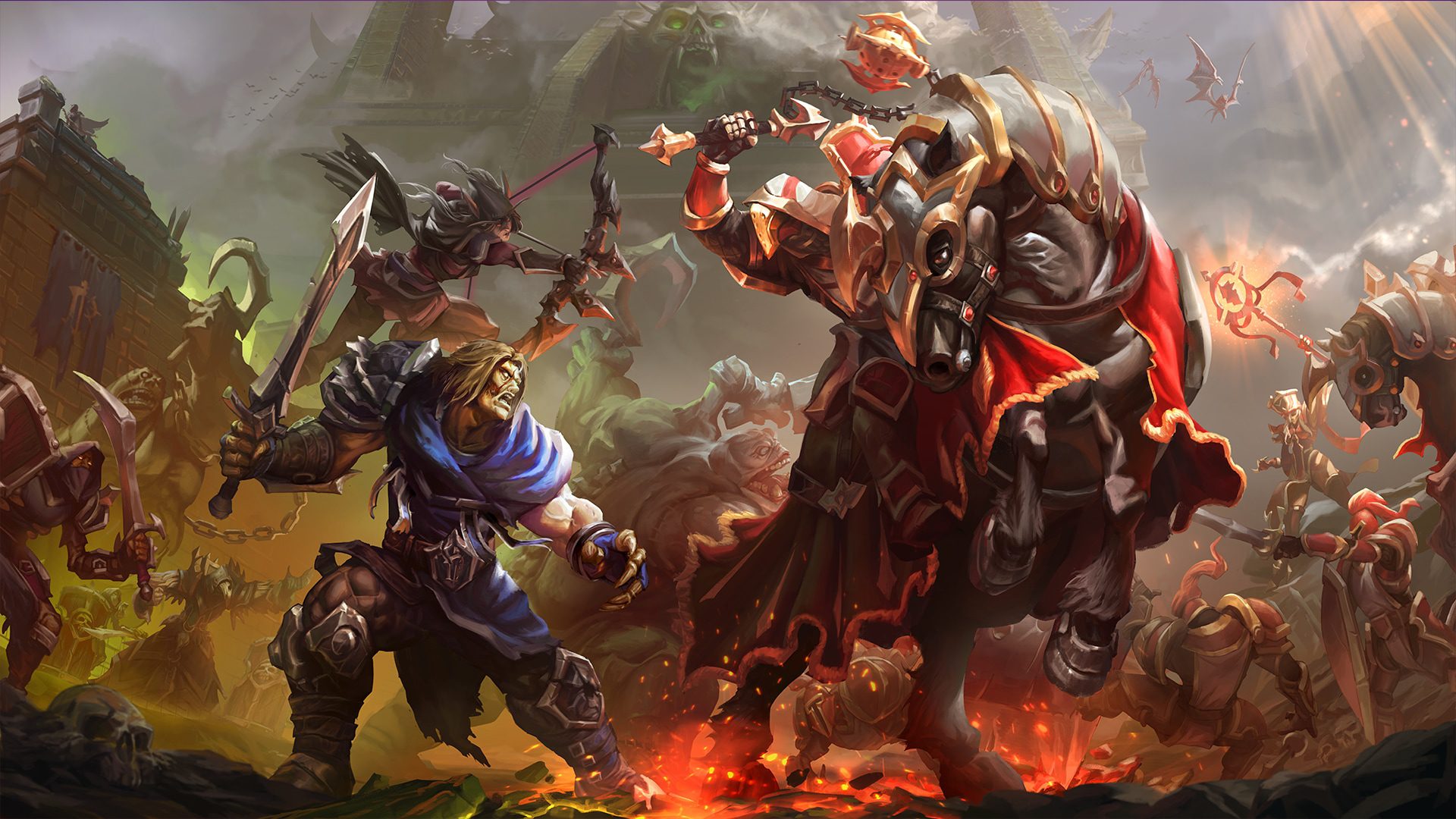
How to Enable Definitive Edition Graphics in Warcraft 3 requires the current Warcraft III: Reforged Patch 3.0 client. Once the update is installed, Definitive Edition appears as one of the available visual presentations, and campaign mission selection now lets you choose the graphics you want before loading a mission.
You do not need to buy Forsaken Kingdom simply to access Definitive Edition. The mode arrived as part of the free 3.0 update for Reforged, although the new campaign can of course be played with it.
How to Enable Definitive Edition Graphics in Warcraft 3 from the campaign
For How to Enable Definitive Edition Graphics in Warcraft 3 in campaign play, update the game through Battle.net, open the campaign section and select the mission you want to play. Patch 3.0 adds a graphics choice to the mission-select flow, allowing you to pick the presentation before entering the map.
Choose Definitive Edition when it is offered, then start the mission. This is useful if you like using different art modes for different campaigns because you can make the choice at the point where you are actually selecting the mission.
Changing the general graphics mode
The broader answer to How to Enable Definitive Edition Graphics in Warcraft 3 is in the game’s visual settings. Patch 3.0’s current modes are Classic, Reforged and Definitive Edition. If you have been away for a while, do not look for the old Classic HD label; Definitive replaces that option in the new client.
After changing the mode, give the game time to load the appropriate assets. A major graphics-mode switch can make menus or the first loaded map feel slower on older storage, particularly if Battle.net has only just finished updating the client.
How to Enable Definitive Edition Graphics in Warcraft 3 if the option is missing
If How to Enable Definitive Edition Graphics in Warcraft 3 is impossible because the option is not listed, the first thing to check is your game version. Definitive Edition is a Patch 3.0 feature, so an incomplete update leaves you on the old graphics menu.
- Close Warcraft III completely.
- Open Battle.net and check Warcraft III: Reforged for updates.
- Let the update finish before relaunching.
- Confirm you are using the Reforged client rather than an old standalone Classic install.
- Open campaign mission selection again and check the graphics choice.
If Battle.net believes the update is complete but the option still does not appear, restart the launcher before doing anything more drastic. A full reinstall should be a later troubleshooting step, not the first response to one missing menu option.
Do you need Forsaken Kingdom?
No. How to Enable Definitive Edition Graphics in Warcraft 3 is independent of buying the paid campaign. Forsaken Kingdom and Patch 3.0 launched together, which makes the features easy to mentally bundle, but the graphics overhaul is part of the base Reforged update.
The Forsaken Kingdom vs Reforged guide separates what is paid from what every updated Reforged player receives.
Does Definitive Edition affect multiplayer compatibility?
No. How to Enable Definitive Edition Graphics in Warcraft 3 does not place you in a Definitive-only matchmaking pool. Blizzard keeps cross-graphics play supported, so players can use different visual presentations in the same multiplayer game.
The choice is local to how you render the battlefield. That is useful if you prefer Classic for competitive readability but want Definitive for the campaign, or simply have a machine that handles one mode better than another.
What changes when you enable it
Once How to Enable Definitive Edition Graphics in Warcraft 3 is active, you get the Patch 3.0 visual pass covering more than 600 rebuilt units plus refreshed structures, environments, lighting and effects. The goal is higher fidelity without abandoning the chunky silhouettes Warcraft III relies on during crowded fights.
Our Definitive Edition graphics explainer goes deeper into those differences. The existing Warcraft 3 Reforged 3.0 Update is the better reference for non-graphics Patch 3.0 changes such as the increased unit-selection cap.





