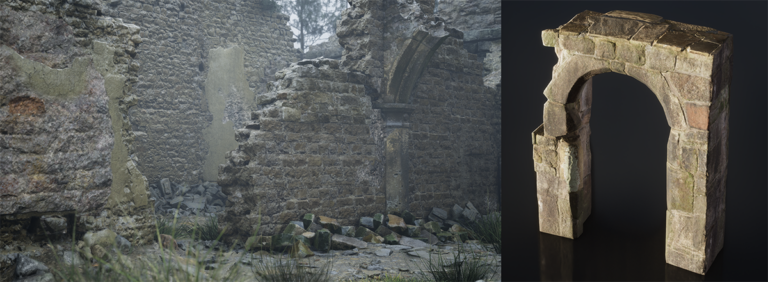
Fortnite High Quality Assets is a new PC download option introduced with Fortnite v43.10 on 12 November 2026. It lets you download the relevant assets through the Epic Games Launcher instead of relying on them being streamed during a match.
Don’t confuse this with Epic Quality Assets, introduced in October. They’re separate download options. If you want to find the new checkbox, here’s where it is and what installing the files actually does.
How to enable Fortnite High Quality Assets on PC
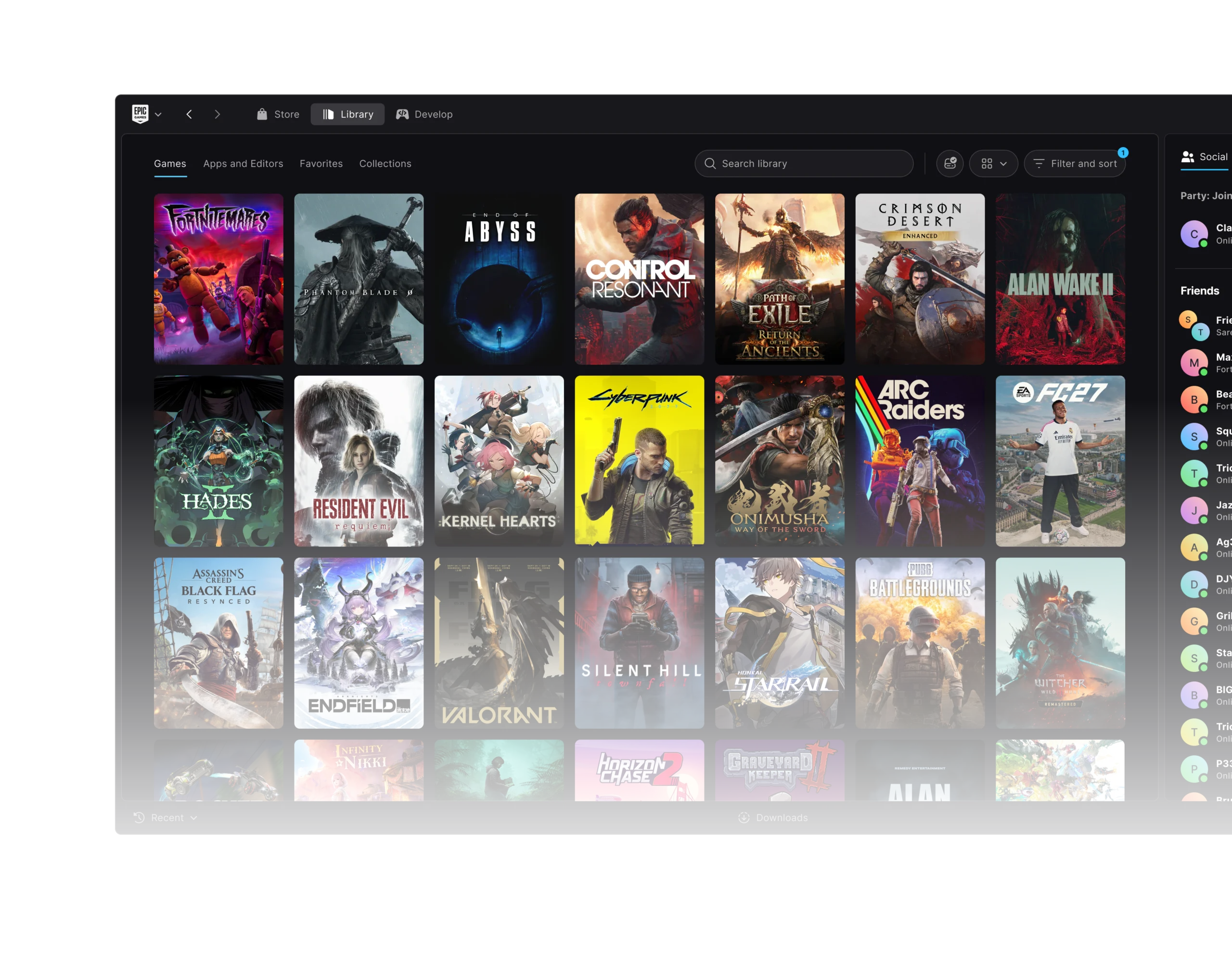
The Fortnite High Quality Assets option is in the Epic Games Launcher, not Fortnite’s in-game graphics menu. You need to open the installation options for Fortnite itself.
- Launch the Epic Games Launcher on your PC.
- Select Library in the sidebar.
- Find Fortnite and click the three dots beside its tile.
- Select Options.
- Tick High Quality Assets, apply the change and let the extra files download.
Before you select Apply, check how much extra storage the Launcher says it needs. Epic hasn’t published a single download size that applies to every PC, and the size can change with updates.
What does Fortnite High Quality Assets actually do?
With the option enabled, the files are downloaded to your PC. That means Fortnite doesn’t have to depend on your internet connection to stream those particular assets while you play. It’s useful if you want more of the game data stored locally before you enter a match.
There is a trade-off: Fortnite High Quality Assets takes additional disk space. It is not an FPS boost switch. Epic hasn’t announced a particular frame-rate improvement, download size, or guaranteed fix for stutters, so be wary of guides promising specific numbers.
If your internet connection is unreliable but you have plenty of space, downloading the files could make sense. If your drive is nearly full and Fortnite is already behaving well, you may prefer to keep streaming them instead.
High Quality Assets vs Epic Quality Assets
Epic added Epic Quality Assets with v42.30 on 1 October 2026, replacing the old High Resolution Textures option. That earlier download covers Epic-quality gameplay content such as map terrain and objects. Epic says cosmetics still download on demand.
The newer Fortnite High Quality Assets setting arrived with v43.10 and sits alongside Epic Quality Assets. They are not the same checkbox, and Epic hasn’t described the new one as a replacement for the October option.
You can read our Epic Quality Assets guide if you need help deciding whether to install the older package as well. If you were previously using High Resolution Textures, Epic said the v42.30 update would move that option to Epic Quality Assets automatically.
Neither download is the same thing as Dynamic 3D Resolution or DLSS. Those affect how Fortnite renders frames; the launcher checkboxes change which assets you download before playing.
Should you enable Fortnite High Quality Assets?
If you have storage to spare, trying Fortnite High Quality Assets is reasonable. The option was made for players who prefer downloading assets to relying on streaming. Just don’t expect it to solve network lag, server trouble or all performance problems.
If you’re short on space, check how much the download will add before installing it. You can return to Fortnite’s Options menu in the Launcher if you later decide the extra files aren’t worth keeping. Let the Launcher finish any download or file changes before starting a match.
Why can’t I find the High Quality Assets setting?
Check the location first: Epic Games Launcher > Library > Fortnite > three dots > Options. Fortnite High Quality Assets is a PC launcher option, so you won’t find it in the in-game Video settings on a console or phone.
Next, check that Fortnite and the Launcher are up to date. Older screenshots may only show Epic Quality Assets because the additional High Quality Assets checkbox was not announced until 12 November. Also check whether you are viewing the regular Launcher or an old preview image.
If the option is visible but the download fails, check available disk space and the download manager before trying again. Epic hasn’t given a unique error code or universal fix for failed installs of this asset pack.
Can you play Fortnite offline after installing the files?
No. Fortnite High Quality Assets reduces reliance on streaming those assets, but it does not make Fortnite an offline game. You still need an internet connection to sign in and play online matches.
- Fortnite Epic Quality Assets Explained
- Fortnite Dynamic 3D Resolution and DLSS
- Fortnite v43.10 Patch Notes and Fixes
- Epic Games Launcher Preview November Updates
- Epic Games Launcher Preview HDD Install Improvements
- Epic Games Launcher Disk Full Download Fix
- Epic Games Launcher Missing Games in Library
- Fortnite Arenas November 12 Loot Pool and Weapons
Official source: Epic Games’ Fortnite v43.10 fixes and improvements.