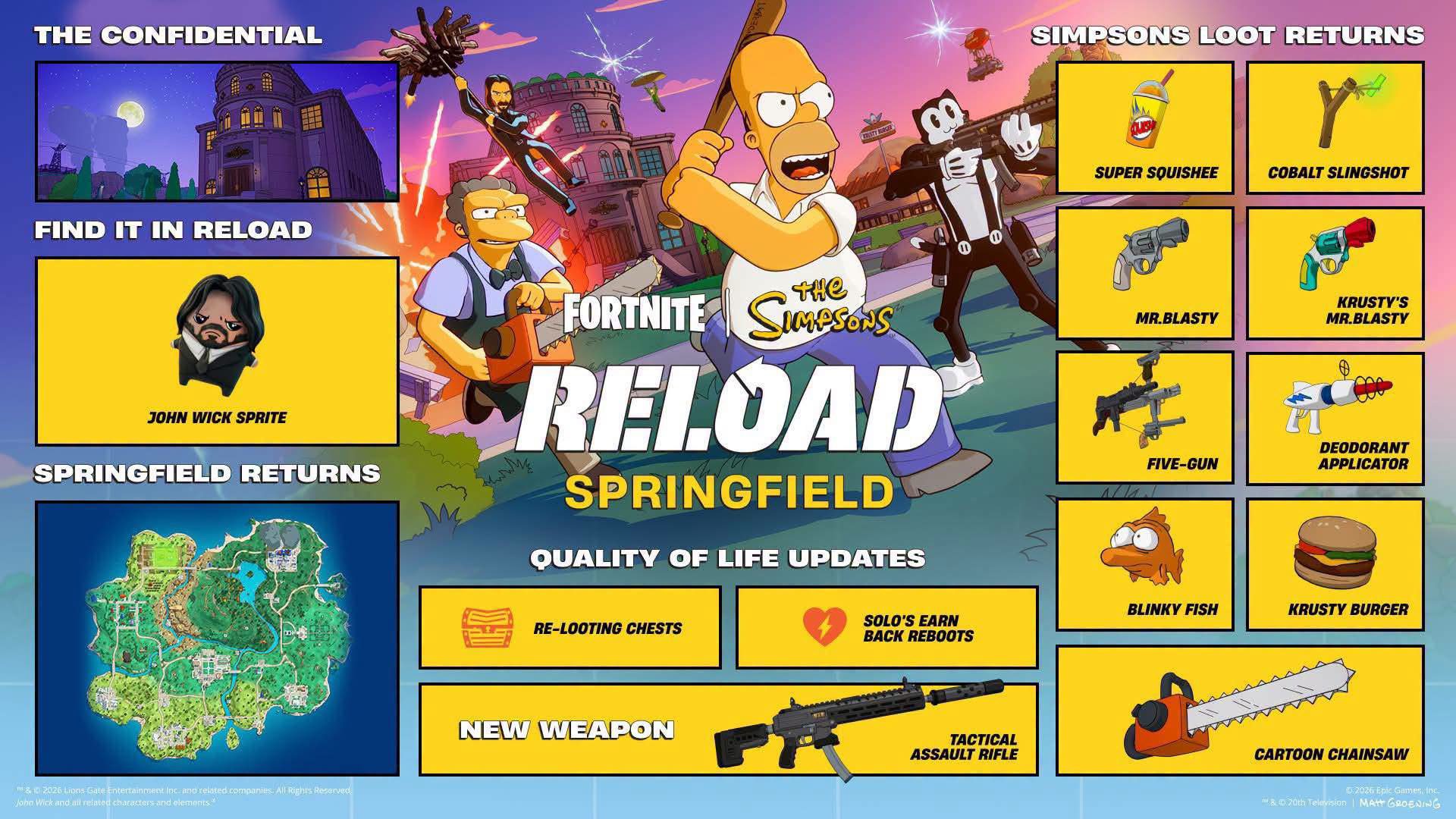
Simpsons Reload quests bugged reports have increased as Fortnite players attempt the new location and placement objectives. The most frequently discussed problem involves landing at a named location such as Kamp Krusty, reaching the required placement and seeing no quest progress.
The Simpsons Reload quests may be affected by a tracking problem. Epic Games has not confirmed a universal fix, and players should be careful about guides claiming that one method is guaranteed to work.
Are the Simpsons Reload Quests Bugged?
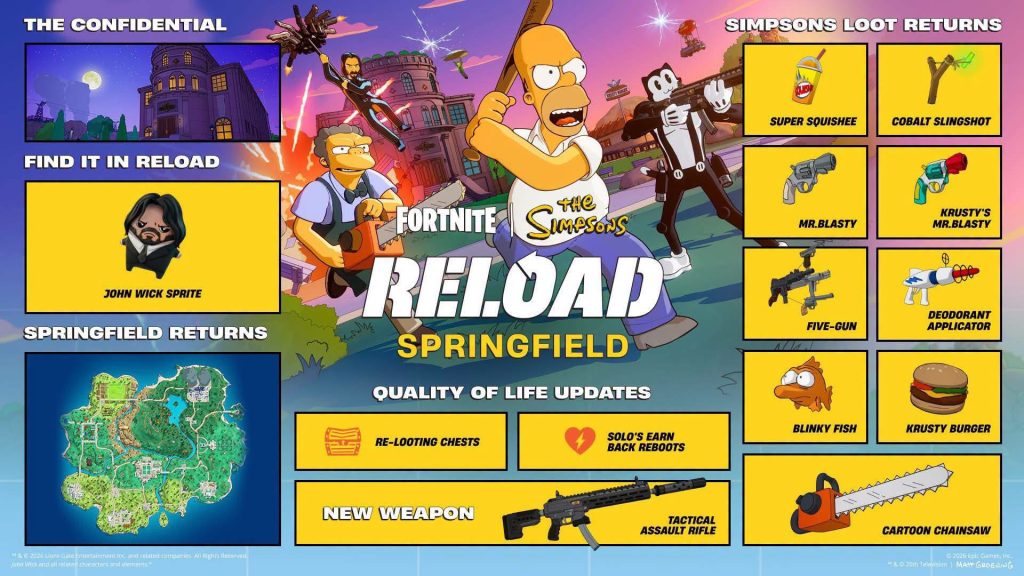
Some Simpsons Reload quests appear to be working normally, while individual players report that particular objectives are not registering.
This could mean the Simpsons Reload quests bugged problem affects certain matches, accounts, platforms or quest stages rather than every player.
The location and placement challenge has several possible failure points:
| Problem | Possible explanation |
|---|---|
| Landing does not register | The player touched down outside the named boundary |
| Placement does not register | The match did not display the required position |
| Progress remains unchanged | The quest service failed to record the result |
| Progress appears later | The quest screen was delayed |
| Repeated valid attempts fail | A server-side tracking bug may be involved |
Players should first rule out the requirements that can be controlled before assuming every failure is caused by a bug.
Track the Quest Before Entering Reload
Open the Quests menu in the Fortnite lobby and select the Simpsons Reload objective before matchmaking.
Tracking a quest should not normally be required for completion, but it makes the current objective easier to follow and may refresh the quest display.
Confirm that Simpsons Reload is selected rather than another version of Reload or Battle Royale. Challenges tied to a particular mode will not necessarily count elsewhere.
Complete Every Requirement in One Match
A challenge asking players to land at a location and reach the top 10 requires both actions during one match.
Landing at Kamp Krusty and then reaching the top 10 during a later game will not combine into one completion. Visiting Kamp Krusty after landing somewhere else may also fail because visiting and landing are different actions.
Land directly within the named location and continue playing until Fortnite shows the required placement.
Avoid Leaving the Match Early
When Simpsons Reload quests are bugged, leaving early may make the tracking problem worse.
Remain in the match after reaching the required placement. Wait until the team is completely eliminated, wins the match or reaches a natural result screen.
Reload allows players to return after elimination while teammates remain eligible. Do not leave while a reboot is still possible because Fortnite may not consider the team’s placement final.
Restart the Match and Fortnite
Return to the lobby after a failed attempt and check the quest screen. Progress may sometimes take time to appear.
If nothing has changed, close Fortnite completely and reopen it. Track the quest again and enter a fresh match.
Restarting cannot correct an Epic Games server issue, but it may refresh outdated quest information stored during the current session.
Players can also try changing party leader or entering the mode without a large party. These are troubleshooting attempts rather than confirmed fixes.
Try Completing the Quest Without a Reboot
Being eliminated and rebooted could interfere with a challenge that depends on where the player originally landed.
There is no confirmation that rebooting definitely causes the issue, but completing the objective while remaining alive removes another variable.
Land at the required location, collect essential equipment and leave busy areas. Rotate before the storm forces players into the same route and avoid fights that provide no strategic advantage.
How to Report Simpsons Reload Quests Bugged
Repeated failures should be reported through Fortnite rather than endlessly replayed.
Open Fortnite’s Reporting menu and select Report a Bug. Choose the closest quest-related category and attach a screenshot where the platform permits it.
A useful report should include:
| Information | Example |
|---|---|
| Quest | Land at Kamp Krusty and reach top 10 |
| Mode | Simpsons Reload |
| Result | Reached eighth place with no progress |
| Platform | PC, PlayStation, Xbox, Switch or mobile |
| Rebooted | Yes or no |
| Attempts | Number of valid attempts |
Clear reports can help Epic Games identify whether Simpsons Reload quests bugged problems share the same cause.
Should You Keep Repeating the Quest?
Trying the objective again once or twice with a direct landing and natural match ending is reasonable. Repeating it continuously after several correct attempts may waste time if the account is affected by a tracking issue.
Use another attempt to verify that the location name appears when landing and that the displayed placement reaches the target.
If the Simpsons Reload quests are bugged after those requirements are clearly met, wait for an update or server-side correction while completing other available challenges.
There is no guaranteed player-side fix at present. The best approach is careful completion, a full restart and an accurate bug report.