Find The Needle PC requirements include a dedicated graphics card supporting Vulkan 1.3, at least 4 GB VRAM, 8 GB RAM and 3 GB free storage. The developer explicitly says integrated graphics are unsupported and may crash, so check your GPU before buying the game.
The main Early Access listing asks for 3 GB of storage, compared with 2 GB on older demo information. Below are the publisher’s stated components and what they mean once you start building an increasingly complex factory.
Find The Needle PC requirements: Minimum
The minimum operating system is Windows 10 64-bit. Needless Games lists a four-core, eight-thread Intel Core i5-8400 or AMD Ryzen 5 2600, with 8 GB RAM, DirectX 12 and a dedicated graphics card that supports Vulkan 1.3.
The examples given are GTX 1050 Ti and Radeon RX 570, both with at least 4 GB of VRAM. The main game’s Steam page requires 3 GB available storage. Being able to open the demo doesn’t by itself confirm that all your hardware meets the full game specification.
Find The Needle PC requirements: Recommended
For a larger factory, the recommended CPU is a six-core or better Ryzen 5 5600 or Intel Core i5-12400, alongside Windows 11, 16 GB RAM and a GTX 1660 Super or RTX 2060 with 6 GB VRAM.
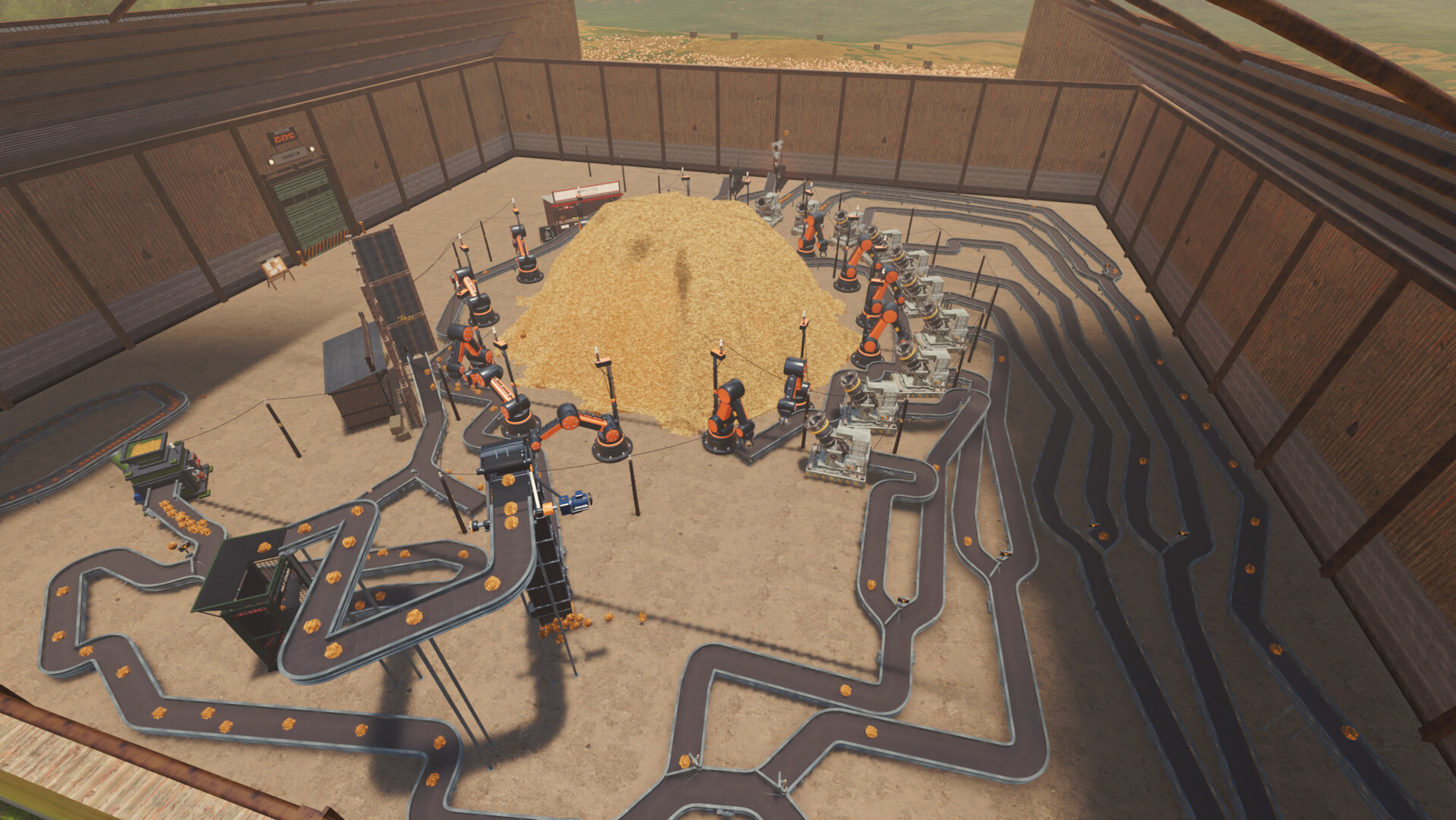
The publisher says very large factories can be CPU-heavy. Once machines, conveyors, robots and sorters are working together, the processor has more to do than when you were simply moving hay by hand. A quicker CPU helps late-game frame rates.
Does Vulkan 1.3 support matter?
Yes. Vulkan 1.3 is a graphics API version, not a VRAM amount or a graphics quality preset. Four gigabytes of video memory alone isn’t enough: the card and driver must support Vulkan 1.3. Check the GPU manufacturer’s driver and model specifications if you’re uncertain.
The Find The Needle PC requirements specifically name a dedicated GPU. A machine that depends entirely on integrated graphics does not meet the official minimum, even if it runs other indie games without problems.
Can integrated Intel graphics run Find The Needle?
The developer warns: integrated graphics are not supported and may crash. That doesn’t prove every iGPU fails with the same error, but it rules out claiming universal compatibility. There is no official configuration trick that guarantees an unsupported GPU will work.
If your laptop contains both integrated and dedicated graphics, check which GPU the operating system assigns to the game. The Find The Needle PC requirements are about the GPU actually running the graphics, not just one listed somewhere in your laptop’s specification sheet.
Why can huge factories run slowly?
The game simulates machinery and movement across a growing warehouse. Needless Games specifically notes that late-game factories can be CPU-heavy, so performance may depend on the number of systems running together as much as on resolution or visual quality.
The Find The Needle PC requirements don’t include frame-rate promises for any specific factory size. A lower graphics setting might help where rendering is the bottleneck, but it isn’t a proven solution to every CPU slowdown.
Are the demo requirements different?
Yes. The demo’s older specification calls for 2 GB of storage, while the main Early Access page says 3 GB. Use the listing for the version you’re installing rather than mixing the two tables.
See our Early Access release guide for the November 6 launch, or the automation guide for the factory systems that can affect performance.
Find The Needle PC requirements: What to check before buying
Compare your GPU, Vulkan support, CPU, RAM and free storage against the full product page. Keep GPU drivers current through the official manufacturer and follow game patches. Unsupported integrated graphics are a hardware limitation, not something that a random downloaded settings file is known to fix.
Official source: Needless Games PC specifications on Steam.