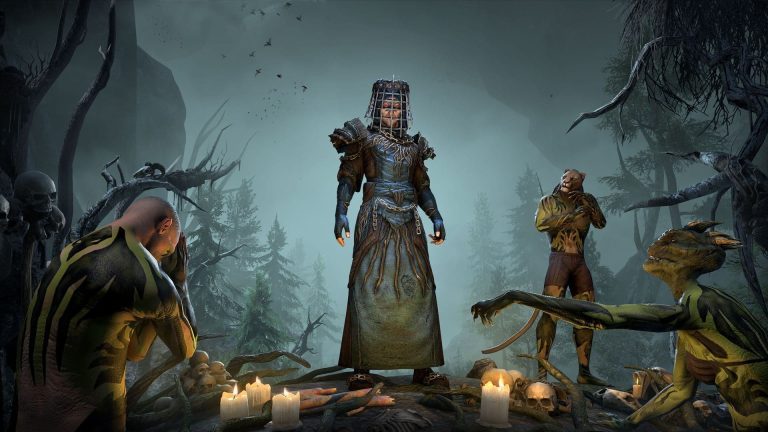
ESO Armory System lets you save a complete character build, then equip it again at an Armory Station. The station is free from the Crown Store and every character begins with two free build slots.
It’s much more than an equipment preset. The saved configuration includes skills, attributes, Champion Points, quickslots, outfit slot and even vampire or werewolf status. Save your current setup before loading an empty slot or you can reset things you meant to keep.
How to get the free station
Open the in-game Crown Store and find the free Armory Station furnishing in the relevant furnishing or utility category. Claim it, enter a home you own, open Housing Editor and place the station. You can then interact with it to open your saved-build menu. You don’t need to buy the Armory Assistant to use the station inside your home. The assistant is a separate paid convenience option for accessing the same build functions away from a placed station.
Save your first build
Go to the Armory Station with the equipment and abilities you want to keep. Choose an available slot and select Save Build. Confirm that you’re saving into the right slot because overwriting it replaces the old configuration. Saving a build doesn’t make an independent copy of every item you own; it remembers the equipment your character has selected and needs access to the corresponding items when you load the build. Label slots for the roles they serve, such as solo questing and healing.

How to equip a saved loadout
Return to the station or speak with an Armory Assistant. Select the saved build and choose Equip. Check your weapon bars, ability choices, Champion Points and gear after loading it, especially if you’ve sold or moved items since saving. Swapping saved builds isn’t tied to changing your character’s underlying class. It’s designed for switching your configuration, not converting a Templar into a Sorcerer.
What exactly is stored?
Each saved slot records attribute distribution, active and passive skills, equipped items, Champion Points, vampire or werewolf curse, quickslot arrangement and an outfit slot. It also tracks the build setup needed to reload these choices. This is why swapping saved presets can produce changes you didn’t expect if you saved the build months ago. Keep notes about valuable items and look at the slot’s details before replacing an older setup.
ESO Armory System: Beware the empty Armory slot
An unsaved or empty build slot behaves like a reset configuration. Equipping it can clear allocated choices and remove an active vampire or werewolf condition. The official support article warns players to save their current build first, because they may otherwise need to restore a curse through another saved setup or acquire it again. An empty slot is useful as a full reset, but it isn’t a preview. Check the saved loadout before equipping it.
Vampire and werewolf status
A build saved while your character is a vampire can restore that affiliation later, even if another slot removes it. The same applies to werewolf. Curing the condition through an Armory swap does not erase the skill-line experience you’ve earned, and restoring a saved infected build returns access. Save the infected version of your character first if you want to restore it later without getting bitten again.
Two free slots and buying more
Each character starts with two free Armory slots. Extra slots can be purchased from the Crown Store, but they’re character-specific rather than shared across every character on the account. The free station and two slots are enough to begin using the system. A pair of builds is enough to keep one general setup and one alternative role. Before buying slots, remember that Update 49 also made ordinary skill and attribute respecs free in their menus.
Armory versus ordinary free respec
A skill or attribute respec changes selected points, while an Armory build recalls a broader saved configuration in one action. Use the respec menus for minor changes and Armory slots when switching a whole build. If you’ve recently changed subclass lines, make sure the saved setup follows the current account-wide training limits. A loaded Armory preset doesn’t instantly master an unfinished subclass line.
Related Guides
Official source: ESO official support guide.