Diablo 4 Switch 2 Performance is now official, and Blizzard has given players exact frame-rate and resolution targets for both handheld and docked play. There are two graphics presets: Quality Mode runs at 30 FPS, while Performance Mode targets 40 FPS rather than 60 FPS.
That immediately answers the biggest technical question around the port. The Switch 2 version is not using one fixed profile everywhere, and docked play can push resolution higher in Quality Mode. Performance Mode instead holds resolution at 1080p and spends the extra headroom on a smoother 40 FPS target.
Diablo 4 Switch 2 Performance modes at a glance
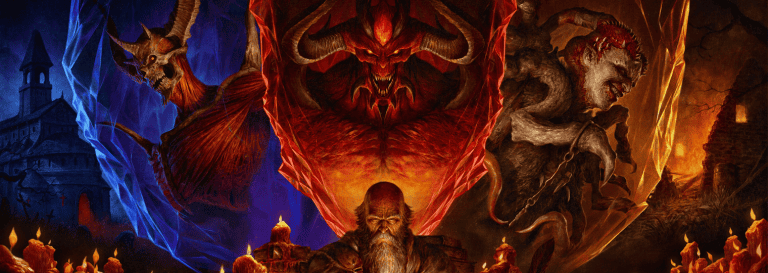
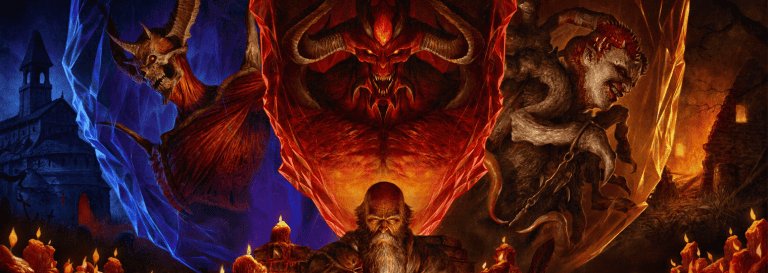
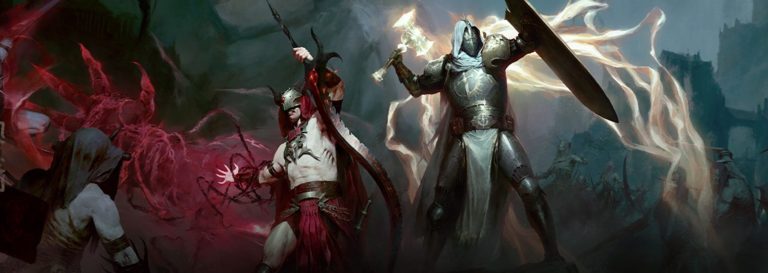
Diablo 4 Switch 2 Performance Image Blizzard Entertainment
Diablo 4 Switch 2 Performance breaks down into four clear combinations. In handheld mode, Quality runs at 1080p and 30 FPS, while Performance runs at 1080p and 40 FPS. Docked Quality increases the output target to 1440p at 30 FPS. Docked Performance returns to 1080p and 40 FPS.
Blizzard’s official Switch 2 FAQ adds one important condition to that final option: docked Performance Mode requires a display capable of 120Hz or higher. If your television or monitor is limited to 60Hz, do not buy the port expecting the 40 FPS docked mode to work on that screen.
Quality Mode: 1080p/30 handheld and 1440p/30 docked. Performance Mode: 1080p/40 handheld and 1080p/40 docked, with the docked 40 FPS option requiring a 120Hz display.
Quality Mode versus Performance Mode
Diablo 4 Switch 2 Performance gives you a straightforward choice rather than a maze of console graphics toggles. Quality Mode makes the most sense if you care more about the sharper docked image and are comfortable with 30 FPS. Performance Mode is the better fit if combat response and camera movement matter more than the extra docked resolution.
The 40 FPS target is especially useful because it sits meaningfully above 30 without pretending the hardware is delivering a 60 FPS mode that Blizzard has not announced. On a compatible 120Hz screen, 40 frames fit evenly into the refresh cycle, which is why that display requirement matters for the docked preset.
If you were waiting specifically for a 60 FPS answer, our Diablo 4 Switch 2 60 FPS guide covers that question directly.
Diablo 4 Switch 2 Performance in handheld mode
Diablo 4 Switch 2 Performance is surprisingly simple in portable mode because both presets use 1080p. The difference is the frame-rate target: 30 FPS in Quality or 40 FPS in Performance. Blizzard does not attach the 120Hz display warning to handheld Performance Mode, so the portable 40 FPS option is part of the normal handheld setup.
That makes Performance Mode an easy first choice for anyone buying this version mainly to play away from the television. Diablo IV is full of rapid movement, dense fights and effects-heavy encounters, so the extra ten frames per second can matter more in moment-to-moment play than a paper resolution increase that does not exist between the two handheld presets.
Portable does not mean offline, though. The game still requires an internet connection and Battle.net account, so check our Switch 2 internet requirement guide before planning long sessions away from reliable Wi-Fi.
Other Switch 2-specific features
Diablo 4 Switch 2 Performance is only one part of Blizzard’s launch FAQ. The port supports touchscreen navigation for most menus, the map and inventory. You can also connect a compatible USB mouse and keyboard. Joy-Con 2 mouse functionality is not supported, which is worth knowing if you assumed the new controllers would work like a PC pointer in-game.
Nintendo’s store listing also identifies HDR support on compatible televisions. Controller rumble, accessibility options and system-level GameChat support are part of the Switch 2 feature set as well. None of those additions change the confirmed FPS targets, but they make this more than a bare minimum conversion of the existing console build.
Best Diablo 4 Switch 2 Performance setting
Diablo 4 Switch 2 Performance is best approached by deciding what you value. For handheld play, start with the 40 FPS Performance preset and only move back to Quality if you prefer its presentation. For docked play on a 120Hz television, 1080p/40 is the smoother option; if you have a 60Hz display or want the sharper image, 1440p/30 Quality is the sensible choice.
There is no secret 60 FPS switch in Blizzard’s published settings, and no reason to treat the confirmed 40 FPS mode as a placeholder. These are the launch targets Blizzard has chosen for Nintendo hardware.
Diablo 4 Switch 2 Performance therefore lands in a practical middle ground: native portable play at 1080p with a 40 FPS option, plus a sharper 1440p docked Quality mode when frame rate is not your priority. That is a much clearer picture than the pre-launch guessing, and it gives buyers enough information to decide whether this is the version they actually want.