

Community Event Participation Dying Light The Beast is the setting that controls whether your game takes part in active community events such as the 2026 Call of the Beast anniversary event. Techland confirms that players can switch the event off under Options, Game, Community Event Participation, which makes this the first setting to check if you want your kills and event activity to count.
The setting matters during Week 1 because the community is working toward 50 million enemy kills across Castor Woods while a separate slashing versus blunt vote decides the weekend modifier. If Community Event Participation Dying Light The Beast is disabled, you should not assume your session is contributing to that live event.
Community Event Participation Dying Light The Beast setting location
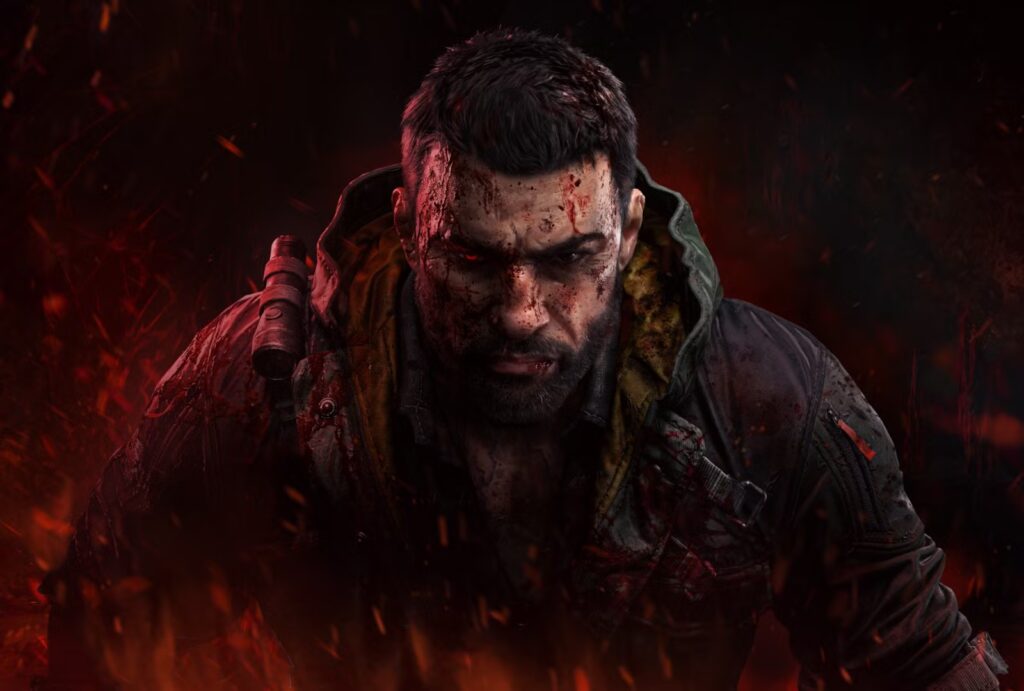
Community Event Participation Dying Light The Beast Image Techland.
To find Community Event Participation Dying Light The Beast, open Options, choose the Game tab and look for Community Event Participation. Techland gives this exact menu route in its official Week 1 Call of the Beast announcement when explaining how players can opt out of the anniversary event.
If the setting is off and you want to join the event, turn it back on before returning to Castor Woods. If you prefer normal gameplay without the active community-event conditions, leave it disabled.
How to enable Community Event Participation Dying Light The Beast
Open Options, enter the Game menu and enable Community Event Participation. Once active, return to Castor Woods and continue playing during the current event phase. Community Event Participation Dying Light The Beast does not require a separate sign-up screen or a special event quest before you can begin contributing.
During Call of the Beast Week 1, the main community objective is to kill 50 million enemies across Castor Woods. Techland’s public wording does not limit the global total to one named enemy type, so normal combat around the region can contribute while the event is enabled.
How to disable Community Event Participation
If you do not want the live event active, go back to Options, Game and switch Community Event Participation off. This is the official opt-out route Techland provides for players who would rather avoid the temporary event conditions.
Turning Community Event Participation Dying Light The Beast off can be useful if you dislike the winning weekend modifier. Week 1 can produce either more firearm-wielding enemies if slashing wins or harsher player fall damage if blunt wins.
Why the setting matters for the Week 1 vote
Call of the Beast Week 1 is running two systems at once. Enemy kills push the global community target forward, while the way players deal damage helps decide the slashing versus blunt vote.
With Community Event Participation Dying Light The Beast enabled, your normal combat can support both parts of the event at the same time. You can keep working toward the shared kill total while choosing slashing or blunt damage depending on which weekend modifier you would rather see.
What happens if slashing wins
If slashing wins the Week 1 vote, Techland says the chance of brutal dismemberment increases dramatically. The downside is that far more firearm-wielding enemies appear, which can make ordinary fights more dangerous from range.
If you do not want that modifier affecting your game, Community Event Participation Dying Light The Beast gives you the official way to opt out. If you do want the event active, leave the setting enabled and prepare for the extra ranged pressure.
What happens if blunt wins
If blunt wins, hits have a greatly increased chance to knock enemies into ragdoll. The drawback is much harsher player fall damage, meaning smaller drops can punish you more than usual.
That makes the participation setting useful beyond simply joining the challenge. Community Event Participation Dying Light The Beast also gives you control over whether the live weekend modifier is active in your game.
Check the setting again before Week 2
Call of the Beast Week 2 begins on September 28. Techland has confirmed another weekly global goal and vote structure, but the exact Week 2 objective and vote choices have not yet been announced.
If you disable the event during the Week 1 weekend, remember to check Community Event Participation Dying Light The Beast again before Week 2 starts. Otherwise, you could enter the next phase with the community event still disabled and only notice after spending time playing.
For the complete anniversary schedule, see our Call of the Beast Event Guide. For the active objective, use the Call of the Beast Week 1 guide, and for the weapon vote see Call of the Beast Slashing or Blunt.





