
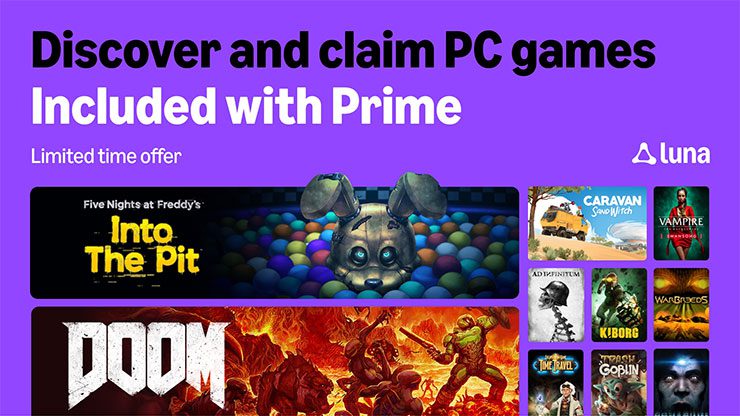
Prime Gaming game not showing after you claimed it? Check where Amazon delivered it first. October’s PC rewards go to four places: Epic Games Store, GOG, Amazon Games App and Legacy Games. If you’ve claimed a game but can’t see it, you may be signed into a different account, still need to redeem a code or be looking in the wrong launcher.
For a Prime Gaming game not showing after a claim, start with Amazon Luna’s My Collection, then follow the delivery method on that offer. Some titles arrive through an account link, while others give you a code to enter elsewhere. Once you know which type you claimed, the next step is much clearer.
Prime Gaming game not showing: check the claim record first
| Delivery method | October examples | Library to check |
|---|---|---|
| Epic Games | Trash Goblin, Ad Infinitum, Swansong, Into the Pit | Linked Epic account |
| GOG code | DOOM, Conarium, WarBreeds | Redeem the code, then GOG Library |
| Amazon Games App | KIBORG, Caravan SandWitch | Amazon Games App Library |
| Legacy Games code | Time Travel: Escape Room Game | Legacy Games redemption |
Open Amazon Luna’s My Collection area using the Amazon account that originally claimed the reward. Amazon says My Collection displays your claim history, codes and delivery status. If a Prime Gaming game is not showing in My Collection, return to its offer at luna.amazon.com/claims and check whether the claim actually completed.
Look for the destination platform on the game’s offer. For October, Trash Goblin and three other games use Epic, DOOM, Conarium and WarBreeds use GOG codes, Caravan SandWitch and KIBORG use Amazon Games App, and Time Travel: Escape Room Game uses Legacy Games. There is no universal library containing every Prime reward.
Prime Gaming game not showing in Epic Games
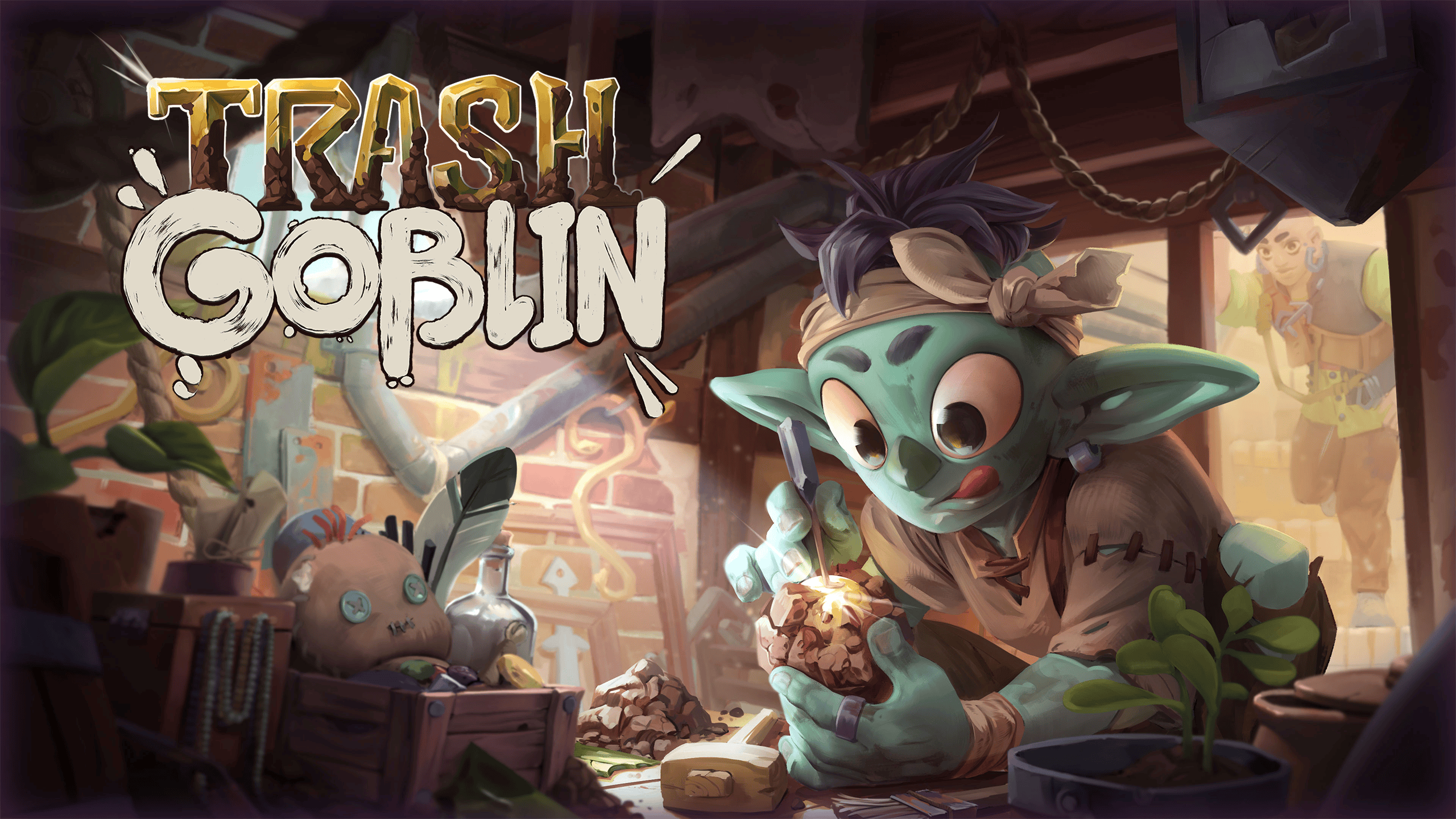
For Epic rewards, check which Epic account is linked to Amazon. Open Epic Games Launcher and sign into that same account, then search the Library for the full title. Linking an account and pressing Claim are separate actions. If your October reward still shows a claim button on Amazon, complete that step before refreshing Epic.
For an Epic Prime Gaming game not showing after a successful claim, restart the launcher and confirm the Epic account you signed into. Trash Goblin, Ad Infinitum, Into the Pit and Swansong were delivered through Epic, not as Steam keys. Look under the game title in the correct Epic account.
Prime Gaming game not showing on GOG: redeem the code
DOOM, Conarium and WarBreeds use GOG redemption codes. A code shown in Amazon’s My Collection must be redeemed on GOG before the game is added to that library. Copy it, open GOG’s code redemption page, sign into the intended account and finish redemption. Then check your GOG library or GOG Galaxy.
GOG advises trying its browser redemption page if the Galaxy method fails, or Galaxy if the browser process does not work. Refresh the GOG games list and restart the client if a redeemed title is still missing. Check the key’s expiry separately from Amazon’s original claim date.
Prime Gaming game not showing in Amazon Games App
For KIBORG or Caravan SandWitch, use Amazon Games App on Windows instead of Steam or Epic. Sign in with the same Amazon account that claimed the game and check the Library. These titles are not delivered as Epic or GOG entitlements, so searching other launchers will not help.
Amazon recommends completely closing the Amazon Games App and opening it again if a claimed game fails to appear or an installation will not start. If the title is still absent, inspect My Collection to distinguish a delivery problem from a client that needs to refresh.
Prime Gaming game not showing after Legacy Games redemption
Time Travel: Escape Room Game is the October Legacy Games code reward. Retrieve its code and redemption instructions from the Amazon claim. Finish redemption on the service named in that offer, then check the account or library used there. This code does not automatically add the game to Steam or Epic.
Before you enter a Legacy Games code again, check whether you’ve already redeemed it on another account and review its deadline in Amazon’s claim details. The next step depends on whether the key is unused, already redeemed or expired. Keep the claim record for support if redemption fails.
Prime Gaming game not showing: Pending or Undeliverable
Amazon’s help describes Pending as a claim that completed but whose content has not yet been received in the linked game. The first check is to sign into that game with the same linked account used for claiming. The offer’s help may provide additional linking instructions if you need to correct an account connection.
Undeliverable means the claim could not be fulfilled to the game account. Amazon lists an already-claimed reward or an invalid game account among possible causes. If that status remains, use Amazon support with the title and claim details rather than trying an unrelated redemption code.
Prime Gaming game not showing after Prime ends
Successfully redeemed Epic and GOG entitlements are attached to the destination account under that store’s terms. Check Amazon Games App offers individually for their post-subscription terms. A Prime membership expiring does not by itself move an Epic entitlement to another account or erase a redeemed GOG game. You do need eligible membership for new Prime-only claims.
If the game is still missing after you’ve checked its delivery method, review the Amazon claim history, identify the destination and sign into the intended account. Redeem any code you received, then check the matching game’s library. There’s no need to start by reinstalling several launchers when the claim itself tells you where the game belongs.
Official source: Amazon Luna help: My Collection delivery status.





