Steam Friend Notifications Not Working? Valve’s October 28, 2026 beta fixes missed game-start pop-ups, sounds that ignore your preferences and personal friend settings that weren’t being followed. One of the bugs dropped alerts when several friends launched games within ten seconds.
You can check all three without reinstalling games. First find out whether you use Steam’s beta or stable channel, then look at the toast and sound options. If the problem involves one person, their individual settings come next.
Steam Friend Notifications Not Working: October 28 beta fix
The October beta fixes the ten-second timing problem, makes friend-online and game-start sounds follow your selected toast and sound settings, and restores the intended priority of individual friend settings over the general ones.
The fixes were released to Steam Client Beta on October 28. The regular stable client is a different update channel; changing your notification preferences there won’t install the beta fixes.
Steam Friend Notifications Not Working: Check the toast settings
In Steam on your PC, select Steam > Settings > Notifications. Find When a friend comes online and When a friend joins a game. They control different events: one is a friend’s online status, and the other is the alert when they start playing.
Choose whether each event should Show Notification Toasts and Play a sound when a notification toast is displayed. You can leave the pop-up on but silence the chime when you want to see who is playing without interrupting a game.
If Steam Friend Notifications Not Working means you can hear a sound but see no banner, look at the toast control. If the banner appears silently, use the sound control. Valve’s beta fix specifically addresses cases where those choices weren’t being respected.
Steam Friend Notifications Not Working for one friend
Open Friends & Chat, right-click the affected friend or open the arrow beside their name, then select Manage > Notifications. Untick Use my default notification settings to choose separate online and game-start alerts for them.
If Steam Friend Notifications Not Working affects only one person, check whether their personal alert options are switched off. Tick Use my default notification settings to let Steam apply your main notification choices to them again.
How to install the October 28 Steam Client Beta
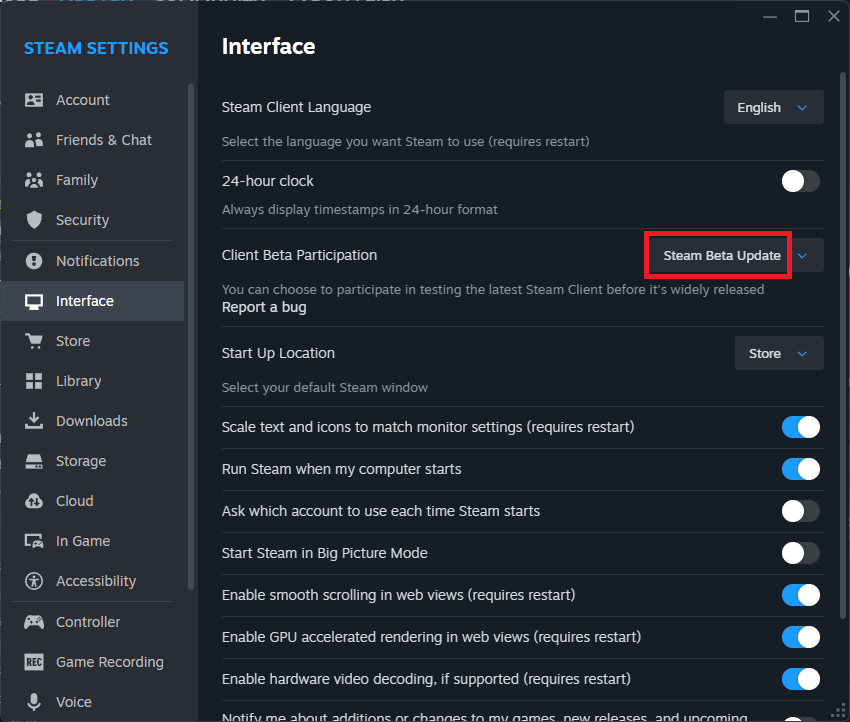
Select Steam > Settings > Interface, open Client Beta Participation, choose Steam Beta Update and restart when prompted. Steam downloads the selected beta client. To leave later, choose the standard non-beta option in the same dropdown and restart.
Steam Friend Notifications Not Working specifically when several people start playing? The October 28 beta fixes that timing issue. It doesn’t change the fact that each type of alert also has its own setting.
Steam Friend Notifications Not Working in Big Picture Mode
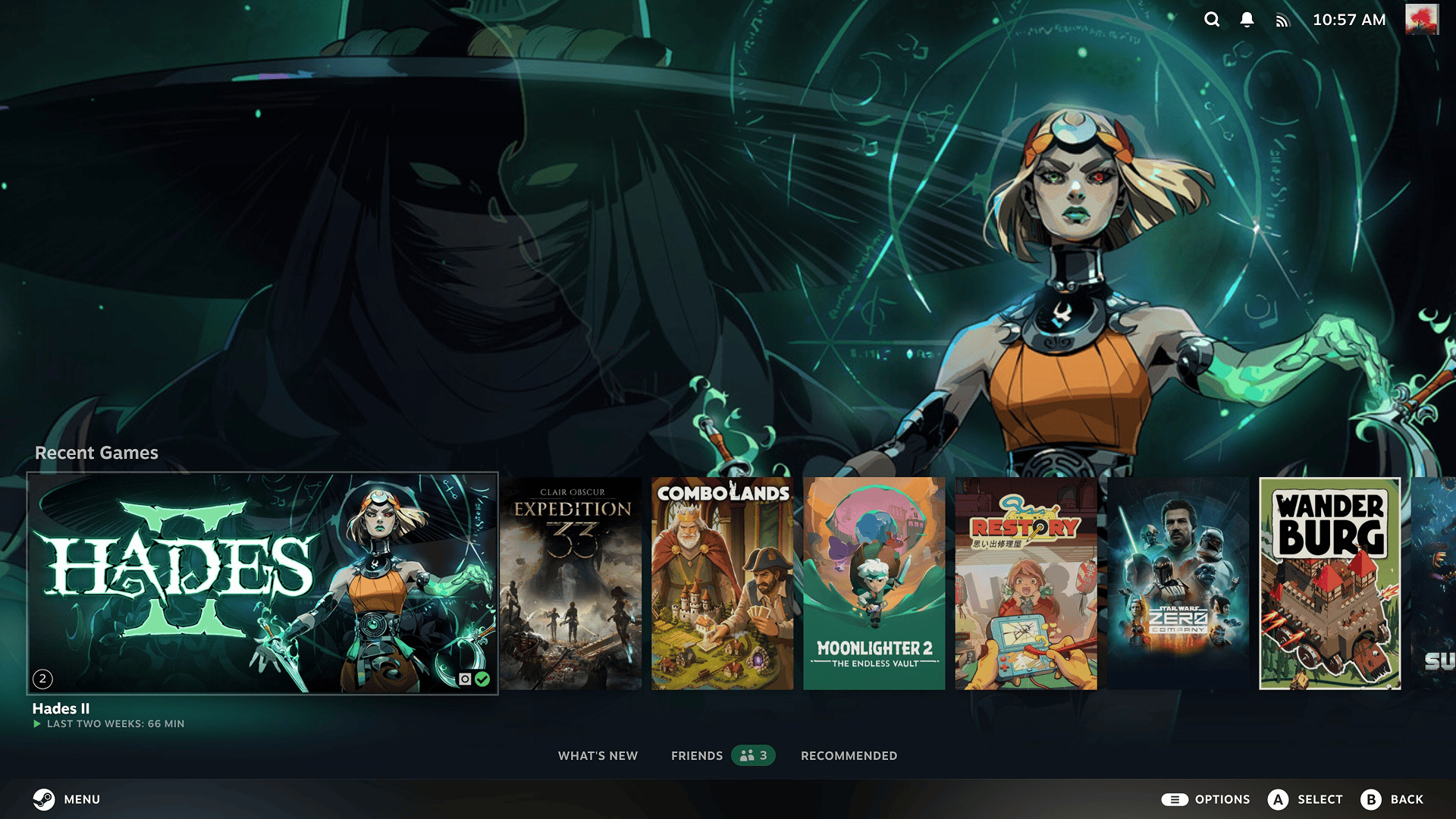
Valve also fixed Big Picture Mode ignoring per-friend notification preferences. The same beta improves Quick Access Menu responsiveness, which concerns menu navigation rather than frame rates. For Big Picture beta access, go to Settings > System > Beta Participation and select Steam Beta Update under the Steam Client Update Channel.
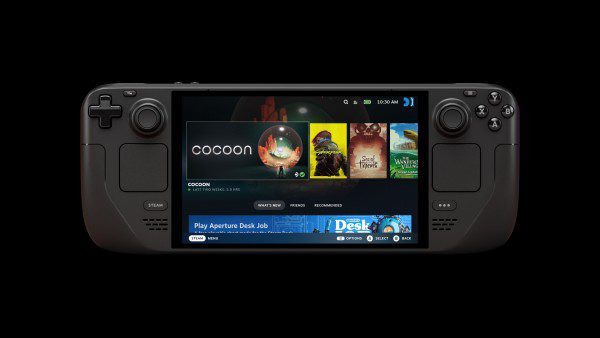
Steam Deck has SteamOS system update channels as well, so check the channel actually running on your device. Its Preview and Beta client update includes the October 28 friend-alert changes, rather than assuming every Deck received them on stable.
Are game invitations and chat messages part of the fix?
No. A friend starting a game is different from inviting you into a lobby, and direct chat messages have their own notification controls. The October 28 notes address online and game-start sounds, missed game-start alerts and per-friend preferences. Check the event you’re actually missing.
If Steam Friend Notifications Not Working continues, identify whether the missing part is the on-screen alert, the sound or one person’s override. None of those requires deleting userdata, changing your registry or reinstalling games.
What to try first
Check the update channel first, then set the banner and sound for the event you want, and review individual overrides. If friends’ game launches disappear in quick succession, install Valve’s October 28 beta. These steps address the documented faults without disturbing your Steam library.
Related Guides
Official source: Valve Steam Client Beta, October 28.