Steam Big Picture game invites now have their own place above the chat box in Valve’s 26 October 2026 client beta. Instead of scrolling through a conversation to find the original message, you can look for the invitation in a dedicated widget.
It’s a particularly welcome change for group chats. An invite from a friend can now appear in the group window rather than forcing you into a private conversation. Here’s where to look, how to accept it using a controller and what to check if nothing appears.
Where Steam Big Picture game invites appear
Open the relevant conversation in Big Picture’s friends and chat interface. Look above the message entry field. The October beta places a dedicated invitation widget there, so an invitation no longer depends on finding the exact chat message where it first appeared.
Big Picture Mode is Steam’s full-screen interface for controllers and televisions. The widget belongs to chat, not a separate matchmaking menu, and only displays invites that have actually been sent.
How to accept Steam Big Picture game invites
- Launch Big Picture Mode and enter friends and chat.
- Open the friend conversation, or the group conversation in which the invite was sent.
- Find the game invite widget above the text entry area.
- Navigate to that widget with your controller, then select the available join or accept action.
- Follow any Steam or in-game prompts. The session must still allow your account to join.
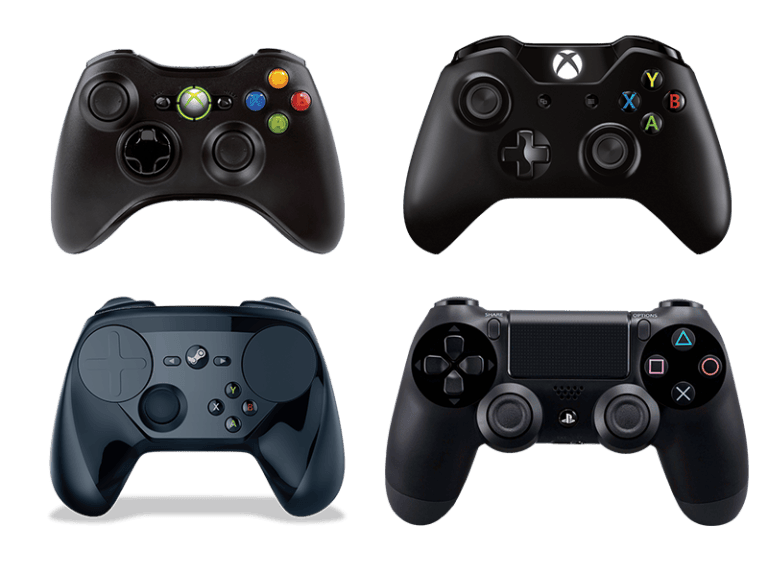
Use the prompt shown on your screen. Valve has not specified a universal button shortcut for the widget, and your controller layout may be different from somebody else’s.
How Steam Big Picture game invites work in group chats
Valve specifically changed individual invites from friends in a group. In the old behaviour, you sometimes needed to open the sender’s private one-to-one chat. In the October beta, that invite is also visible in the group chat window.
That does not mean every group member is invited. Steam Big Picture game invites are still addressed to particular players, and the game’s lobby rules still apply. If another friend can’t join, check whether the host actually invited them and whether there’s room in the session.
The same beta improves group chat layout and fixes places where controller focus could get stuck. Those navigation fixes are separate from the rules of an individual multiplayer game.
Steam Big Picture game invites not showing: what to check
Ask the friend to send another invitation. Open the correct private or group chat and check above the message field. An ordinary chat message saying ‘join us’ isn’t the same thing as an actual game invite.
Next, confirm your Steam update channel. Valve announced the new Steam Big Picture game invites widget in the 26 October client beta, not as a universal feature of the stable client. If you’re on stable, that announcement alone doesn’t mean your version already has the new layout.
If the invite appears but you can’t join, check that you have access to the game, your friend is still in the session and the lobby is accepting players. A visible invitation doesn’t override a game’s multiplayer restrictions.
For a focus problem, try moving around the chat with a mouse or keyboard as a test. If that works while the controller does not, the issue is with navigation rather than the invite itself. Do not assume friend notification sound settings control this widget; those are separate features.
How to enable Steam Big Picture game invites in the beta
On PC, open Steam > Settings > Interface > Client Beta Participation, select Steam Beta Update and restart. In Big Picture Mode, Valve lists Settings > System > Beta Participation > Steam Client Update Channel for the client beta.
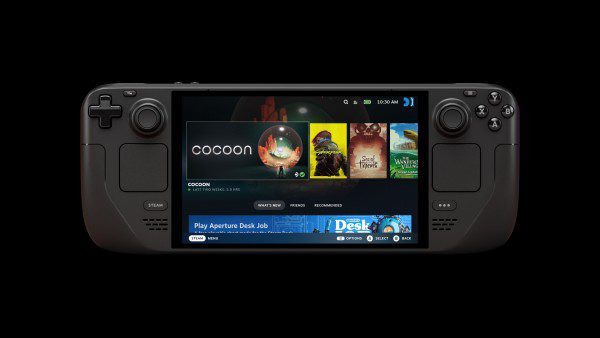
Steam Deck uses its own controls under Steam button > Settings > System > Beta Participation. Valve’s 26 October Steam Deck Preview/Beta notes include this invite change, although the precise presentation can differ between Deck and desktop Big Picture. Our Steam Client Beta guide explains the channels and how to leave again.
Other changes to Big Picture chat
Valve also made the selected chat element easier to see, bundled repeated friend messages into fewer notifications and added per-friend voice chat volume controls to the friend context menu. Those improvements are separate from the invitation widget.
These changes should not be confused with the separate 28 October beta fixes for missing friend alerts and notification preferences. For those, see our Steam friend notifications troubleshooting guide.
Steam Big Picture game invites FAQs
Where is a game invite sent during a group chat?
It can now appear in the group chat window itself, in the dedicated invite area above the text entry field. You no longer need to open the sender’s private conversation just to find it.
Can every group member join the session?
No. The new placement does not change who was invited or override game-specific joining restrictions.
Has the invite widget reached stable Steam?
Valve confirmed the feature in the 26 October client beta. Those notes do not establish a stable rollout date. Check the channel you are using before expecting it everywhere.
Does the change work on Steam Deck?
Valve’s Steam Deck Preview/Beta notes also mention the chat invitation update. The exact widget layout and button prompts on Deck should be checked on the device rather than assumed from desktop instructions.
With Steam Big Picture game invites in the beta, the first place to look is the chat you’re already using. Open the conversation, check above the message box and select the invitation. If it isn’t there, check your update channel before changing unrelated settings.
Related Guides
Official source: Valve’s Steam Client Beta announcement for 26 October 2026.