USB vs XLR microphone for gaming is less about which connector sounds better and more about how much audio equipment you want around your PC. USB microphones contain the conversion and usually the software needed to work directly with a computer. XLR microphones expect an audio interface or mixer to provide preamp gain and convert the analogue signal.
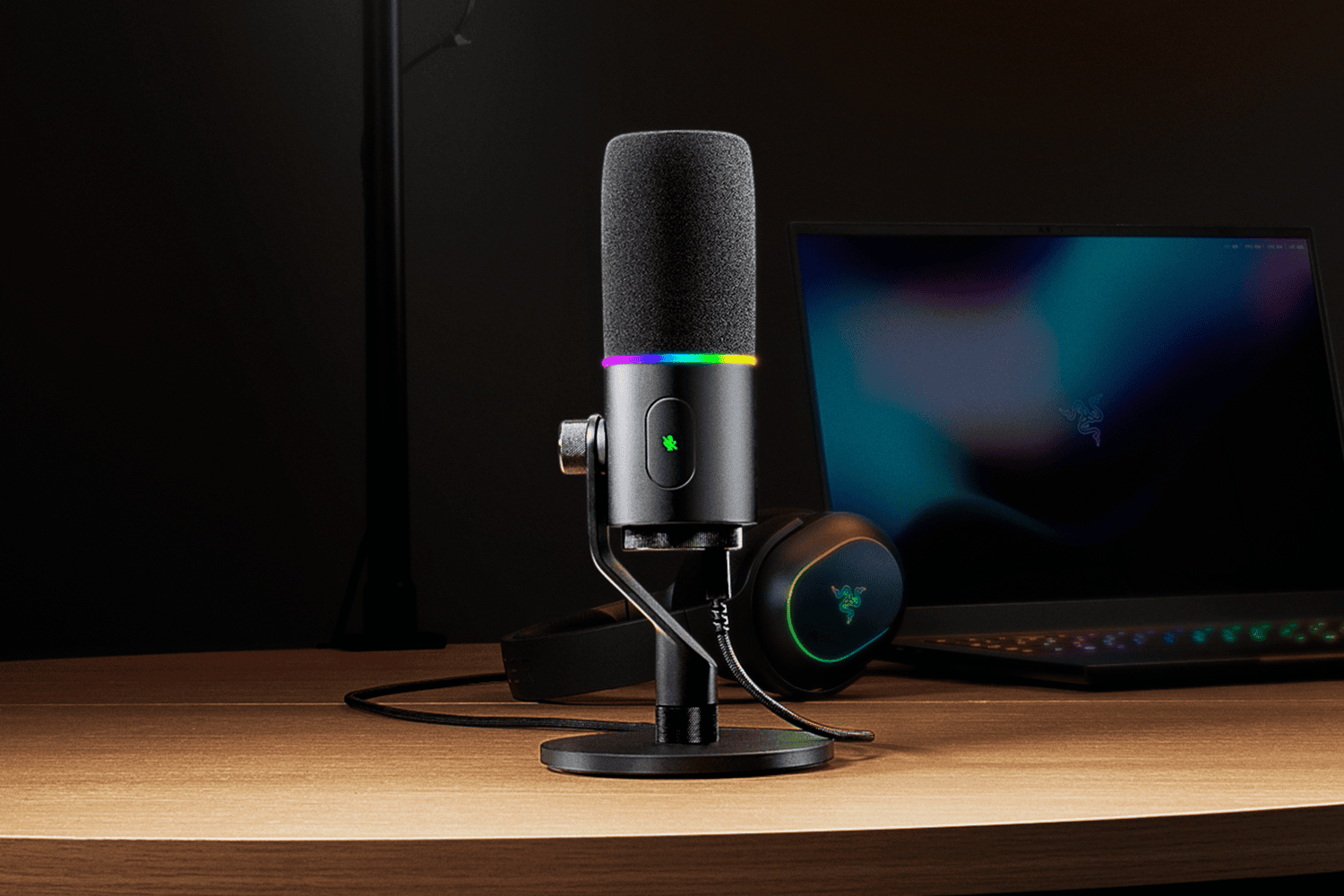
For gaming and Discord, USB is normally the simpler answer. For streaming, podcasting and a setup that may grow into several microphones or hardware processing later, XLR becomes more attractive. Hybrid microphones such as the Razer Seiren V3 Pro exist because many creators start in one camp and eventually move toward the other.
USB is the easiest route to good voice chat
A USB vs XLR microphone for gaming comparison should start with convenience. USB connects directly to the PC, appears as an audio device and can expose gain, EQ, noise reduction and firmware controls through one app. That makes troubleshooting much easier when the microphone is primarily used for games, calls and Discord.
USB vs XLR microphone for gaming: XLR gives the audio chain more freedom
An XLR microphone sends an analogue signal to an interface or mixer. That means the interface controls preamp quality, gain, monitoring and conversion. The extra box adds cost and cables, but it also makes it easier to change one part of the setup without replacing everything.
XLR becomes especially useful when several microphones, instruments or hardware controls need to share one workflow. It is not automatically higher quality just because the plug is larger.
USB vs XLR microphone for gaming: capsule type matters more than the connector
The biggest mistake in a USB vs XLR microphone for gaming decision is treating USB and XLR as sound signatures. Capsule design and room conditions matter more. A dynamic microphone used close to the mouth can reject a noisy gaming room better than a sensitive condenser, regardless of whether the final connection is USB or XLR.
Keyboard noise, PC fans and room reflections are all easier to manage with good placement before software enters the picture. Noise removal can help, but it cannot fully repair a microphone sitting too far from the speaker.
USB vs XLR microphone for gaming: when should you choose USB?
Choose USB when you want one device, simple setup and good voice quality without an audio interface. It is the sensible route for Discord, ordinary streaming and most first creator setups. It also keeps troubleshooting manageable because there are fewer gain stages and cables involved.
USB vs XLR microphone for gaming: when is XLR worth it?
Choose XLR when the audio chain itself is part of the hobby or work. Streamers who want physical faders, creators adding more sources and podcasters building multi-mic setups gain more from an interface than an ordinary gamer does.
The sensible USB vs XLR microphone for gaming conclusion is therefore about future plans. USB is not the beginner version of XLR. It is a different workflow. Hybrid microphones are appealing because they let you start simple and add the interface only when there is a real reason.
Razer provides an example of a current hybrid USB and XLR design on the official Seiren V3 Pro page.
There is also a monitoring question to consider. Many USB microphones include a headphone output with direct monitoring, which lets you hear your own voice without routing it through Windows first. XLR setups can do the same thing through the audio interface, but the quality and routing options depend on the interface rather than the microphone. For streamers who need to balance game, chat and their own voice, that monitoring workflow can matter more than the connector itself.
Cost also needs to be compared fairly. A £100 XLR microphone is not really a £100 setup if it needs a £120 interface, a stand and cables before it can be used. USB bundles can look expensive until the missing hardware is added to the XLR total. The reverse becomes true later if you already own a good interface, because upgrading one XLR microphone does not force you to replace the rest of the chain.
For most gaming desks, the sensible starting point is therefore a good dynamic USB microphone placed close to the mouth. It keeps setup simple, rejects more room noise than many sensitive condensers and leaves enough money for a decent boom arm. Move to XLR when the extra routing, hardware control or multi-microphone flexibility solves a real problem rather than because it sounds more professional on paper.