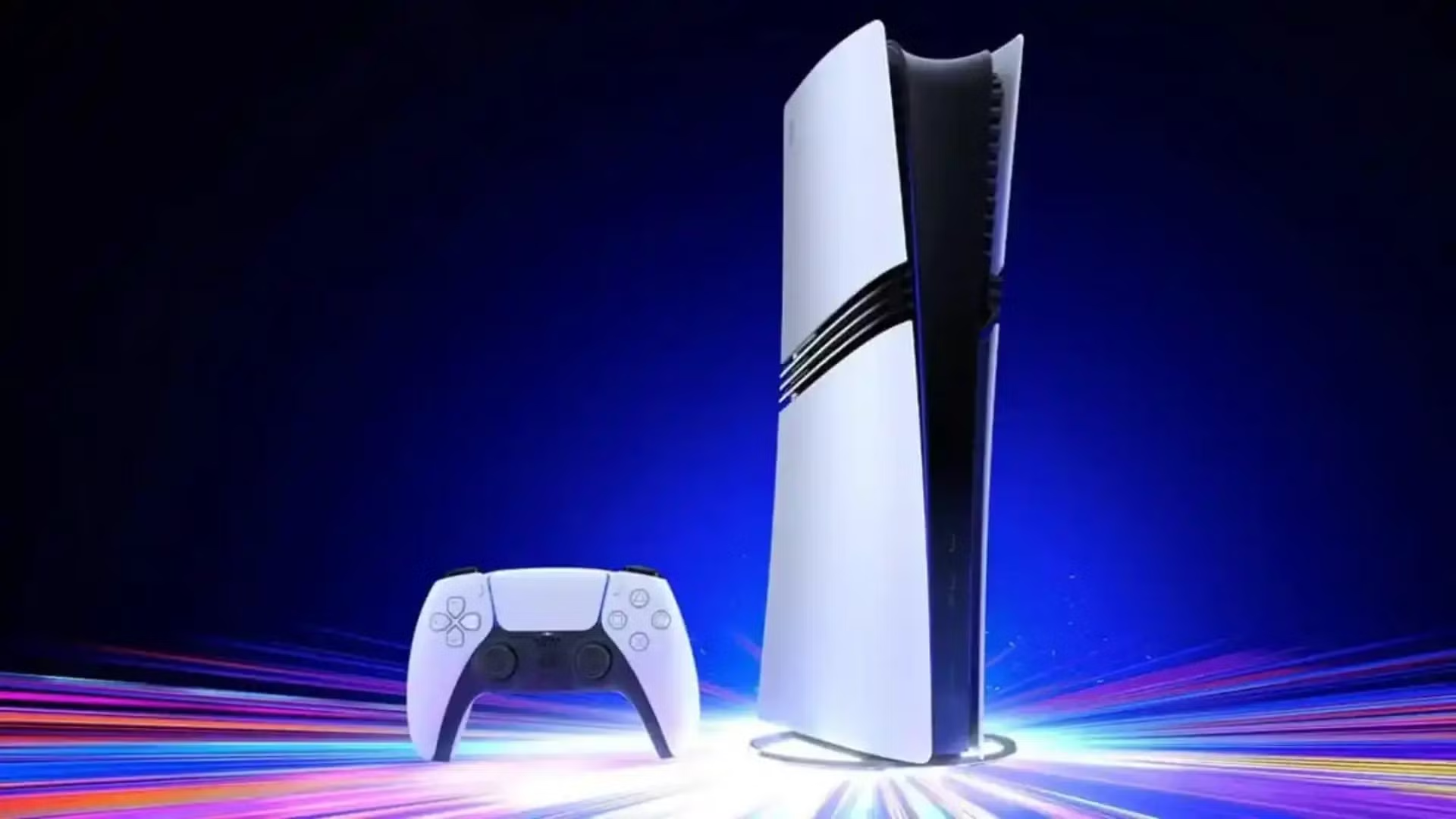
PS5 Update 26.06-14.10.00.03 is the newest PS5 system software release, with Sony listing security fixes plus system performance and stability improvements. The public support page labels the release as version 26.06-14.10.00, while consoles and update reporting can expose the fuller 26.06-14.10.00.03 identifier.
This is a small maintenance update rather than another feature-heavy firmware. The larger September 26.06-14.00.00 release added the PS5 Pro PSSR default change, voice-chat speaker names and the Community Activity widget. Those features are not being introduced again here.
PS5 Update 26.06-14.10.00.03: what is new
- Security fixes to the PS5 system software.
- System software performance improvements.
- System software stability improvements.
Sony does not publish a vulnerability-by-vulnerability breakdown for the security portion, so there is no factual basis for claiming a specific exploit was closed. PS5 Update 26.06-14.10.00.03 should be treated as a maintenance and security release unless Sony adds more notes.
Download size and installation
Current reporting puts the download around 1.2 GB. Your console can download system software automatically when it is online, or you can open Settings, System, System Software, System Software Update and Settings, then choose Update System Software.
For PS5 Update 26.06-14.10.00.03, keep the console powered and avoid disconnecting storage or network access during the update. If the normal online method fails, Sony also provides Safe Mode and USB update routes.
Does this update add new PS5 features?
No new user-facing feature is listed in Sony’s notes. The important difference from 26.06-14.00.00 is scope. That earlier build included visible changes such as the Community Activity widget and a voice-chat speaker indicator, while the current PS5 Update 26.06-14.10.00.03 is security, performance and stability focused.
If you notice a menu or game behaving differently after installing it, do not automatically attribute that to an undocumented feature. Check the previous firmware notes and any game-specific patch that installed around the same time.
What happened to the PSSR change?
PS5 Pro’s Enhance PSSR Image Quality default was introduced by 26.06-14.00.00 and remains part of the current system state. PS5 Update 26.06-14.10.00.03 does not remove it. Pro owners can still find the option under Settings, Screen and Video, Video Output.
Standard PS5 systems do not gain PSSR through this maintenance patch. Sony’s separate QSSR work is game-specific and should not be confused with a system-wide upscaling toggle in this firmware.
If the update will not install
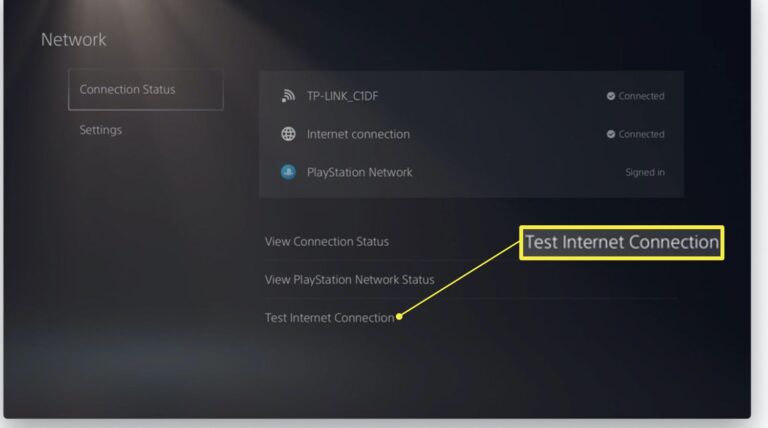
Restart the PS5 and router, retry the system update and make sure the console has enough free storage. If the download repeatedly fails, use a wired connection where possible. For a console that boots into Safe Mode or reports a specific error code, follow that code rather than repeatedly downloading the same file.
PS5 Update 26.06-14.10.00.03 is not a reason to factory reset a working console. A reset is a last resort after ordinary update, network and Safe Mode options have failed.
Should you install it now?
Yes, because Sony explicitly lists security fixes. Even without headline features, keeping system software current avoids running an older security state and reduces compatibility problems with newer games, accessories and PlayStation Network services.
The practical expectation for PS5 Update 26.06-14.10.00.03 is simple: install it, keep your existing settings, and do not expect a redesigned dashboard. Most players will notice little beyond the version change unless the stability fixes happen to address a problem they were seeing.
How to check your PS5 version
Open Settings, System, System Software, Console Information and compare the installed version with the current support-page number. If you see 26.06-14.10.00 or the fuller 26.06-14.10.00.03 representation, you are on this release.
That version check is also useful before troubleshooting. If PS5 Update 26.06-14.10.00.03 has not actually installed, a problem reported after the update may simply be happening on the older firmware.
Official source: Sony PS5 system software update notes.