Modern Warfare 4 Upscaling includes NVIDIA DLSS 4.5, AMD FSR Redstone, Intel XeSS 3 and Filmic SMAA T2X, giving PC players several ways to balance image quality and frame rate at launch.
Activision presents the three vendor upscalers alongside a default post-process anti-aliasing option, while the game also adds a global sharpness slider that can be used with any upscaler. The best option depends on the GPU and display rather than one universal setting.
Modern Warfare 4 Upscaling: every confirmed option
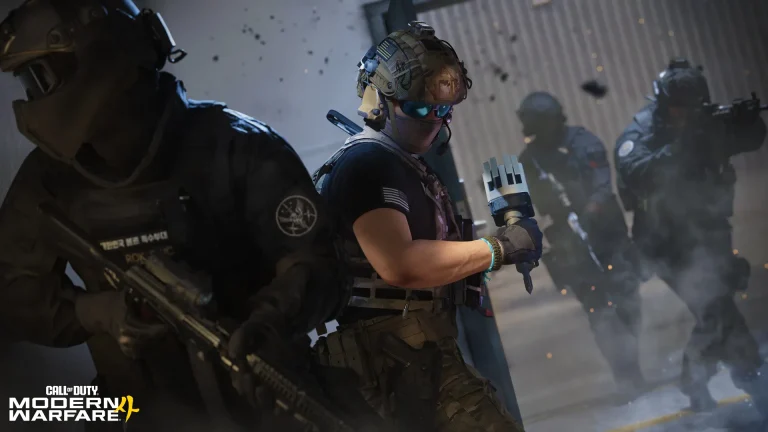
Modern Warfare 4 Upscaling Image Activision.
| Option | What Activision confirms |
| NVIDIA DLSS 4.5 | RTX upscaling using a deep-learning neural network |
| AMD FSR Redstone | AMD upscaling from lower-resolution inputs |
| Intel XeSS 3 | Machine-learning Super Sampling |
| Filmic SMAA T2X | Default post-process anti-aliasing option |
These options sit inside a PC version with more than 800 customization choices across graphics, gameplay, inputs and interface. The wider settings are covered in Modern Warfare 4 PC Graphics Settings.
The official article does not say every technique is available on every GPU in exactly the same way. Use the option exposed by the game for the installed graphics hardware instead of forcing a vendor-specific technology that the system does not support.
DLSS 4.5 in Modern Warfare 4
Activision describes DLSS 4.5 as NVIDIA RTX technology that uses a deep-learning neural network to increase frame rates while producing a sharp final image. It sits alongside frame-generation and scaling choices in the PC feature set.
If the goal is the official Modern Warfare 4 90 FPS recommended target, benchmark the game first and then compare DLSS against native or other available scaling options rather than assuming one preset is mandatory.
FSR Redstone and Intel XeSS 3
AMD FSR Redstone is listed as AMD’s current upscaling technique for reconstructing higher-resolution frames from lower-resolution inputs. Intel XeSS 3 uses machine learning for a similar performance and image-quality goal.
Intel Arc GPUs have an additional launch requirement: Resizable Bar must be enabled. That platform check is separate from whether XeSS appears in the graphics menu.
Global sharpness works across upscalers
Modern Warfare 4 adds a new sharpness slider that Activision says is global to any upscaler. That is useful because scaling quality and sharpening are related visually but do not have to be locked into one vendor’s fixed result.
Start from a moderate value and judge the image during movement, not only on a static menu. Excess sharpening can make edges and fine texture detail look harsh even when the reconstructed resolution is otherwise clean.
Upscaling and ray tracing
The high-end Modern Warfare 4 Ray Tracing specification is explicitly described as 4K upscaled. Modern Warfare 4 Upscaling is therefore part of the expected high-end rendering path, not only a rescue option for weaker PCs.
Activision still separates the ray tracing hardware tier from the normal recommended tier. Upscaling does not turn a minimum-spec GPU into the published high-quality 4K ray tracing target.
Use the benchmark to compare options
The built-in Benchmark Tool runs a simulated Multiplayer sequence and reports average FPS, CPU, GPU, ping and input latency. That gives you a repeatable way to compare scaling modes instead of judging one busy live match.
The existing Modern Warfare 4 PC guide covers the wider PC release, while Modern Warfare 4 Upscaling should remain the place to update if Activision changes the supported scaling versions after launch.
Modern Warfare 4 Upscaling is now based on final launch information rather than beta estimates. Check the exact requirement or feature that matters to your setup, then use the linked Modern Warfare 4 guides for the wider launch, multiplayer or DMZ context instead of mixing separate systems together.
For Modern Warfare 4 Upscaling, compare motion as well as a still image. Call of Duty spends most of its time moving quickly, so shimmering, fine geometry and target clarity during camera movement matter more than a screenshot of one wall.
The global sharpness control makes Modern Warfare 4 Upscaling easier to tune across vendors because the final edge treatment is not locked entirely to one scaling technology. Use the benchmark and a live match before deciding the cleanest balance.
For the first-party technical details behind Modern Warfare 4 Upscaling, see the official Call of Duty Modern Warfare 4 PC article.