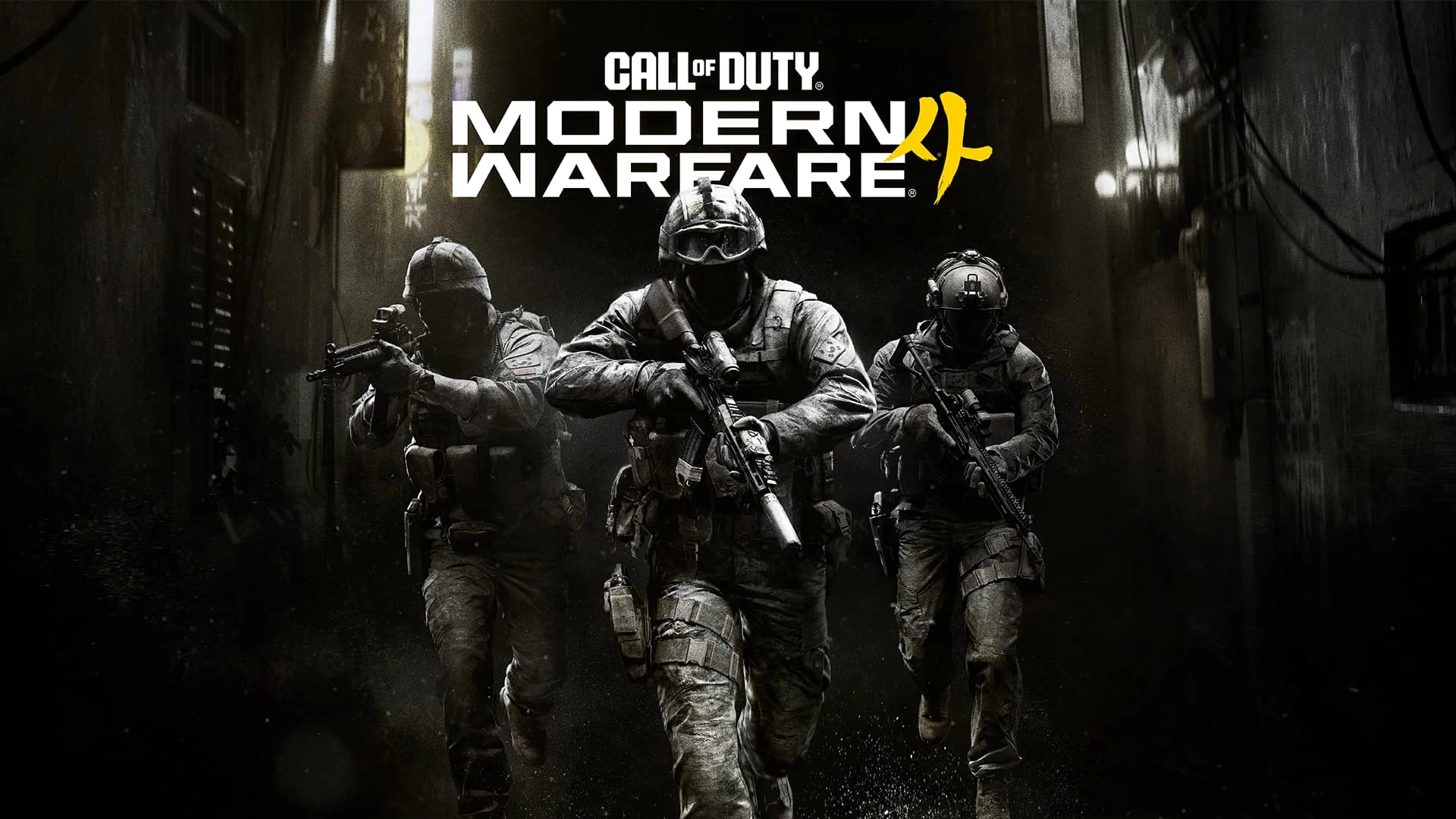
Modern Warfare 4 PC Graphics Settings sit inside a PC version with more than 800 customization options across graphics, gameplay, input devices and interface, with new controls for sharpness, shading quality, depth of field, visibility and performance.
Activision also confirms 1080p, 1440p, 4K and Ultrawide display support, PC-exclusive Enhanced FOV, HDR10+, a built-in benchmark, sub-frame mouse polling and several upscaling technologies. The settings are designed to scale from modest hardware to high-end ray tracing systems.
Modern Warfare 4 PC Graphics Settings: the important new options
Modern Warfare 4 PC Graphics Settings Image Activision.
- Global sharpness slider that works with any upscaler.
- New shading quality control.
- New Filmic SMAA T2X settings.
- Improved Screen Space Reflections controls.
- Improved Shadow Filtering Quality controls.
- Improved Occlusion and Screen Space Lighting options.
- Separate World Depth of Field and Weapon Depth of Field settings.
- Weapon VFX masking around the point of aim.
- Enhanced FOV on PC.
- HDR10+ display support.
- Built-in performance benchmark.
For the hardware needed to drive those settings, use Modern Warfare 4 PC System Requirements. Modern Warfare 4 PC Graphics Settings are the controls you use after the game has decided what the installed hardware can support.
Activision says the game automatically configures settings based on your hardware, so the sensible starting point is the automatic configuration followed by a benchmark rather than immediately changing every option.
Enhanced FOV is exclusive to PC
Enhanced FOV uses physically accurate lens effects to increase field of view near the edges of the monitor without changing the center FOV. Activision positions it for players who prefer a smaller central FOV but still want more peripheral awareness.
That makes Enhanced FOV different from simply dragging the standard FOV slider higher. The center view can stay at the preferred perspective while the edge treatment expands awareness.
Visibility changes go beyond resolution
Weapon VFX masking dynamically reduces muzzle-effect obstruction at the point of aim so targets remain visible without turning the overall visual effects off. HDR10+ can also adjust contrast and brightness behavior in real time on supported displays.
These changes are part of the broader Ballistic Authority and visual-clarity push already covered by Modern Warfare 4 Ballistic Authority, but the PC settings page is where the actual graphics controls belong.
World and Weapon Depth of Field are separate
Depth of Field is split into World Depth of Field and Weapon Depth of Field. Players who want a sharper environment can therefore reduce or disable world blur while keeping the close weapon-focus effect they like when aiming.
This is a useful example of the PC version giving players more granular control instead of forcing one global cinematic effect.
Use the benchmark instead of guessing
The built-in Benchmark Tool simulates a Multiplayer sequence and reports average FPS, CPU, GPU, ping and input latency. It also produces a zone-by-zone breakdown and setting suggestions after the run.
That makes it the right companion to the Modern Warfare 4 90 FPS target. Change one major setting, rerun the benchmark and compare the result instead of judging performance from two unrelated live matches.
Upscaling and ray tracing settings
NVIDIA DLSS 4.5, AMD FSR Redstone and Intel XeSS 3 are all confirmed. The dedicated Modern Warfare 4 Upscaling guide covers those choices, while Modern Warfare 4 Ray Tracing covers the high-end 4K upscaled specification.
Ray tracing is supported in Campaign, Multiplayer and DMZ, so high-end visual settings are not limited to the story mode.
Input and launch-time PC features
Sub-frame mouse polling is included for higher aiming precision, and the PC build supports a range of input devices. Activision also says updates should avoid unnecessary restart loops during normal boots.
The Modern Warfare 4 Advanced Shader Delivery guide covers the new precompiled-shader system that is intended to reduce another familiar PC launch delay.
Modern Warfare 4 PC Graphics Settings is now based on final launch information rather than beta estimates. Check the exact requirement or feature that matters to your setup, then use the linked Modern Warfare 4 guides for the wider launch, multiplayer or DMZ context instead of mixing separate systems together.
For Modern Warfare 4 PC Graphics Settings, separate visual clarity from raw quality. Weapon VFX masking, sharpness, depth-of-field controls and Enhanced FOV can improve what you can see without simply moving every traditional quality slider to Low. Recheck the official PC article if a launch-day patch changes this part of the setup.
The benchmark makes Modern Warfare 4 PC Graphics Settings easier to tune because it gives a repeatable sequence. Keep the same resolution and scaling mode while comparing one setting change, otherwise the FPS difference becomes harder to attribute. Recheck the official PC article if a launch-day patch changes this part of the setup.
For Modern Warfare 4 PC Graphics Settings, the safest reference is the confirmed launch information above rather than an older beta value or unofficial estimate.
If Modern Warfare 4 PC Graphics Settings changes after launch, update the confirmed number or rule first and keep the surrounding explanation tied to the same official source.
The practical use of Modern Warfare 4 PC Graphics Settings is having one answer for this exact PC or Multiplayer question instead of mixing it with a different Modern Warfare 4 system.
For the first-party technical details behind Modern Warfare 4 PC Graphics Settings, see the official Call of Duty Modern Warfare 4 PC article.