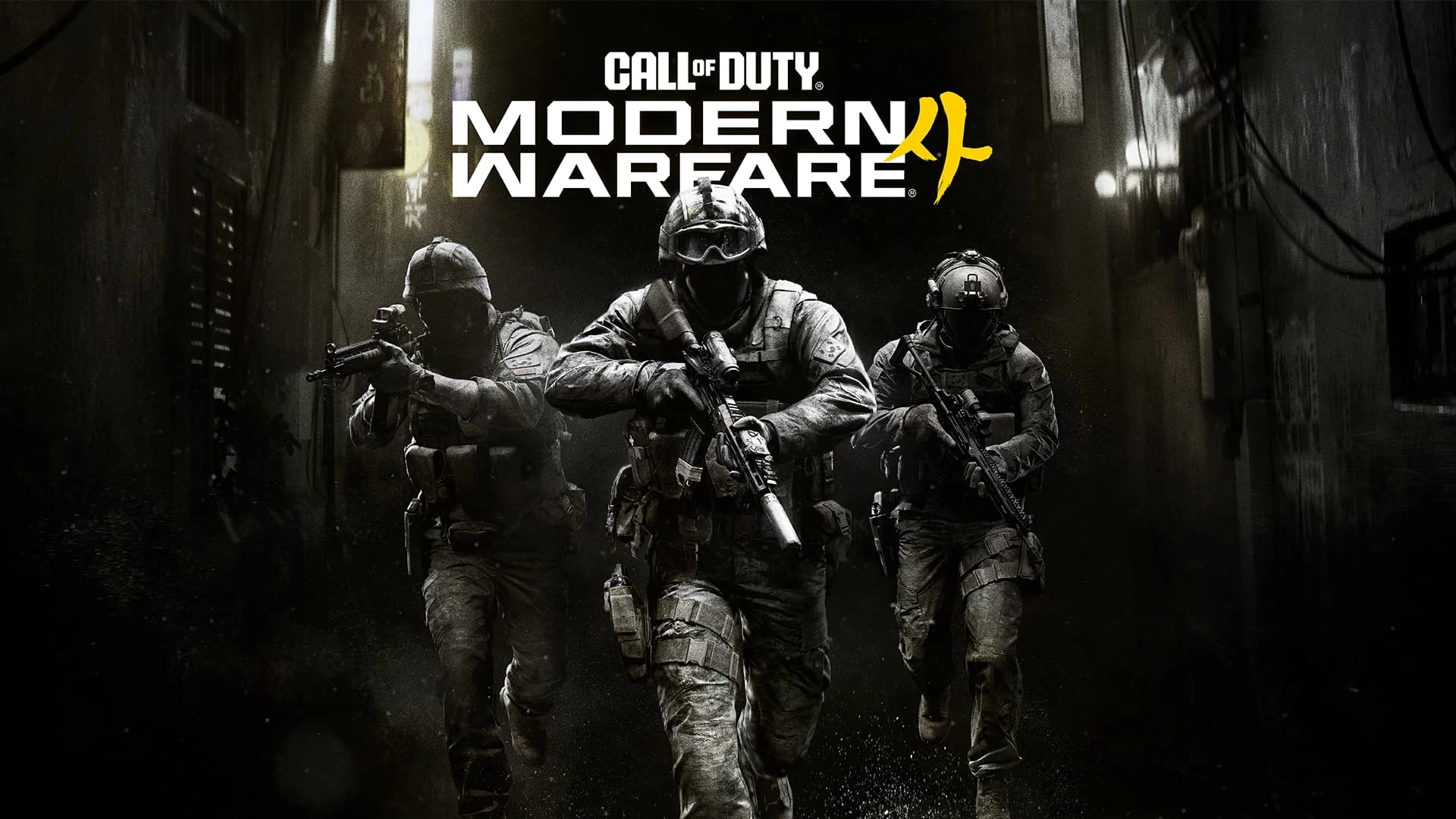
Modern Warfare 4 90 FPS is the performance target Activision gives for the recommended PC specification, with 90 FPS in Multiplayer at High graphics settings without requiring manual tweaks to reach that target.
The recommended hardware is a Ryzen 5 3600 or Core i7-8700K, 16 GB of RAM, 8 GB of VRAM and an RX 6600 XT, RTX 3060 Ti or Intel Arc B580. The game also requires a 115 GB SSD, broadband internet and DirectX 12.
Modern Warfare 4 90 FPS: official recommended hardware
Modern Warfare 4 90 FPS Image Activision.
| Component | Recommended specification |
| OS | Windows 11 64 Bit |
| AMD CPU | Ryzen 5 3600 |
| Intel CPU | Core i7-8700K |
| RAM | 16 GB |
| AMD GPU | Radeon RX 6600 XT |
| NVIDIA GPU | GeForce RTX 3060 Ti |
| Intel GPU | Arc B580 |
| VRAM | 8 GB |
| Storage | 115 GB SSD |
| Target | 90 FPS in Multiplayer at High settings |
The complete minimum and ray tracing tables sit in Modern Warfare 4 PC System Requirements. Modern Warfare 4 90 FPS is narrower: it explains what Activision means when it labels the middle tier recommended.
The 90 FPS claim is tied specifically to Multiplayer and High graphics settings. It should not be stretched into a promise that every Campaign scene, DMZ encounter or ray-traced 4K workload will sit at the same frame rate.
Why a 90 FPS target matters
Call of Duty benefits from low input latency and smooth motion, so a recommended tier aimed at 90 FPS is more useful than a specification that only says the game should run well. It gives PC players a concrete performance expectation for the core competitive mode.
Activision also includes a built-in Benchmark Tool that reports average FPS, CPU, GPU, ping and input latency. That makes Modern Warfare 4 90 FPS testable on your own hardware instead of relying only on a generic specification table.
Use the benchmark before changing everything
The built-in benchmark runs a simulated Multiplayer sequence and provides a detailed breakdown across zones, including setting suggestions. Run it after installing the current graphics driver, then change one major setting at a time if the result is below your target.
The broader Modern Warfare 4 PC Graphics Settings page covers the new shading, sharpness, depth-of-field and visual-clarity options that can affect performance.
Upscaling can change the performance picture
Modern Warfare 4 supports NVIDIA DLSS 4.5, AMD FSR Redstone and Intel XeSS 3. The Modern Warfare 4 Upscaling guide explains the confirmed options and why the best choice depends on the installed GPU.
Activision’s 90 FPS recommended claim does not mean every player should immediately force the same upscaler or preset. Start from the automatic hardware configuration and benchmark, then adjust for your display resolution and preferred image quality.
90 FPS is not the ray tracing target
The separate ray tracing tier is for high-quality ray tracing at 4K upscaled and requires much stronger hardware. Use Modern Warfare 4 Ray Tracing if that is the visual target.
For Modern Warfare 4 90 FPS, the practical takeaway is simpler: the RTX 3060 Ti, RX 6600 XT and Arc B580 tier is being positioned around High-setting Multiplayer at 90 FPS, not as the game’s maximum visual configuration.
Display support goes beyond 1080p
Activision confirms support for 1080p, 1440p, 4K and Ultrawide displays. The recommended table itself does not assign a separate 90 FPS claim to every resolution, so do not assume a 4K monitor turns the same hardware into a guaranteed 90 FPS High-settings experience.
The existing Modern Warfare 4 PC guide covers the supported PC storefronts, while Modern Warfare 4 90 FPS is the performance target to use when deciding whether your hardware sits near the recommended tier.
Modern Warfare 4 90 FPS is now based on final launch information rather than beta estimates. Check the exact requirement or feature that matters to your setup, then use the linked Modern Warfare 4 guides for the wider launch, multiplayer or DMZ context instead of mixing separate systems together.
For Modern Warfare 4 90 FPS, display refresh rate also matters. A system producing around 90 frames per second can only show those frames fully on a display configured above 60 Hz, although higher frame output can still reduce latency even when the panel limit is lower.
The recommended Modern Warfare 4 90 FPS target belongs to Multiplayer on High settings. Use the benchmark after changing resolution or upscaling because one hardware list cannot describe every combination of 1080p, 1440p, 4K and Ultrawide.
For the first-party technical details behind Modern Warfare 4 90 FPS, see the official Call of Duty Modern Warfare 4 PC article.