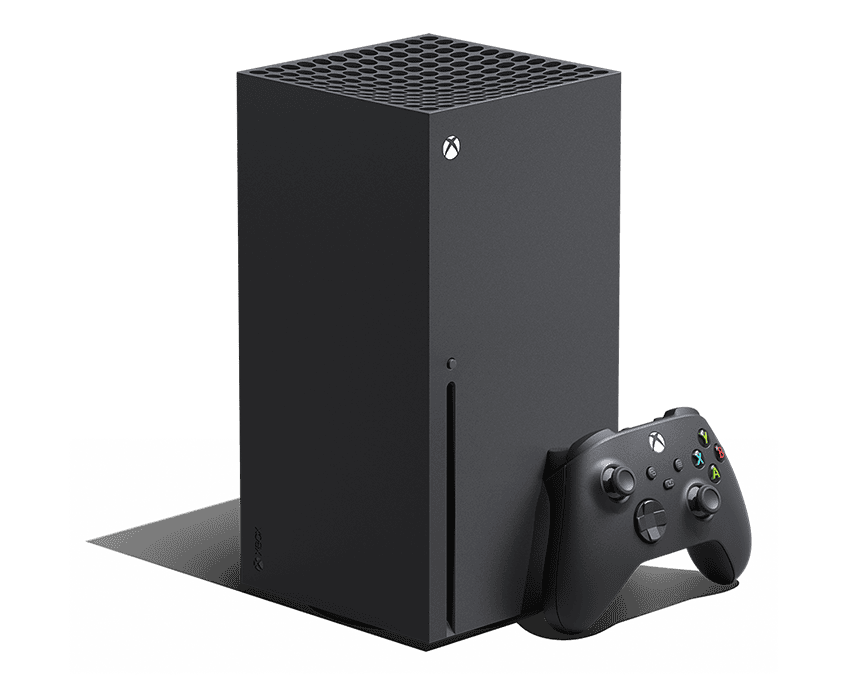
Xbox Installation Stopped is the message Xbox Series X|S and Xbox One can show when a game or app download cannot continue. It can happen at zero percent, partway through an update or near the end of an install, and the percentage alone does not identify the cause.
Treat Xbox Installation Stopped as an installation problem first. Check the queue, storage and connection before factory-resetting the console or deleting every game on the drive. Microsoft provides a dedicated installation troubleshooting flow for Xbox consoles, which is a better starting point than random cache-deletion tricks.
Xbox Installation Stopped: restart the failed install
When Xbox Installation Stopped appears once, open My games & apps and inspect the Queue. Pause the affected item, wait a few seconds and resume it. If it immediately stops again, cancel only that install and restart the console before starting the download again.
- Open My games & apps.
- Open Manage, then Queue.
- Pause the affected game or app.
- Resume it once.
- If it stops again, cancel that item.
- Restart the Xbox fully.
- Start the installation again from your library or disc.
Check free space for Xbox Installation Stopped
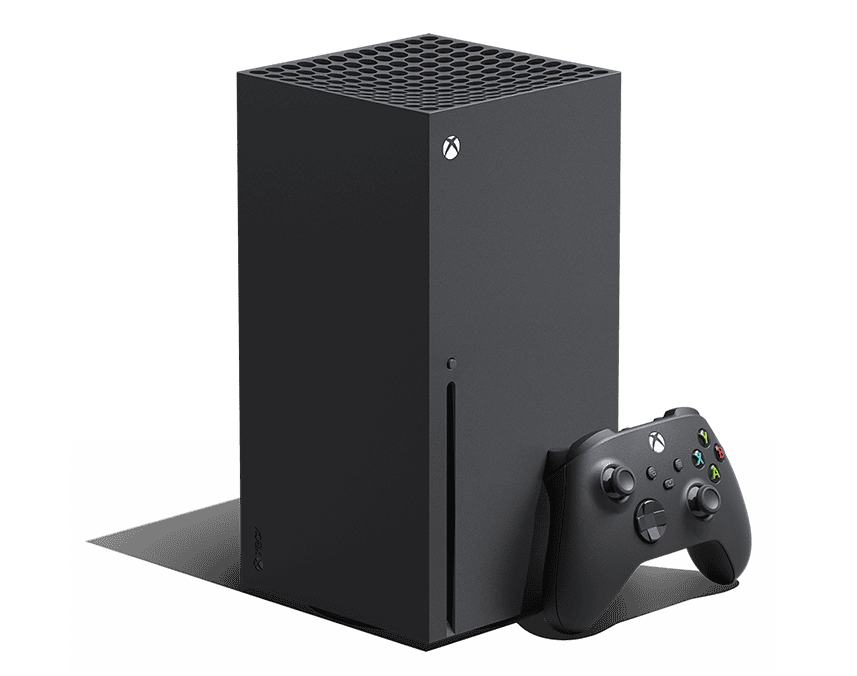
Xbox Installation Stopped can appear when the selected drive does not have enough usable space for the game plus its update and temporary installation data. Freeing exactly the advertised game size may not be enough, especially for a title that downloads an additional patch during installation.
Check Settings > System > Storage devices and make sure the destination drive has comfortable headroom. If you use an expansion card or USB drive, test the install on internal storage when possible. Moving the destination is a useful way to separate a game-download problem from a storage-device problem.
Check the network when Xbox Installation Stopped affects digital games
For a digital game, Xbox Installation Stopped may be caused by a connection interruption or an Xbox service problem. Restart the router, then test the console network connection. If several unrelated games suddenly stop installing, check Xbox status before repeatedly deleting local files.
If only Fortnite is affected by an update prompt, our Fortnite Update Available Error on Xbox guide covers that game-specific failure. A platform-wide Xbox Installation Stopped problem should affect downloads more broadly.
Disc game Xbox Installation Stopped: install offline first
When Xbox Installation Stopped happens while installing from a disc, the console may be trying to install the disc data and a network update at the same time. A useful test is to cancel the install, take the console offline, install from the disc, then reconnect and download the latest update afterward.
Inspect the disc for obvious dirt or damage first. If several discs fail at similar points, the optical drive itself becomes more relevant. If one disc alone fails while other disc games install normally, the media is the stronger suspect.
Power cycle when Xbox Installation Stopped keeps returning
A full restart can clear a temporary system state behind the installation error. Hold the Xbox button on the controller and choose Restart console, or shut down fully and power the console back on. Avoid jumping directly to Reset console unless ordinary installation troubleshooting has failed.
If you recently changed storage devices, reconnect them only after the restart and confirm Xbox recognizes them normally. A drive that repeatedly disconnects can stop installs even when the console has plenty of total free space.
the installation error: quick checklist
- Pause and resume the affected queue item once.
- Cancel only the failed install if it stops again.
- Restart the Xbox before starting over.
- Confirm enough free space on the destination drive.
- Test internal storage if an external drive is involved.
- Restart the router and check Xbox service status for digital installs.
- For disc installs, test an offline disc-first installation.
Official support for the installation error
Microsoft’s official Xbox game and app installation troubleshooting is the first-party path for the installation error. Work through queue, storage and connection checks before using a console reset as a last resort.