Xbox Controller Keeps Disconnecting is usually worth troubleshooting in a fixed order: power, firmware, pairing, wireless conditions and then hardware. A controller that drops out every few minutes is not automatically broken, and testing it with a USB-C cable can quickly show whether the problem is specifically wireless.
When Xbox Controller Keeps Disconnecting started after a console or controller update, check firmware before buying batteries or replacing hardware. Microsoft supports controller updates through the Xbox Accessories system and provides a dedicated wireless-controller troubleshooting flow.
Xbox Controller Keeps Disconnecting: check batteries and power first
If Xbox Controller Keeps Disconnecting, replace disposable batteries with a known-good pair or fully charge the battery pack. A controller can still turn on with weak batteries but lose a stable wireless connection under load.
Remove the batteries or pack for around 30 seconds, reinstall them and turn the controller back on. If you use a rechargeable pack, test ordinary AA batteries once to rule out the pack itself.
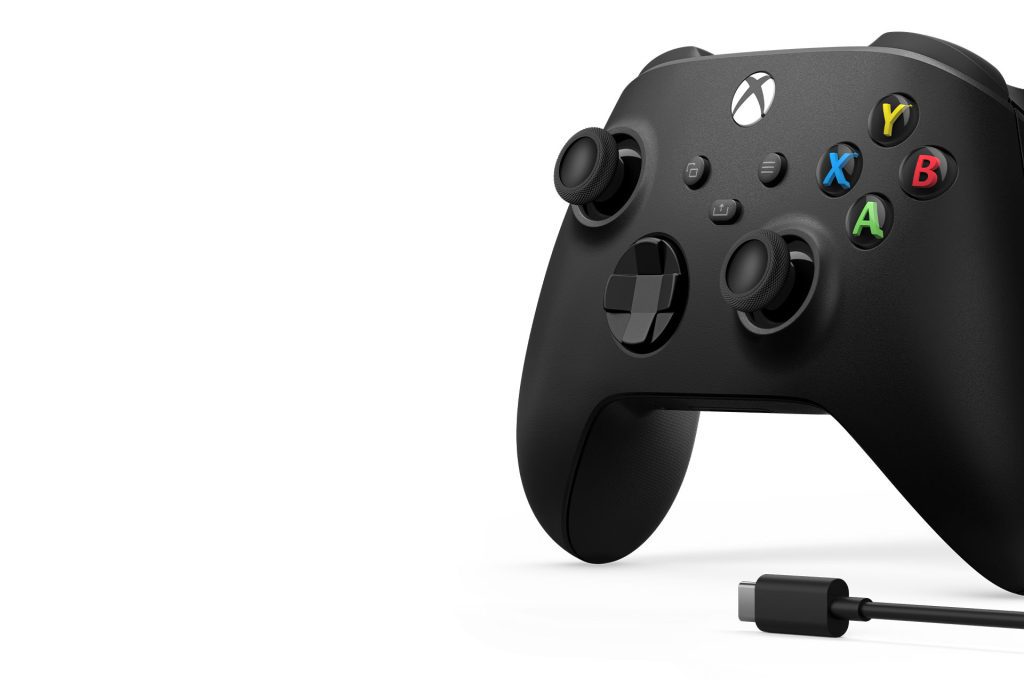
Update firmware when Xbox Controller Keeps Disconnecting
Firmware is one of the most important checks when Xbox Controller Keeps Disconnecting. Connect the controller to the Xbox with a USB cable, open the Xbox Accessories app and check for an update. Leave the cable connected until the update finishes.
Do not disconnect power while controller firmware is installing. After the update, restart the console and test wirelessly again before changing other settings.
Re-pair the controller when Xbox Controller Keeps Disconnecting
If Xbox Controller Keeps Disconnecting continues, pair it again. Press the Pair button on the Xbox, then press and hold the Pair button on the controller until the Xbox button flashes. The light should become solid when the connection is restored.
Stay close to the console during the test and temporarily remove obvious wireless obstacles. USB 3 devices, crowded wireless environments and physical obstructions can all complicate a marginal connection.
Use USB to test why Xbox Controller Keeps Disconnecting
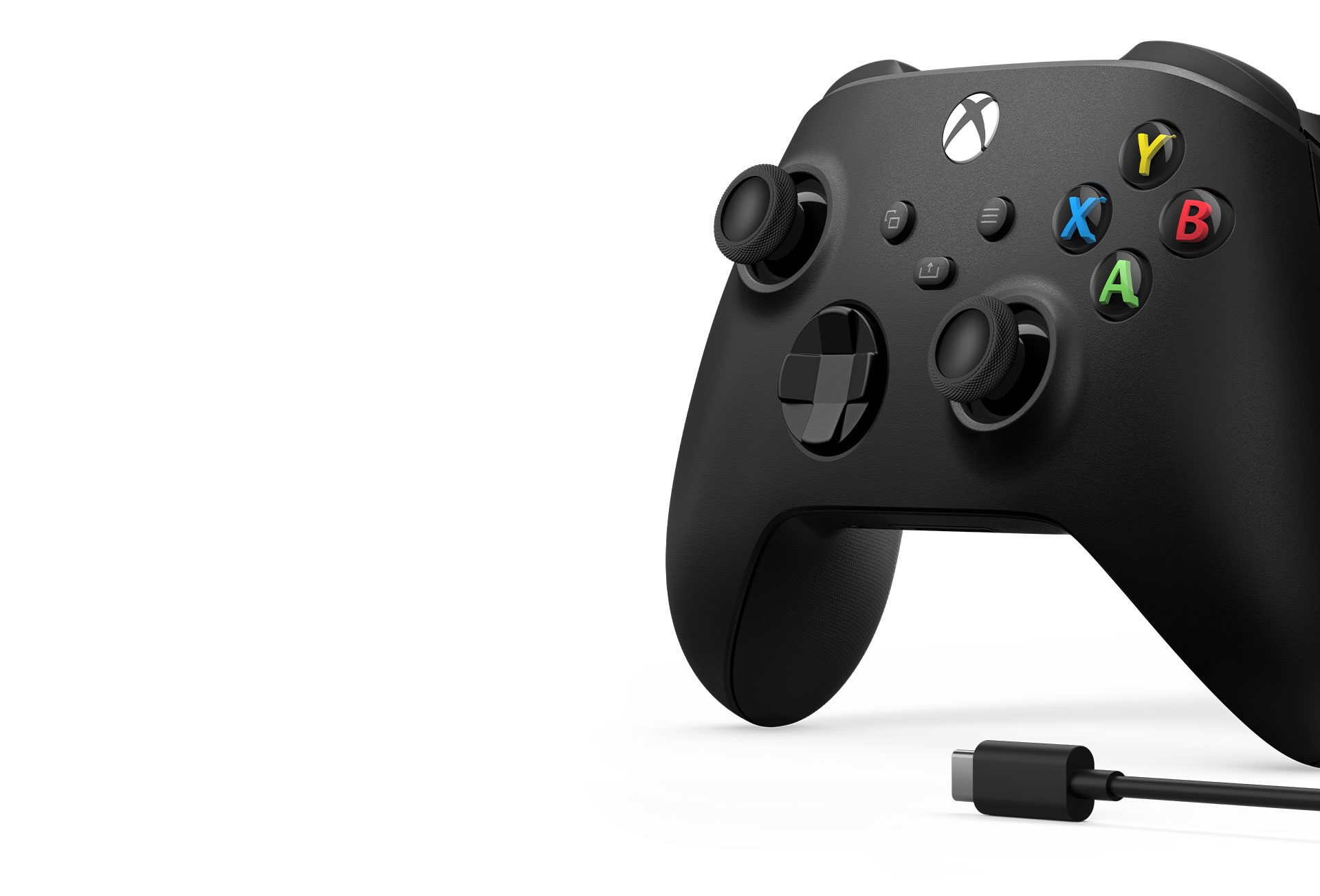
A wired test is particularly useful when Xbox Controller Keeps Disconnecting. Connect the controller directly to the console with a data-capable USB-C cable and play long enough to reproduce the usual disconnect interval.
If the controller remains stable over USB but repeatedly disconnects wirelessly, focus on pairing, interference or the controller’s wireless hardware. If it also drops over USB, test another cable and USB port before assuming the controller itself has failed.
Check whether every controller disconnects
When Xbox Controller Keeps Disconnecting only on one controller, that controller becomes the likely source. If two or three controllers all disconnect from the same console, investigate the console, wireless environment and system software instead of replacing every pad.
Restart the Xbox fully and remove unnecessary USB accessories during the test. If possible, test the suspect controller on another Xbox or Windows PC as an extra comparison.
Xbox Controller Keeps Disconnecting: when hardware service makes sense
If the controller disconnect problem after fresh batteries, current firmware, re-pairing and a different cable, the remaining possibilities increasingly point toward hardware. Check the controller’s warranty status before opening it or attempting internal repairs.
A damaged USB-C port, battery contact or wireless component can create intermittent failures that software steps cannot fix. Microsoft support is the safer next route for an in-warranty controller.
the controller disconnect problem: quick checklist
- Use fresh batteries or a fully charged pack.
- Power-cycle the controller.
- Update firmware through Xbox Accessories.
- Re-pair the controller to the console.
- Test close to the console with wireless obstacles reduced.
- Use a data-capable USB-C cable for a wired comparison.
- Test whether other controllers disconnect from the same Xbox.
Official support when the controller disconnect problem
Microsoft’s official Xbox Wireless Controller troubleshooting and controller update guidance cover connection and firmware checks. If the controller disconnect problem after those steps, warranty or repair support is the next sensible path.