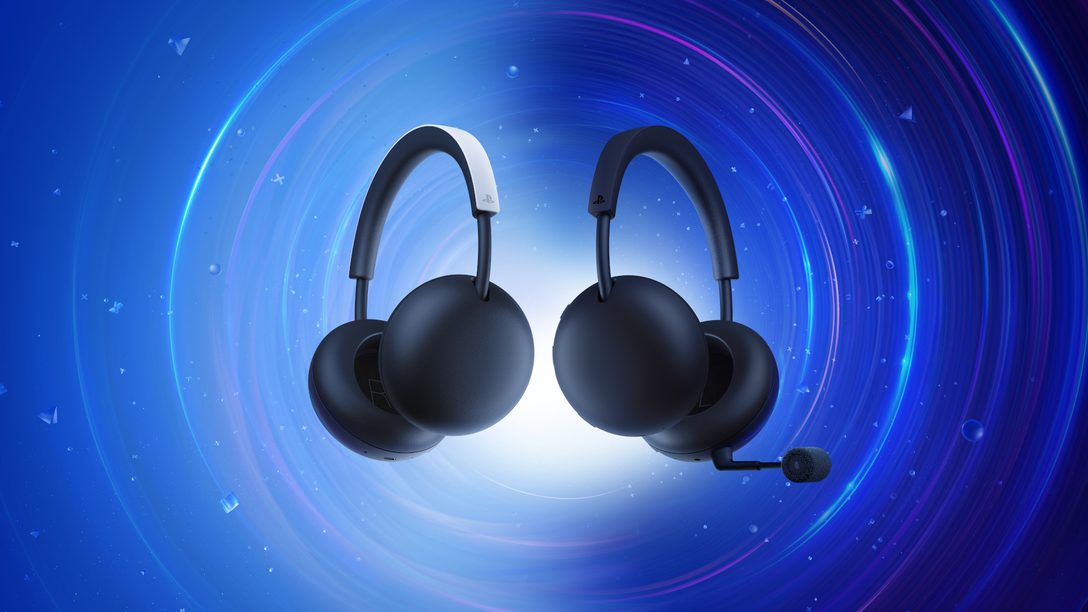
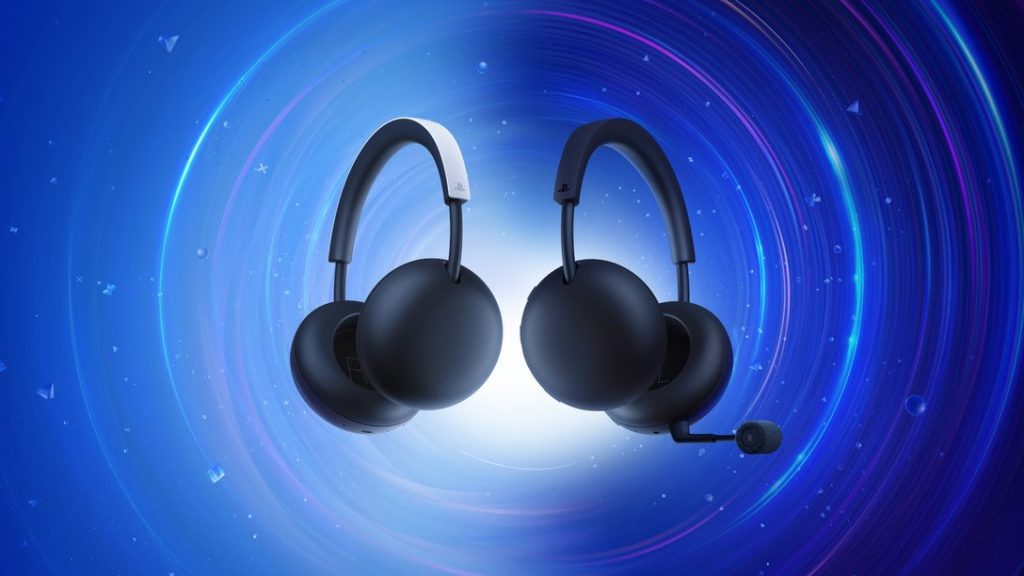
PlayStation PULSE Work on PC support is officially confirmed through PlayStation Link. Sony includes a USB-C PlayStation Link adapter with the headset, allowing the same low-latency lossless wireless connection used on PS5 to work with compatible PCs.
The headset can also maintain a supported Bluetooth connection at the same time, which is useful if you want game audio through PlayStation Link while keeping a phone connected for calls or music.
How does PlayStation PULSE Work on PC?
Connect the included PlayStation Link USB-C adapter to the PC, pair the headset and select it as the Windows audio device. PlayStation Link handles the low-latency wireless game connection rather than relying on ordinary Bluetooth for the primary gaming audio path.
Does the adapter come in the box?
Yes. Sony’s feature table lists an included USB Type-C PlayStation Link adapter for standard PULSE. That is important for desktop users because some PCs may need a USB-A adapter or suitable port arrangement depending on their case and motherboard.
Can PULSE use Bluetooth on PC?
Sony confirms Bluetooth support, but PlayStation PULSE Work on PC is primarily framed around PlayStation Link for the lossless, ultra-low-latency experience. Bluetooth is more useful as the simultaneous secondary connection than as the best choice for competitive game audio.
Can you connect a phone at the same time?
Yes. PlayStation PULSE supports simultaneous PlayStation Link and Bluetooth. That means the PC can stay connected through the Link adapter while a supported phone or tablet remains paired over Bluetooth.
Does the microphone work on PC?
The headset includes an integrated microphone with AI-enhanced noise rejection, and Sony presents PC as a supported PlayStation Link platform. PlayStation PULSE Work on PC therefore includes voice-chat use, although detailed Windows control options may depend on the PS Link driver and final firmware.
What about Mac?
Mac is also explicitly listed as a supported PlayStation Link device. The same included USB-C adapter is central to that compatibility, making the standard PULSE a multi-platform headset rather than a PS5-only accessory.
What is still unknown for PC?
Sony has not yet published the full standard PULSE support manual, so battery reporting, equalizer controls, firmware-update behaviour and any PC-specific shortcuts should wait for the final documentation. The core PlayStation PULSE Work on PC compatibility itself is confirmed.
PlayStation PULSE Work on PC for mixed-device setups
PC players who also own a PS5 or Portal can keep the same headset in the PlayStation Link ecosystem instead of maintaining separate gaming headsets for each platform. The included adapter is the key part of that flexibility.
PlayStation PULSE Work on PC support is therefore useful even for buyers who primarily purchase the headset for console use.
PlayStation Link versus ordinary Bluetooth on PC
PlayStation Link is the important connection for gaming because Sony designed it around low latency and lossless audio. Bluetooth remains useful for secondary devices, but it is not the feature Sony is using to sell competitive PC play.
That distinction makes the included adapter important. A desktop without native Bluetooth can still use the headset through PlayStation Link, while the Bluetooth connection can stay available for a phone or tablet.
PlayStation PULSE Work on PC setup tips
For a desktop PC, plug the included USB-C PlayStation Link adapter into a port with a clear wireless path rather than burying it behind a metal case if you can avoid it. PlayStation PULSE Work on PC relies on that adapter for the primary gaming connection, so simple placement can matter more than Bluetooth settings.
If Windows chooses another output device after pairing, switch the default playback and communications devices manually. PlayStation PULSE Work on PC support is confirmed, but the operating system can still keep an older headset or monitor speakers selected until you change it.
For official hardware information, visit the PlayStation website.