
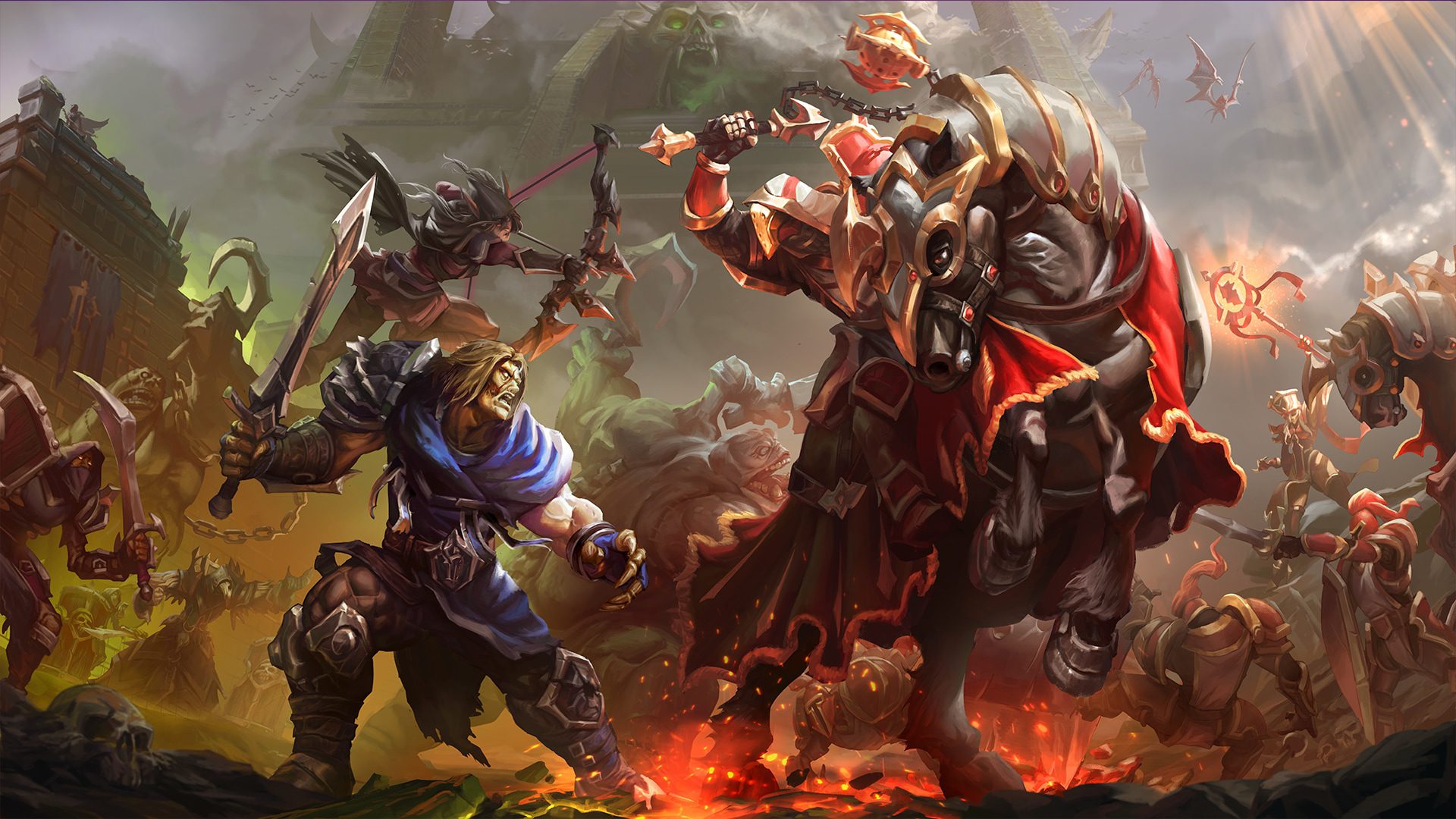
Warcraft 3 Forsaken Kingdom System Requirements do not currently have a separate Blizzard hardware table from Warcraft III: Reforged. Forsaken Kingdom runs inside the Reforged client, so the published Reforged specifications remain the baseline rather than a second set of DLC-only CPU and GPU requirements.
There is one important modern caveat: those original published specifications date from Reforged’s launch, while Patch 3.0 now includes the heavier Definitive Edition graphics mode. A PC that technically meets the old minimum can still be much happier using Classic graphics.
Warcraft 3 Forsaken Kingdom System Requirements on Windows
| Component | Published minimum | Published recommended |
|---|---|---|
| Operating system | Windows 7 / 8 / 10 64-bit | Windows 10 64-bit |
| Processor | Intel Core i3-530 or AMD Phenom II X4 910 | Intel Core i5-6400 or AMD Ryzen 7 1700X |
| Graphics | GeForce GTS 450 or Radeon HD 5750 | GeForce GTX 960 or Radeon R9 280X |
| Memory | 4 GB RAM | 8 GB RAM |
| Storage | 30 GB | 30 GB class installation |
| Internet | Broadband connection | Broadband connection |
| Input | Keyboard and mouse | Keyboard and mouse |
| Minimum resolution | 800 x 600 | Higher resolution as hardware allows |
Those are the published Reforged numbers that underpin Warcraft 3 Forsaken Kingdom System Requirements. They should be read as a compatibility baseline rather than a promise that every Patch 3.0 visual setting will be comfortable on decade-old hardware.
Mac requirements
The original Mac baseline behind Warcraft 3 Forsaken Kingdom System Requirements lists macOS 10.13, an Intel Core i5, 8 GB RAM and either a GeForce 750M or Radeon R9 M290X-class GPU. Blizzard’s recommended launch-era Mac target moved to macOS 10.15, a Core i7 and Radeon R9 M395X-class graphics.
Operating-system support changes over time, so an ancient OS appearing in the historical hardware table does not guarantee the modern Battle.net app will continue supporting it forever. Keep the launcher and operating system current before troubleshooting the campaign itself.
Warcraft 3 Forsaken Kingdom System Requirements include Reforged access
The practical part of Warcraft 3 Forsaken Kingdom System Requirements is ownership as much as hardware. The campaign is not a standalone executable. You need Warcraft III: Reforged access, the Forsaken Kingdom campaign entitlement and the current Battle.net client.
The existing Do You Need Warcraft 3 Reforged to Play Forsaken Kingdom? explains that ownership requirement in detail. If the PC can run Reforged but the campaign is missing from the menu, that is more likely an account, entitlement or update issue than a hardware problem.
Do you need an internet connection?
Yes. The current Reforged client uses Battle.net connectivity, so Warcraft 3 Forsaken Kingdom System Requirements include a broadband internet requirement even for the new single-player campaign. Patch 3.0 also removed LAN from the Reforged client, although the separate Classic client has its own legacy behaviour.
For Forsaken Kingdom itself, plan on being connected rather than treating it like an old disc-era Warcraft III install you can move onto an offline PC and forget about.
How much storage should you leave free?
The published baseline for Warcraft 3 Forsaken Kingdom System Requirements is 30 GB for Reforged, but leaving exactly the minimum free is a poor idea when Battle.net needs room to patch, unpack and replace files. Keep additional free space beyond the final installation size.
Patch 3.0 includes a large graphics overhaul with hundreds of rebuilt units and refreshed environments. Even if the final install fits, the launcher can require temporary working space while updating.
Which graphics mode should older PCs use?
If your machine is close to the minimum Warcraft 3 Forsaken Kingdom System Requirements, start with Classic graphics. Reforged and especially the new Definitive Edition presentation ask more from the GPU because they render substantially more detailed assets, lighting and effects.
You can switch visual modes without changing the campaign content. Our Definitive Edition graphics guide shows how the Patch 3.0 selection works, while the graphics explainer helps decide whether the new mode is worth the extra load on your hardware.
What to upgrade first for a struggling PC
For borderline Warcraft 3 Forsaken Kingdom System Requirements, memory and graphics are the obvious places to look. The launch-era recommended target doubles RAM from 4 GB to 8 GB and moves from entry-level older GPUs to a GTX 960/R9 280X class.
Before buying hardware, lower the graphics mode, close memory-heavy background apps and update GPU drivers. If Classic runs cleanly but Definitive struggles, you have already isolated the issue to presentation rather than the campaign logic itself.
The sensible baseline for 2026
The safest way to interpret Warcraft 3 Forsaken Kingdom System Requirements today is simple: if your PC already runs current Warcraft III: Reforged comfortably, Forsaken Kingdom uses the same client and should not suddenly demand a completely different class of machine. Definitive Edition is the setting most likely to expose older hardware.
If you still need to install the game, the existing Warcraft 3 Forsaken Kingdom: How to Play the New Campaign gets you to the campaign after Battle.net finishes. Keep some extra storage free, stay online and begin with a graphics mode your machine can handle rather than forcing the newest visuals on day one.





