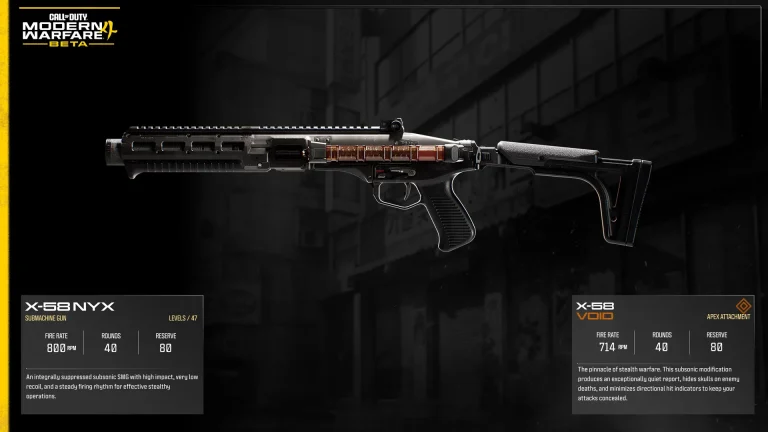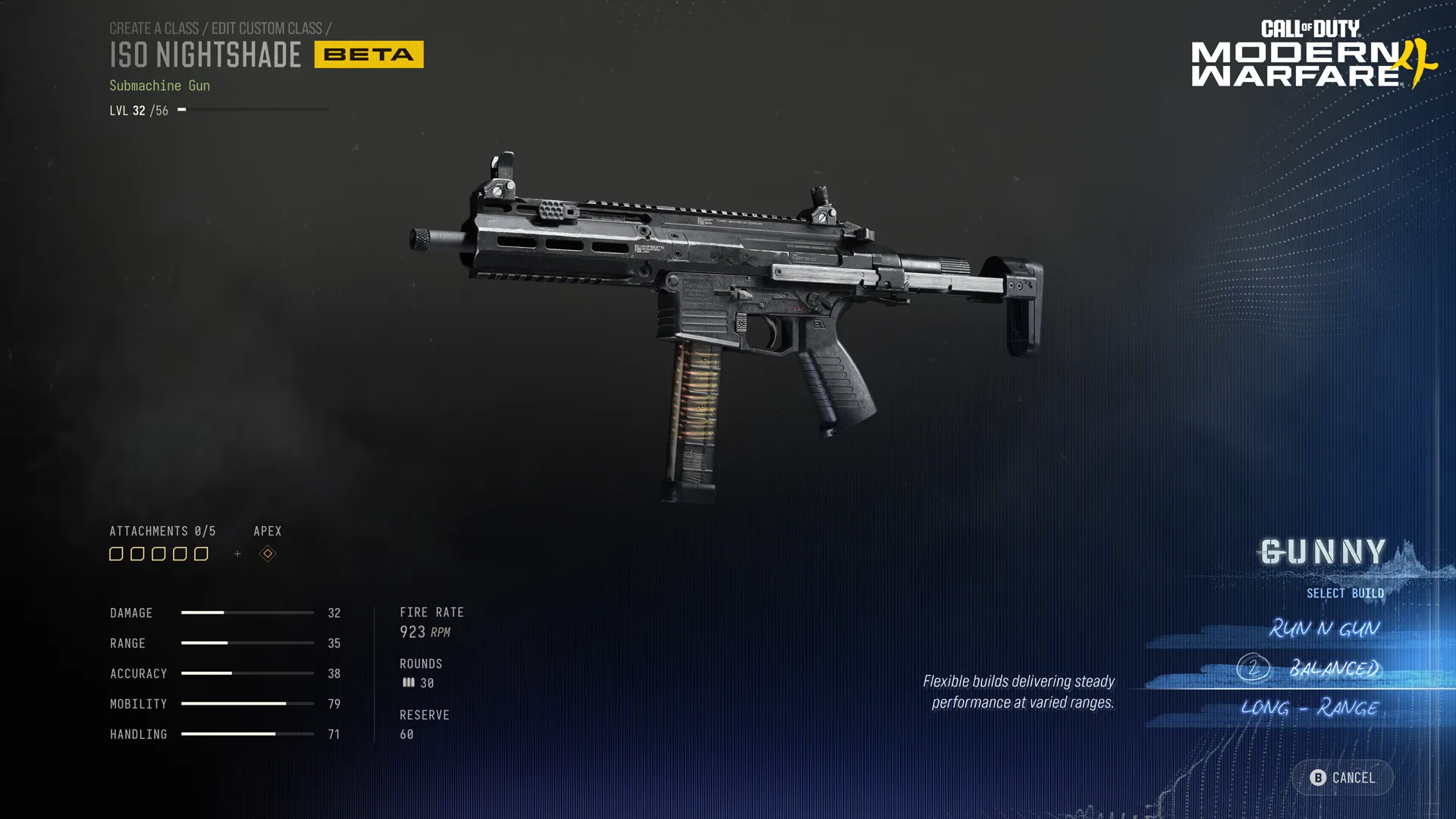
Modern Warfare 4 Gunsmith lets you equip attachments, examine Advanced Weapon Stats, adjust optic rail positions and customise sights. You get five standard attachment slots on a compatible weapon, plus a separate Apex slot once that weapon’s Apex Attachment is earned. At launch, saved Weapon Builds also behave differently from the beta: changes made outside matches must be saved manually.
You can start building weapons after unlocking Create-a-Class at Player Level 4. Most early choices are straightforward, but shared attachments, prestige resets and the new optic settings change how you should compare builds. Here’s where those options live and what actually happens when you use them.
How to open Modern Warfare 4 Gunsmith
In Multiplayer, go to Create-a-Class, choose a custom class, select its primary or secondary weapon, then enter Gunsmith. If you haven’t reached Level 4 yet, use the default classes until custom loadouts become available. The Create-a-Class guide explains the unlock.
The Modern Warfare 4 Gunsmith screen shows Damage, Range, Accuracy, Mobility and Handling. Open Details to see more granular statistics when weighing two muzzles, grips or optics. The listed numbers are more reliable than assuming a green bar alone means an attachment is always better for your playstyle.
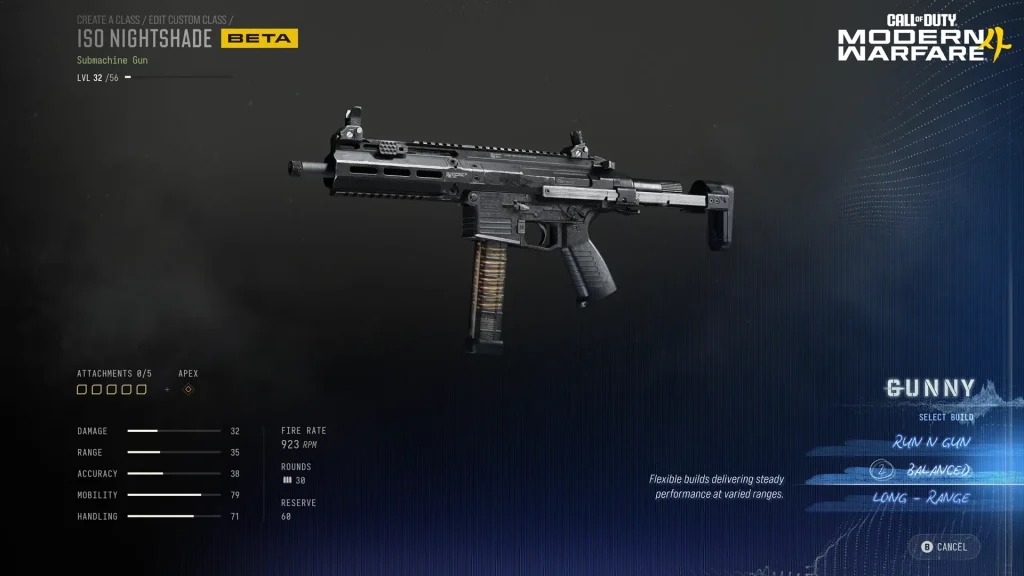
What do the attachment slots change?
Modern Warfare 4 Gunsmith gives every compatible weapon a choice of attachments, but the types available depend on the gun. A short-range SMG may benefit from a different combination than a long-range marksman rifle.
| Attachment category | Typical purpose |
|---|---|
| Optic | Aiming sight and reticle choice |
| Barrel or muzzle | Range, bullet velocity, recoil or sound suppression |
| Underbarrel or rear grip | Recoil control, aiming stability or handling |
| Stock | Mobility, steadiness and control |
| Magazine or ammunition | Capacity or ammunition characteristics |
| Laser | Hip-fire spread or other aiming assistance |
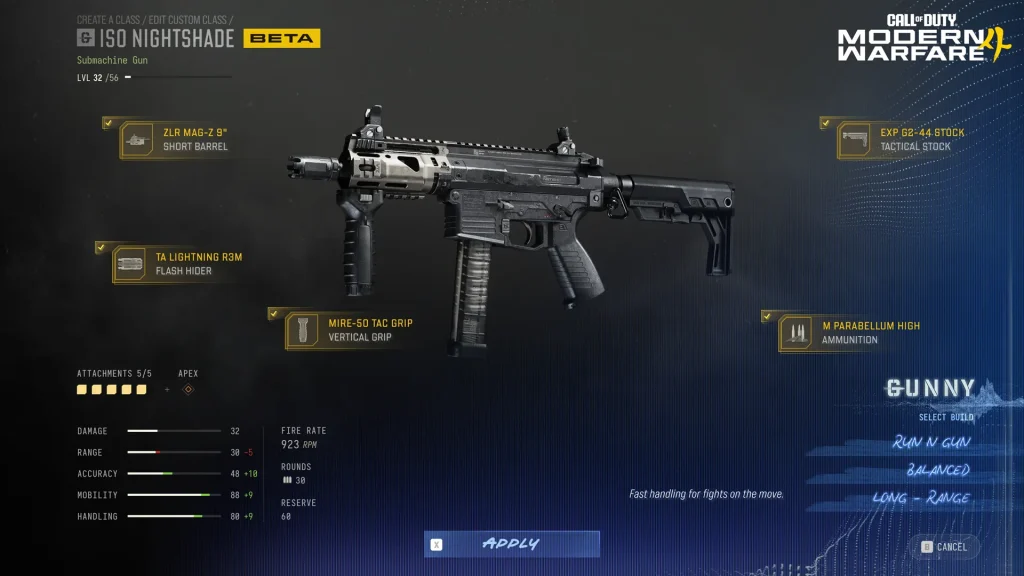
You can use five standard slots, with the earned Apex slot separate. Apex Attachments are weapon-specific, rather than generic upgrades that fit every gun. The Apex guide covers the different unlock routes and exceptions.
How to move an optic along its rail
To use Modern Warfare 4 Gunsmith Optic Rail Placement, select an equipped optic and open its attachment customisation controls. Adjust its position along the rail, then use the ADS preview to judge how it looks when aiming. The change affects the sight picture, not the weapon’s damage or recoil stats.
You can also test the position from the Firing Range. Moving the sight can make it feel more comfortable, but it doesn’t turn a close-range optic into a higher-magnification scope or change attachment bonuses.
Thermal optics, reticle colours and the Blue Dot
Modern Warfare 4 Gunsmith has a new Appearance → Reticle menu for optics that you’ve equipped. Different optics have different reticle challenges. Earn the required number of aim-down-sights eliminations to unlock new shapes and colour variants. Each unlocked design’s associated colour variants unlock together.
Thermal sights have an extra choice: changing a thermal reticle can also change its thermal visual effect. The Blue Dot is one of the available reticle unlocks, but its exact optic-specific challenge needs to be read from that optic’s menu. Reticle progress is shared across compatible weapons and across Multiplayer and DMZ, with Warzone joining in Season 1.
How shared attachments and Weapon Prestige work
Normally, the Modern Warfare 4 Gunsmith progression system unlocks a shared attachment across every compatible weapon. That means you don’t need to earn exactly the same sight or grip again for each gun. The weapon progression guide explains how that speeds up unlocks.
Weapon Prestige is optional once a weapon reaches its maximum level. If you Prestige it, the gun returns to Level 1 and its regular attachments relock, including shared ones. Apex and Weapon Blueprint Attachments are exceptions, and your earned cosmetics remain. Shared attachments on other non-prestiged weapons stay unlocked.
How to save a Weapon Build at launch
In the final Modern Warfare 4 Gunsmith menu, save a reusable build using its displayed Save Weapon Build action. Unlike the beta, backing out of Gunsmith outside a match doesn’t automatically create a new saved configuration. In-match Weapon Build changes are still saved automatically.
Once saved, select that variant when choosing the same weapon on another class. If a build seems to have disappeared, check the weapon’s Build list and whether you used the explicit save action. For a different problem, such as a suddenly locked attachment, check the gun’s Prestige state first.
How to test a build without losing your favourite setup
The most useful way to learn Modern Warfare 4 Gunsmith is to change one thing and compare its effect. Start with a weapon you know, use the Gunny optimiser if you want a suggested attachment package, and practise recoil and ADS transitions in the range before saving the final setup.
For DMZ-specific procurement and Weapon Manuals, use our DMZ Gunsmith guide; those systems aren’t identical to Multiplayer build saving. The Firing Range guide gives a more detailed test routine.
Related Guides
Official sources: Infinity Ward launch notes, Activision progression guide and official Gunsmith overview.