
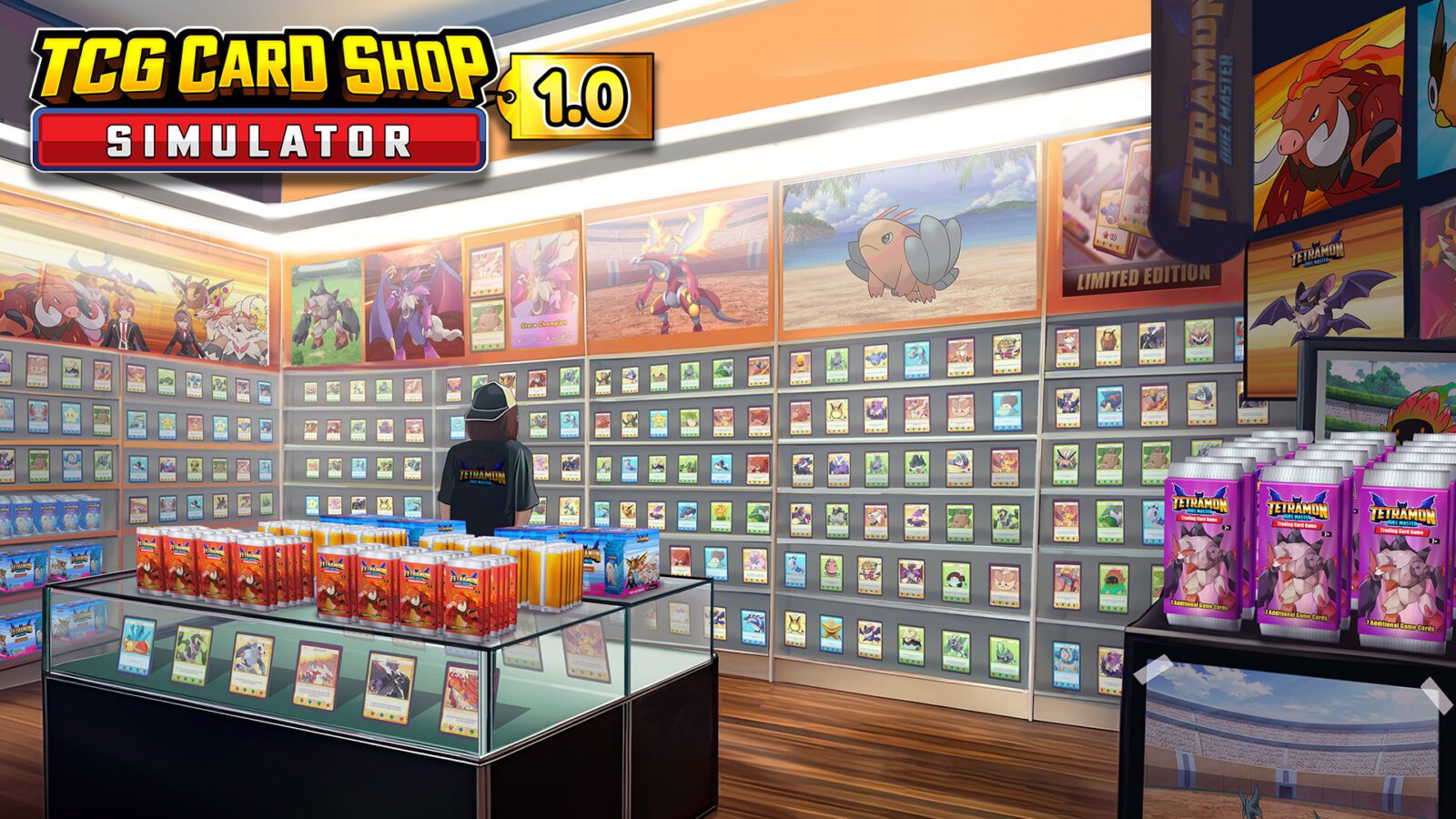
How to Host Tournaments in TCG Card Shop Simulator means turning part of your store into an organised play space rather than simply placing a table and hoping customers duel. You need room for the players, enough play tables for the participant count, a prize setup and an entry fee that customers are willing to pay. The tournament feature becomes especially relevant with 1.0 because Tetramon Duel Master is finally a fully playable card game.
How to Host Tournaments in TCG Card Shop Simulator: the basic setup
The practical setup for How to Host Tournaments in TCG Card Shop Simulator begins with dedicated card-game space. TCG Card Shop Simulator already lets shop owners host games with a chosen format and fee, while tournament play expands that into a structured event with multiple participants and prizes.
- Make sure the shop has enough usable play tables for the tournament size you want.
- Place a Prize Shelf and stock it with the slabs or products you want to offer as tournament prizes.
- Choose the participant count and configure the event.
- Review the entry fee generated from the prize value and adjust it to a level customers will actually pay.
- Number the required play tables so the tournament can assign matches cleanly.
- Allow customers to register; once the required places are filled, the tournament can proceed.
How prizes affect the tournament
Prizes are one of the biggest decisions in How to Host Tournaments in TCG Card Shop Simulator. Community testing of the tournament system shows that players can stock prize value before setup and then choose the reward structure for finishing positions.
Set an entry fee customers will actually accept
The entry fee can make or break How to Host Tournaments in TCG Card Shop Simulator. A high fee may look like easy money on paper, but customers need to see enough value in the prize pool to sign up. If registration crawls, the event takes longer to fill and the tables you reserved for it are not generating the activity you expected.
How many tables do you need?
Table space is the physical limit behind How to Host Tournaments in TCG Card Shop Simulator. Larger participant counts need more play capacity, and badly arranged tables can make the shop feel cramped even if the game technically accepts the layout.
When does the tournament start?
Registration is part of How to Host Tournaments in TCG Card Shop Simulator, so an event does not begin the second you configure it. Customers sign up for available places; once the field is full, the tournament is scheduled to start the following in-game day. Higher entry fees can make those places take longer to fill.
That means planning ahead matters. If you want a busy tournament cycle, build for a size and price your customer base can actually support instead of creating the biggest event the menu allows.
What changes with Tetramon Duel Master in 1.0?
Version 1.0 makes How to Host Tournaments in TCG Card Shop Simulator more interesting because Tetramon is no longer only a collectible theme. Players can build 50-card decks, use evolution lines and actually duel with the cards sold and opened in the shop.
Xbox’s 1.0 Game Pass announcement specifically highlights building decks and hosting tournaments as part of the full-release loop. The feature now sits much closer to the fantasy of running a real local card store: sell the product, collect the cards, build decks and then give customers somewhere to compete.
Best tournament shop layout
- Keep tournament tables in one clear zone instead of scattering them around shelves.
- Leave enough walking room around every chair and table.
- Keep checkout access separate from the event crowd.
- Use prize value and entry fee together rather than treating them as unrelated settings.
- Start with a participant count your existing play area can handle comfortably.
- Watch customer signup speed before raising future entry fees.
Is hosting tournaments worth it?
For players leaning into the community side of the shop, How to Host Tournaments in TCG Card Shop Simulator is absolutely worth learning. It gives play tables a stronger purpose and connects the Tetramon collection to the business instead of making duels feel like a separate menu.
The exact best fee and prize setup will depend on your shop progression and customer demand. Treat the first few tournaments as business tests: note how quickly they fill, how much space they consume and whether the prizes make sense compared with simply selling those products.
The official Xbox Wire 1.0 coverage confirms Tetramon Duel Master and the full-release card-game focus. Once September 15 arrives, How to Host Tournaments in TCG Card Shop Simulator becomes one of the most useful new management loops to learn rather than a side activity you can ignore.
More TCG Card Shop Simulator on The Click
TCG Card Shop Simulator 1.0: Everything New
How to Play Tetramon Duel Masters





