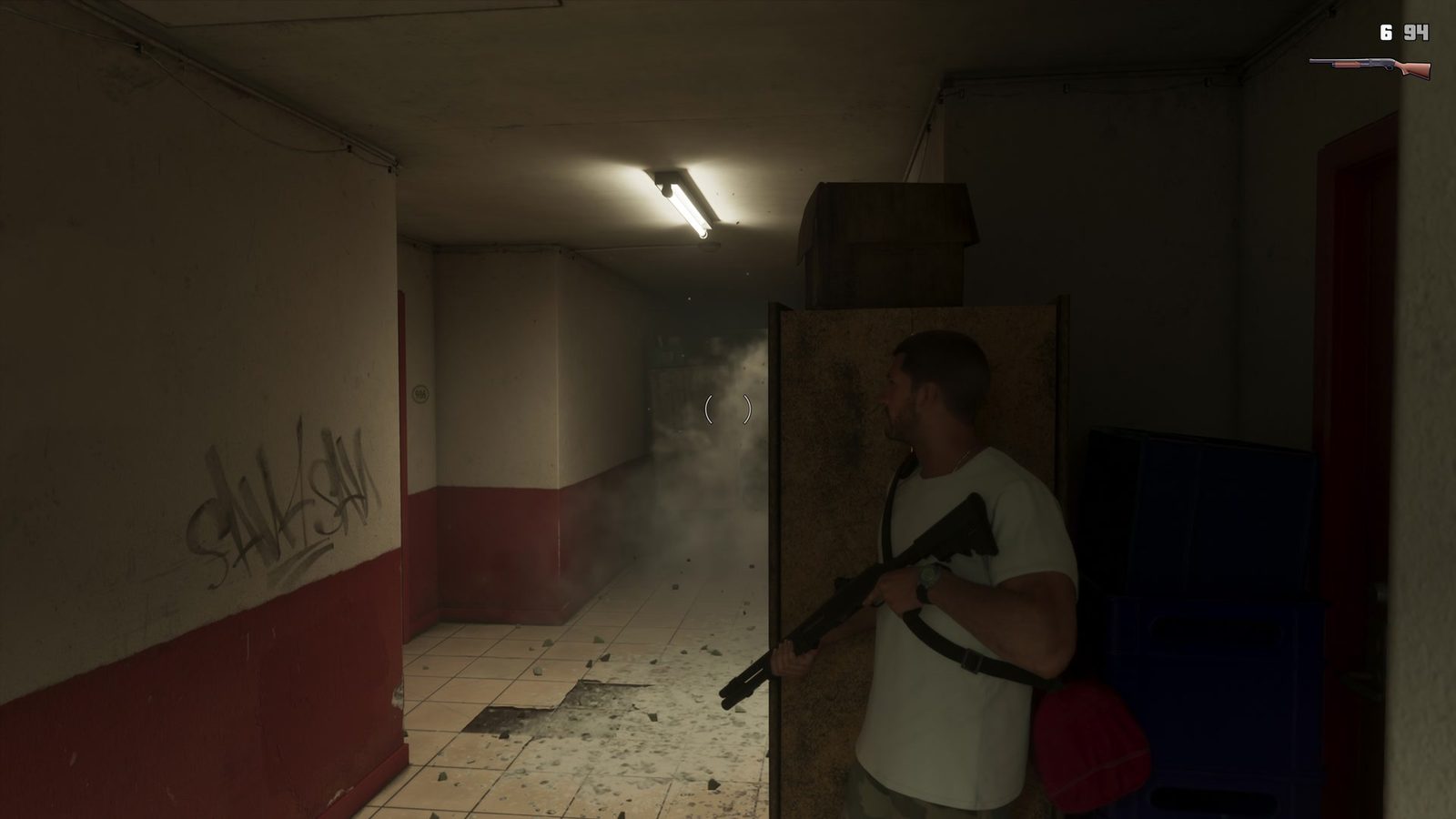
GTA 6 How to Change Crosshair is handled in Pause > Settings > UI > Reticle. The game calls it a reticle, and the menu lets you change its shape, size, visibility and hit-marker effects. You can also turn on a centre dot that stays visible when you’re not aiming.
Changing those options won’t alter your aim sensitivity or the buttons used to fire. It simply makes the aiming marker easier to read, whether you’re on PS5 or Xbox Series X|S.
GTA 6 How to Change Crosshair in the Settings menu
Pause the game with Options on PS5 or Menu on Xbox, choose Settings and switch to the UI tab. Scroll down to Reticle. Adjust Reticle Shape to pick a different design, or Reticle Size if the marker feels too big or small.
The release-version settings show four shape choices, with Complex used for the weapon-specific reticle appearance, and two size choices. Try a simpler shape before changing anything else: some players find an uncomplicated dot much less distracting in a firefight. You can test one option at a time in different lighting, which makes it much easier to find a design that stays visible without obscuring the target.
Keep a dot in the middle of the screen
Persistent Center Dot places a small marker at the screen’s centre even outside normal aiming. The game’s description notes that it may help with motion sickness. You can leave that enabled while still choosing a separate reticle appearance for an equipped weapon.
For most players who simply want to know where the centre of the screen is, the dot is the fastest improvement. It doesn’t make the weapon more accurate or turn free aim into automatic targeting.
Change visibility and hit markers
Equipped Reticle Visibility controls how strongly the marker appears with a gun drawn, and Aiming Reticle Visibility covers its visibility while aiming. Adjust them separately if your crosshair is fine in one situation but hard to see in the other.
Reticle Hit Markers can add or remove the indication that a shot connected. Reticle Messages and Projectile Arc have their own rows in the same section, so there’s no need to disable the entire HUD to get rid of one effect.
GTA 6 How to Change Crosshair colour or turn it off
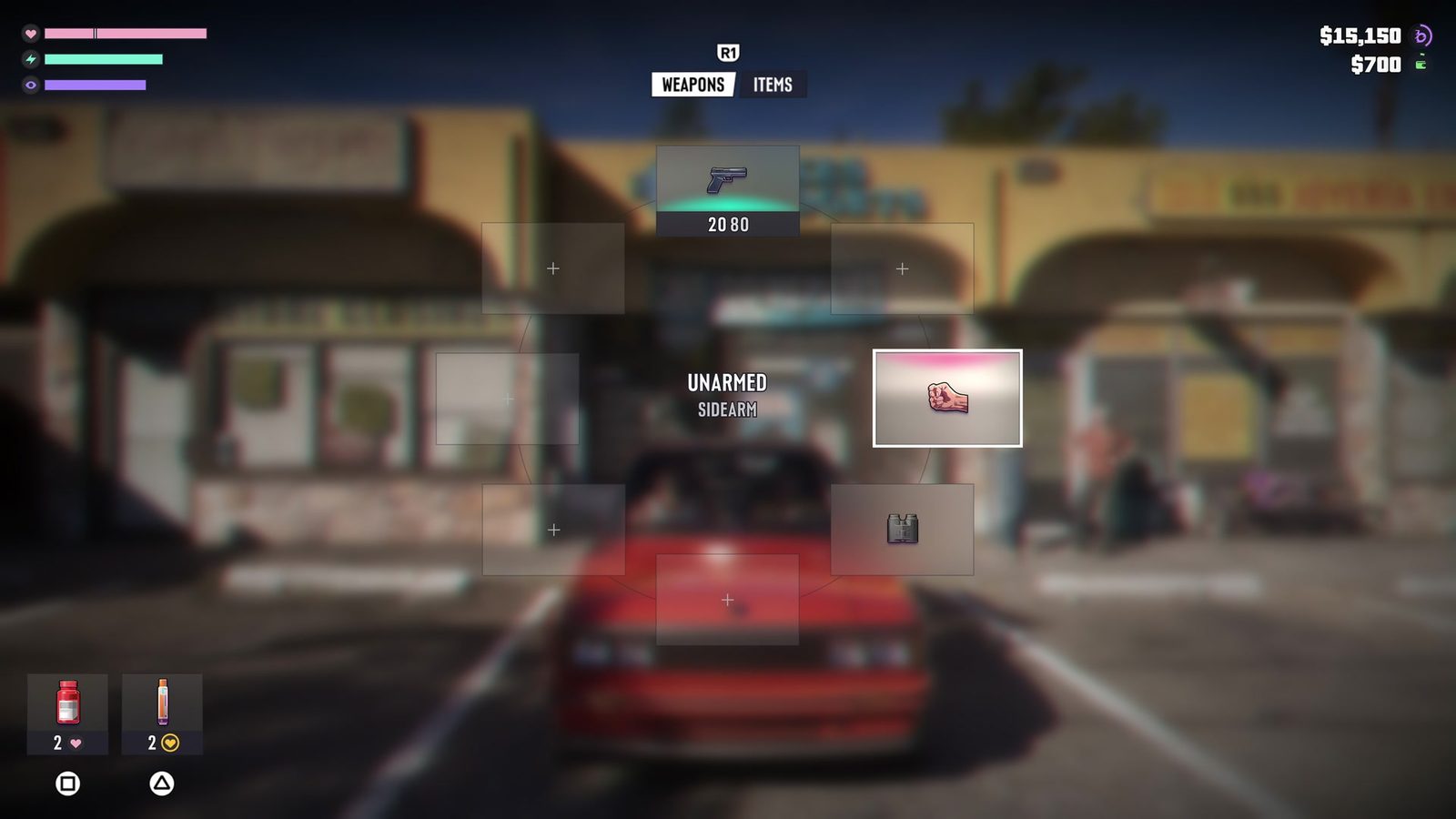
The verified Reticle menu doesn’t show a dedicated crosshair-colour slider. If you’re trying to make the sight less noticeable, lower its visibility or pick the shape you like. One shape choice may remove the normal aiming marker, depending on the selected option.
Colourblind and other accessibility adjustments live elsewhere in Settings; they are not a substitute for an undocumented colour setting inside Reticle. Don’t spend time hunting for a slider that isn’t in the listed menu.
Reticle options versus aim assist
Aim assist and targeting options are in Settings > Gameplay > Combat. They’re useful if the camera is pulling toward enemies or you prefer a manual aiming style, but they won’t change the appearance of the crosshair itself.
For GTA 6 How to Change Crosshair, the UI tab is the place to stay. Once the dot, size and visibility feel comfortable, you can return to the game without touching your controller layout.
Click Flare: GTA 6 How to Change Crosshair — Related Guides
Official source: Rockstar Games — Grand Theft Auto VI.