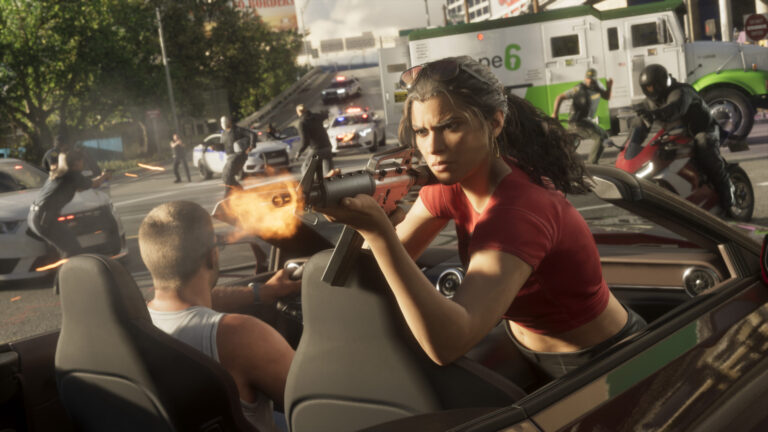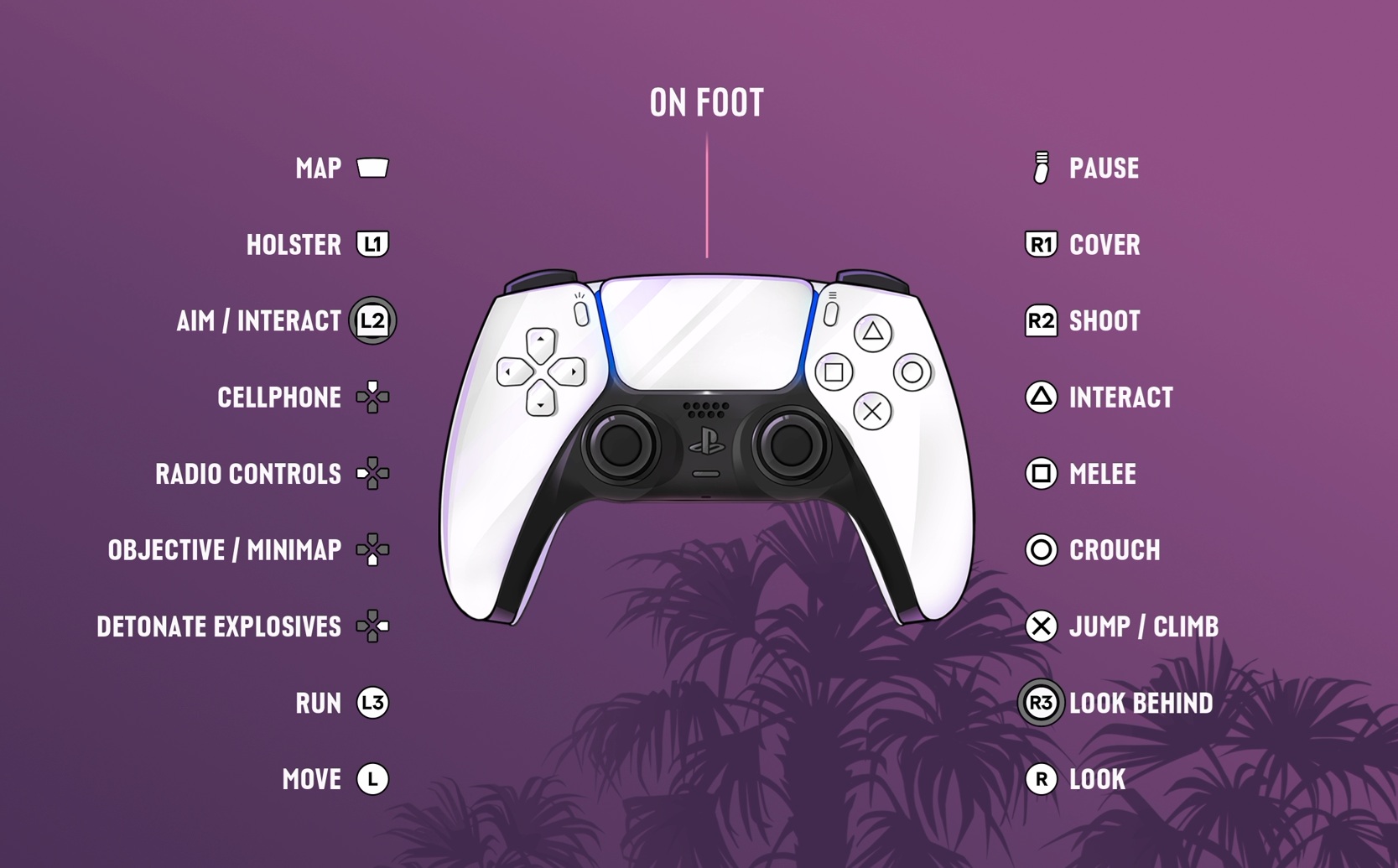
GTA 6 How to Holster Weapon is a single tap of L1 on PlayStation 5 or LB on Xbox Series X|S when you’re on foot. If you have a firearm drawn, that input holsters it without discarding the weapon or changing its ammunition.
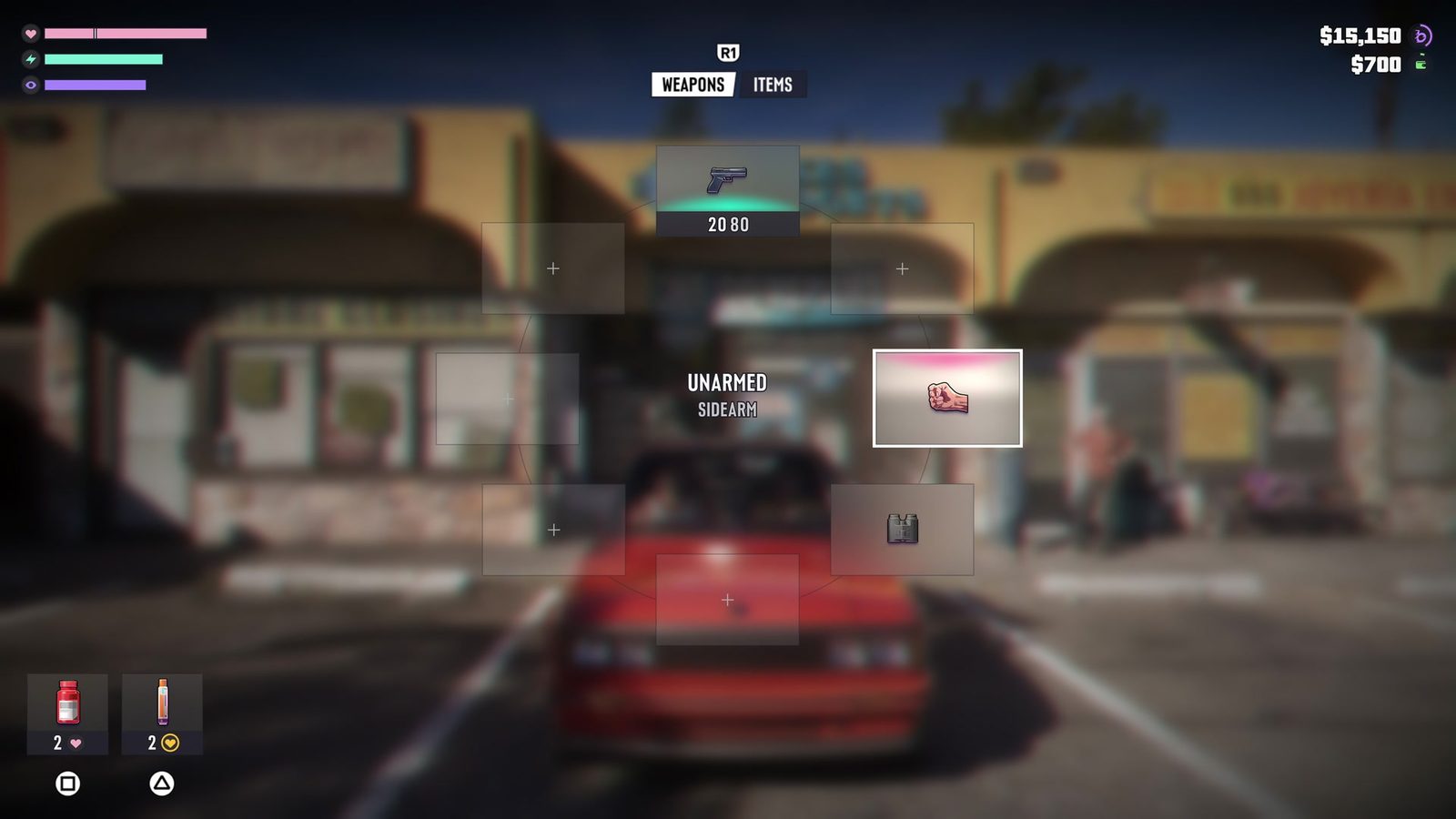
The same shoulder button does more if you hold it: that opens the loadout wheel instead. It is an easy distinction to miss when you’re trying to put your gun away quickly after a fight or while approaching an interaction.
GTA 6 How to Holster Weapon: the exact holster input
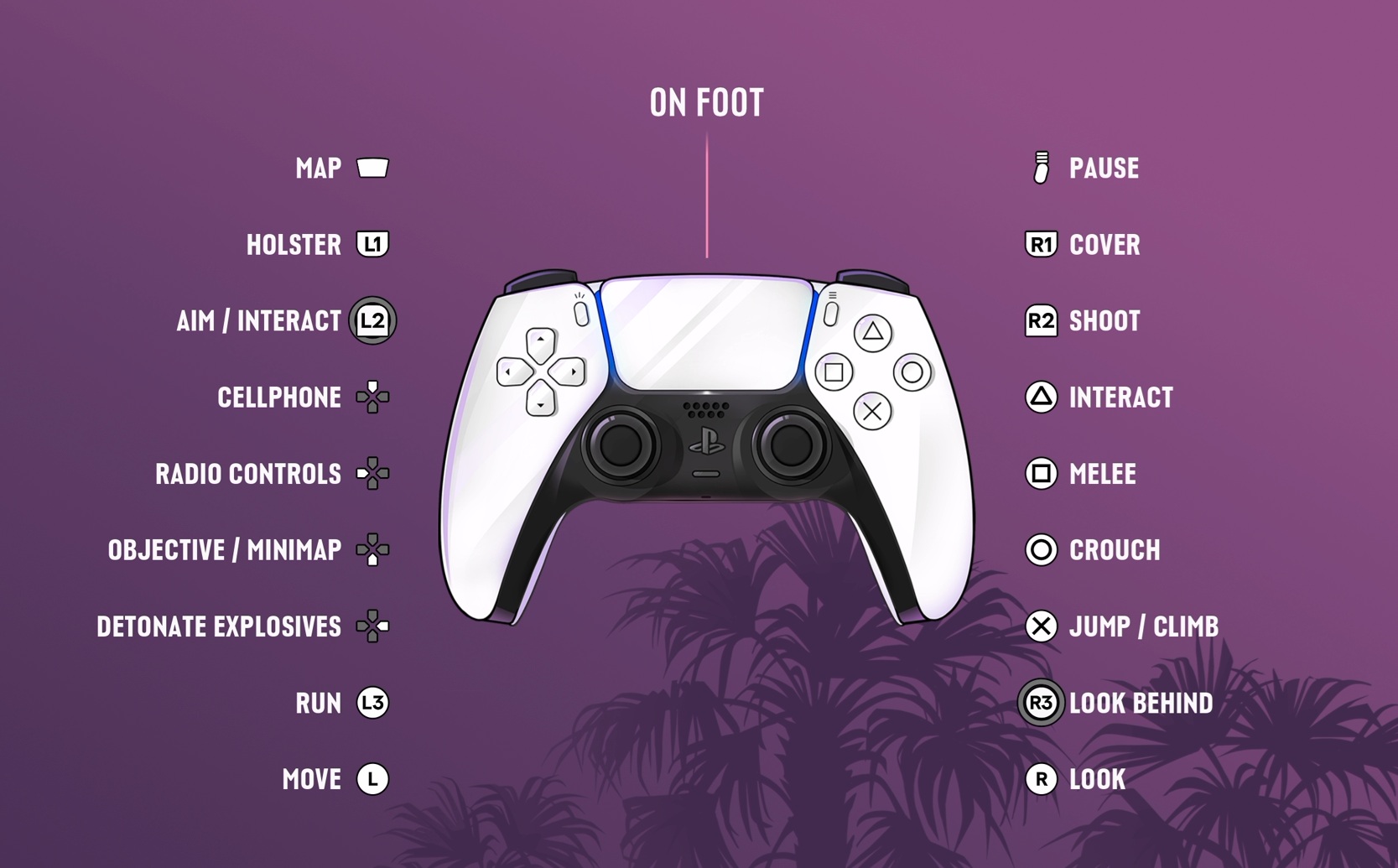
With Lucia or Jason standing on foot and a weapon visible, tap L1 / LB. Your character puts the selected weapon away. You won’t have to open the wheel and search for an Unarmed slot just to put the gun away.
If you hold L1 / LB instead of tapping, the loadout wheel appears. That’s where you choose weapons, items and accessories. Release the button after making a selection. Tapping and holding serve different purposes even though they’re mapped to the same shoulder control.
These are the game’s Default inputs. If you’ve switched schemes, compare your settings with the PS5 and Xbox Controls guide instead of relying on old GTA V muscle memory.
GTA 6 How to Holster Weapon: holster versus switching guns
Holstering puts the weapon out of your character’s hands; it doesn’t erase it from your inventory. You can draw and use your equipment again when a mission needs it. You also don’t need to buy the same gun again after putting it away.
While aiming, Triangle / Y is listed as Quick Swap Weapon. That’s a change to another firearm, not the holster command. Tapping it because you’re used to another game’s controls is a common reason the wrong gun comes out instead of your hands being empty.
You may also see a context-dependent use for L1 / LB, especially with vehicles or equipment. When driving, the layout allows that button to draw a sidearm; the on-foot holster instruction should not be assumed to work identically while seated.
The actions are easy to confuse during combat: tap L1/LB to put the gun away, hold it for your loadout, or use the separate quick-swap input to change firearms.
GTA 6 How to Holster Weapon: interactions and control problems
Putting your weapon away before speaking to somebody or entering a peaceful location keeps the action clear of combat inputs. Ordinary nearby interactions use Triangle on PS5 or Y on Xbox. When an interaction prompt appears, use its button rather than the shooting input.
If L1 / LB seems to show the equipment wheel every time, you’re likely holding it for too long. Try a shorter tap. If the on-screen instructions don’t match this button arrangement, open Settings > Control Scheme and check the selected layout.
Changing the control scheme can alter other movement or aiming inputs. Our Classic Controls guide covers that preset, while How to Take Cover covers the separate R1 / RB action used around walls.
For fighting rather than holstering, the How to Fight guide covers punches, blocks, counters and grapples.
For GTA 6 How to Holster Weapon, the button timing matters: tap L1/LB on foot to put your gun away, hold it for the loadout wheel, or press Triangle/Y while aiming to switch weapons.
Official game information and gameplay images: Rockstar Games, Grand Theft Auto VI.