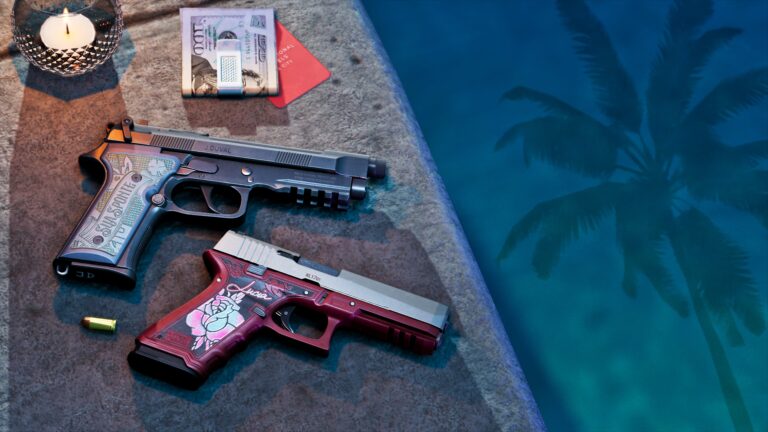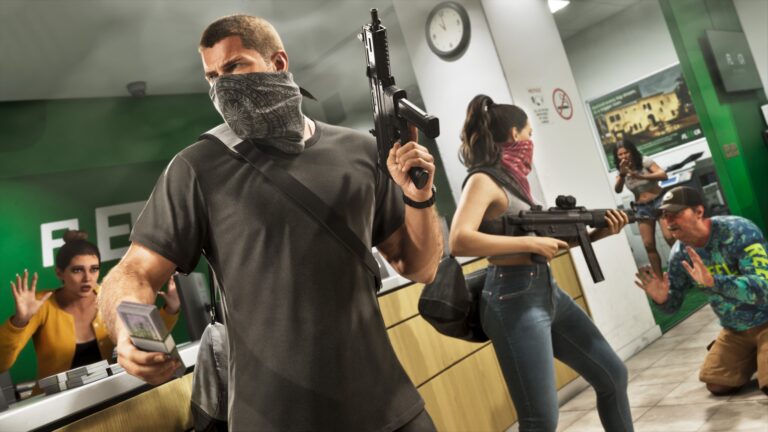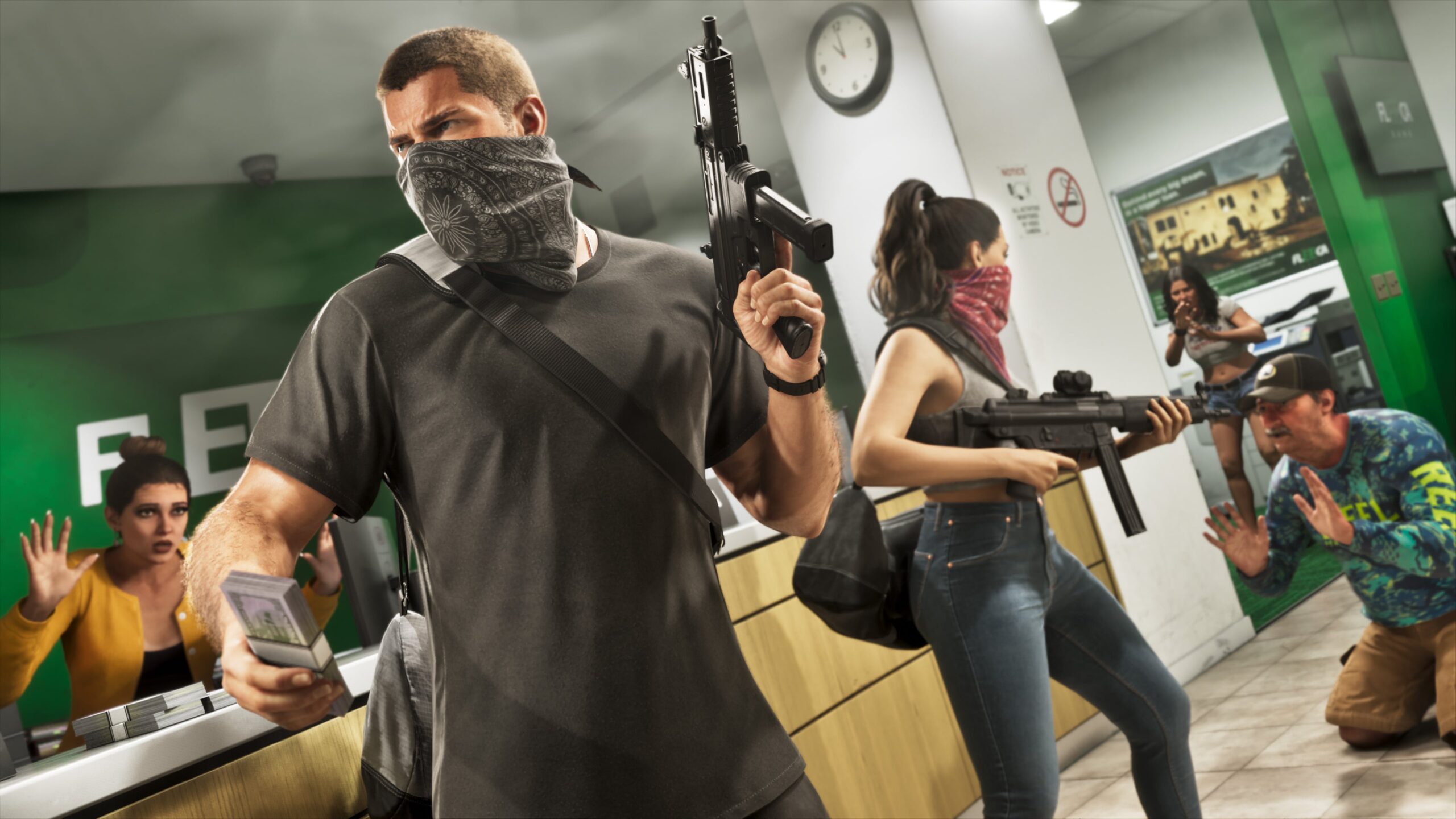
GTA 6 How to Change Weapons is familiar at first, but the weapon wheel only shows what Jason or Lucia is carrying, not every firearm you’ve bought.
You can still switch between equipped weapons during a fight, but deciding which guns are available in those slots often means visiting your car or an Ammu-Nation weapon locker.
GTA 6 How to Change Weapons on PS5 and Xbox
Hold L1 on PlayStation 5 or LB on Xbox Series X|S to open the loadout wheel. The wheel has separate Weapons and Items tabs. If you’re looking at clothing or other equipment, press R1 on PS5 or RB on Xbox to switch to Weapons.
Move the right stick to the weapon slot you want to use, then press X on PS5 or A on Xbox to equip the highlighted item. Release the wheel to return to play. This also works when you are travelling in a vehicle, although the weapons you can actually use depend on the situation.
The layout gives you places for sidearms, long guns, equipment, melee weapons and explosives. It isn’t a bottomless collection of everything you’ve bought. If a slot is empty, check whether you’ve stored the gun in your car instead.
GTA 6 How to Change Weapons: Missing Guns
Owned firearms remain in your collection even when stored. Jason and Lucia can’t carry every gun at once, particularly long guns.
You can have two long guns accessible in the loadout, plus sidearm and other weapon slots. That makes selecting the right setup before a mission important. A close-range shotgun may be the right tool for a building, while a rifle is more useful when fighting at distance.
GTA 6 How to Change Weapons: Use Your Trunk
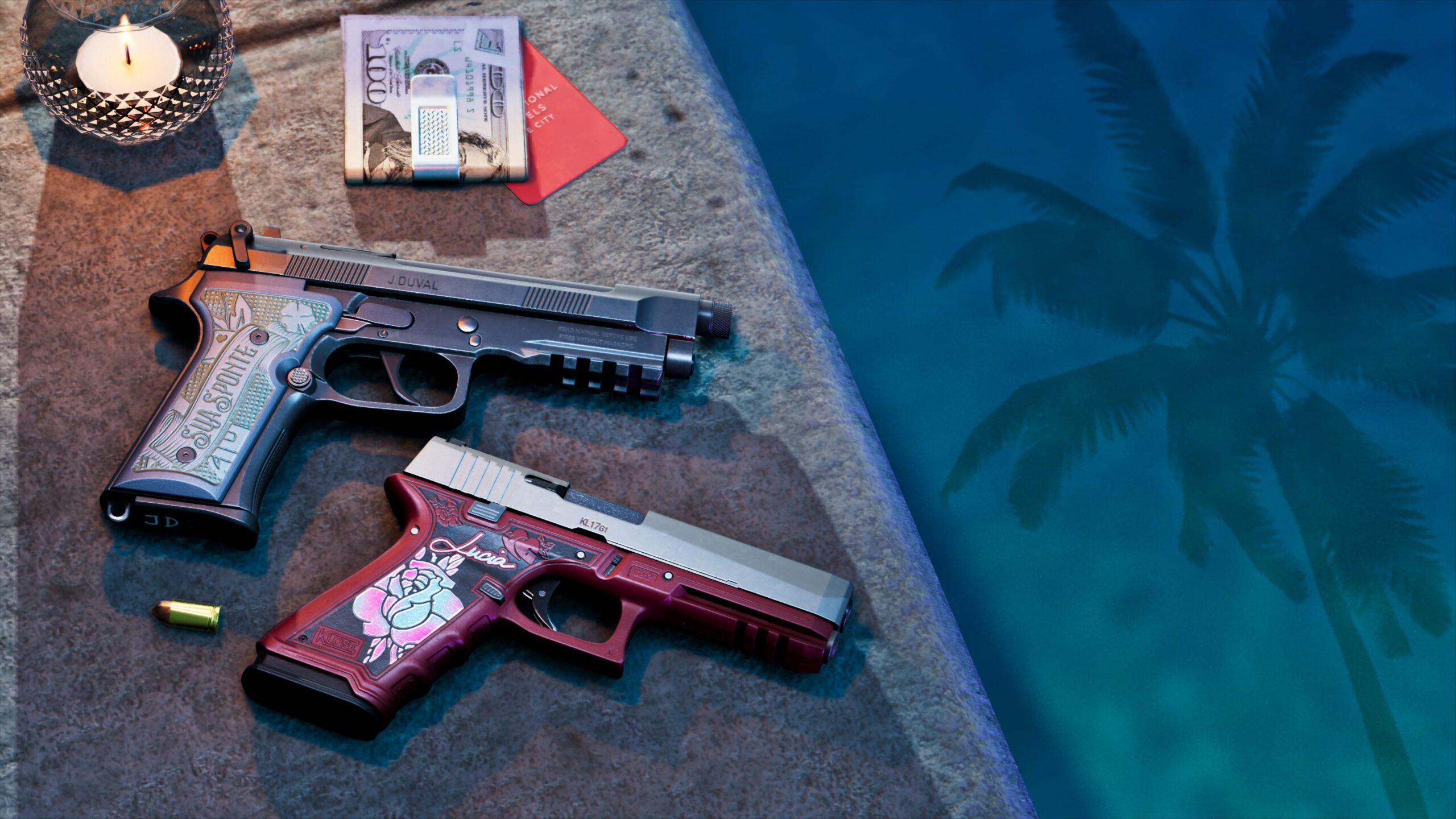
Walk to the trunk of your personal vehicle and press Triangle on PS5 or Y on Xbox when prompted to open it. Hold L1 or LB to bring up the loadout management screen. Move the stick to a weapon slot, then use left and right on the D-pad to cycle through the available weapons stored in the trunk.
You can transfer a suitable gun into the loadout slot or move a long gun back into storage. Square on PS5 or X on Xbox is used to stow long guns while managing the trunk. That is how you exchange one rifle for another rather than trying to conjure up every weapon in the middle of a fight.
GTA 6 How to Change Weapons: Use the Locker
Look for the weapons-locker feature on an Ammu-Nation’s map details; you can manage your owned collection at a store with that service. Locate a shop through the map’s Weapons or Ammu-Nations index, enter and interact with the locker. From there, manage which guns should be kept in your personal vehicle’s trunk.
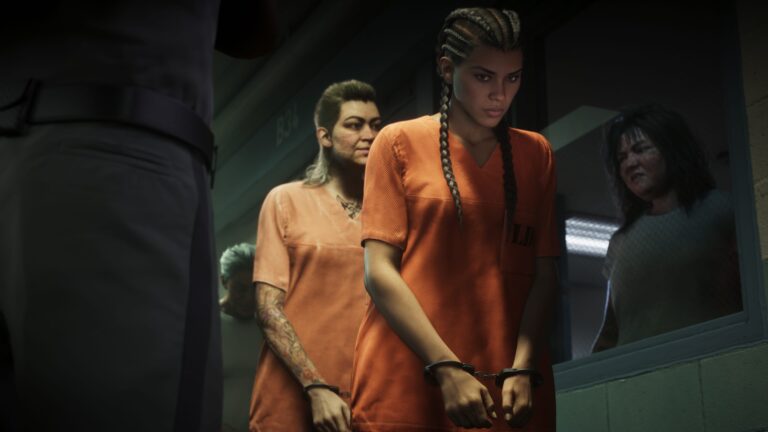
The locker also matters after you have dropped an owned gun during a police encounter. A purchased firearm can be recovered; it does not cease to be yours simply because it was no longer in Jason’s or Lucia’s hands.
A weapon picked up from the ground is different. Ordinary unowned weapons can be lost permanently after being discarded, arrested or killed. Unique variants are a separate category and are retained as ownership unlocks once discovered.
Do Jason and Lucia share a weapon loadout?
Ownership of purchased guns is shared between the two protagonists, but each equips and modifies weapons independently. A gun purchased while controlling Jason is available to Lucia too, though it won’t necessarily appear in exactly the same active slot without arranging her loadout.
What about the Items wheel?
Press R1 or RB while the wheel is open to move to Items. This is where you manage things such as body armour, clothing, masks and other equipment. The body-armour slot also shares space with the parachute, which is useful to know when preparing for a shoot-out or aerial activity.
For GTA 6 How to Change Weapons, use the wheel during a fight and the car trunk when you need a different loadout. The Ammu-Nation locker is there when you need to retrieve or organise your owned firearms.
Official source: Rockstar Games, Grand Theft Auto VI.