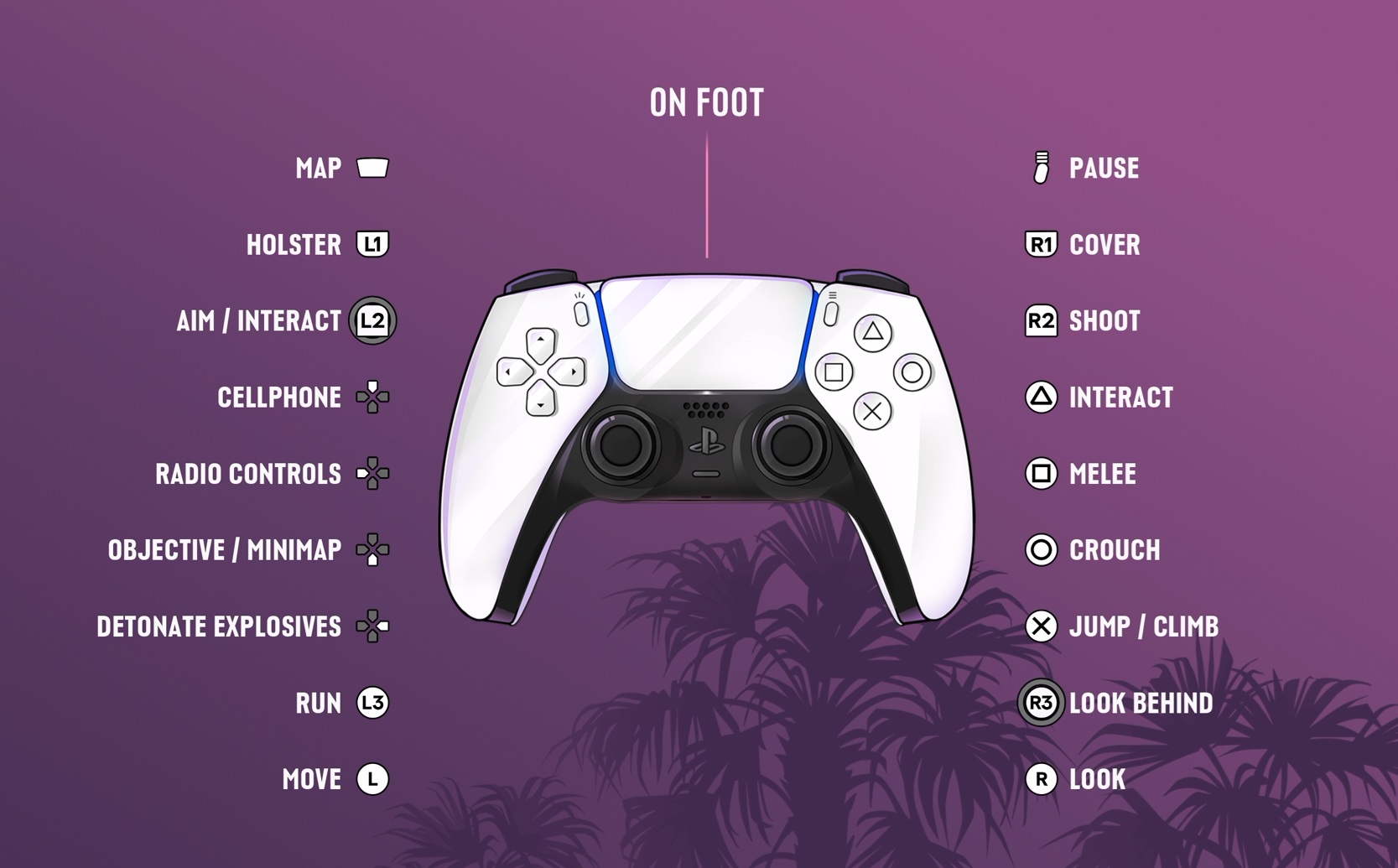
GTA 6 How to Use Weapon Scopes starts by aiming with L2 on PS5 or LT on Xbox, then pressing R3/RS to use a fitted optic. On scopes with adjustable magnification, D-pad Up zooms in and D-pad Down zooms out.
You won’t always see the same view with every gun. A rifle fitted with a scope behaves differently from a basic pistol, and R3 still has an aiming function when no optic is attached. The trick is to know whether you’re changing the view or adjusting the magnification.
GTA 6 How to Use Weapon Scopes: the button sequence
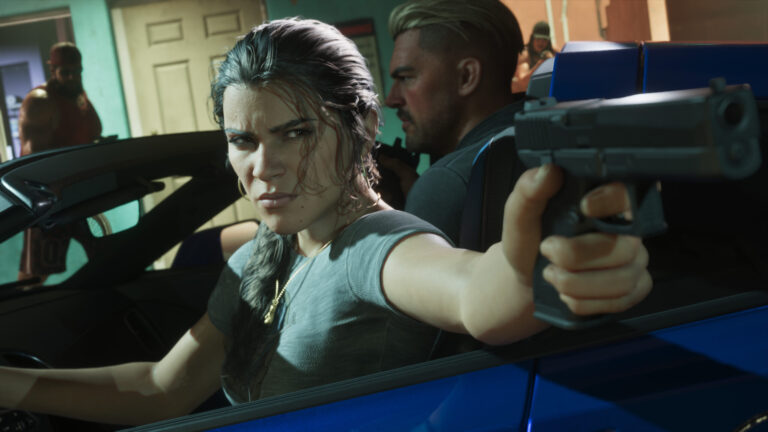
Hold L1/LB to open your loadout, select a scoped gun and release. Hold L2/LT to aim, then click the right stick to activate the sight. If the weapon supports multiple zoom levels, press D-pad Up or Down while staying in the aiming view.
The game’s Default Aiming diagram calls R3 Zoom / Throw Path, with Up and Down on the D-pad assigned to scope zoom. Those are separate actions. Pushing the right stick around just moves the camera; you need to click it to use its button action.
What if the weapon has no scope?
R3 can tighten your ordinary aiming view even without a mounted optic, but it doesn’t magically attach a sight to your weapon. PC Gamer’s hands-on testing found that clicking R3 on an unscoped gun makes the view more focused at the cost of camera speed.
For an actual scope view, check whether your weapon has an optic installed. An Ammu-Nation shop offers compatible upgrades for many owned guns, although attachments vary by model. If the shop doesn’t offer a scope for the firearm you’re holding, try a weapon designed for longer distances.
Zooming in and out without losing the target
Once you’re looking through a suitable scope, tap Up to increase zoom and Down to reduce it. Greater magnification is useful for a stationary target far away, but it can make tracking someone running across the street harder. Start wider, then zoom in once you’ve found the target.
Remember that zoom changes what you see, not the weapon’s inherent accuracy. Moving or firing while the muzzle is obstructed can still ruin the shot. Aiming carefully and choosing a clear position is more valuable than maximum magnification alone.
GTA 6 How to Use Weapon Scopes versus switching shoulder
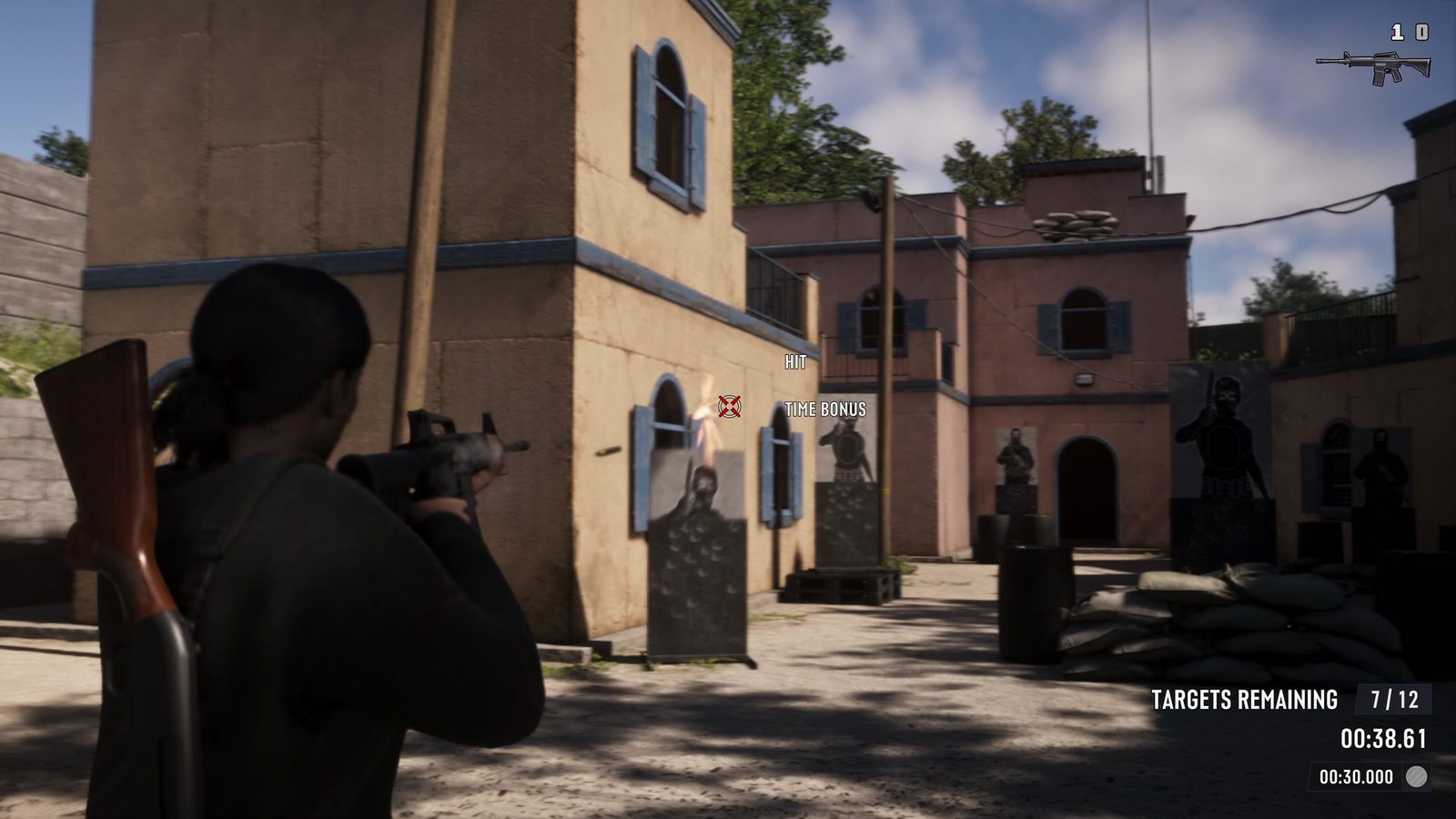
While aiming, press D-pad Left to change which shoulder the camera sits over. This is helpful for peeking around cover, but it does not zoom a scope. D-pad Right is a different action again, used for detonating explosives when you are in the aiming layout.
If you accidentally open the radio or interact with your partner, check whether L2/LT is still being held. The D-pad does several jobs depending on whether you’re aiming, driving or walking normally.
Where to check or change the controls
Pause the game, open Settings and select Control Scheme > Aiming. The diagram shows the inputs for whichever layout you have selected. Default, Classic and Left-Handed schemes are available, so use the on-screen version if you’ve changed away from the standard controls.
Once you’re comfortable with GTA 6 How to Use Weapon Scopes, the important choice is which sight suits the weapon. A scope on the wrong gun or too much zoom for a close-range fight won’t help nearly as much as finding the right position.
Click Flare: GTA 6 How to Use Weapon Scopes — Related Guides
Official source: Rockstar Games — Grand Theft Auto VI.