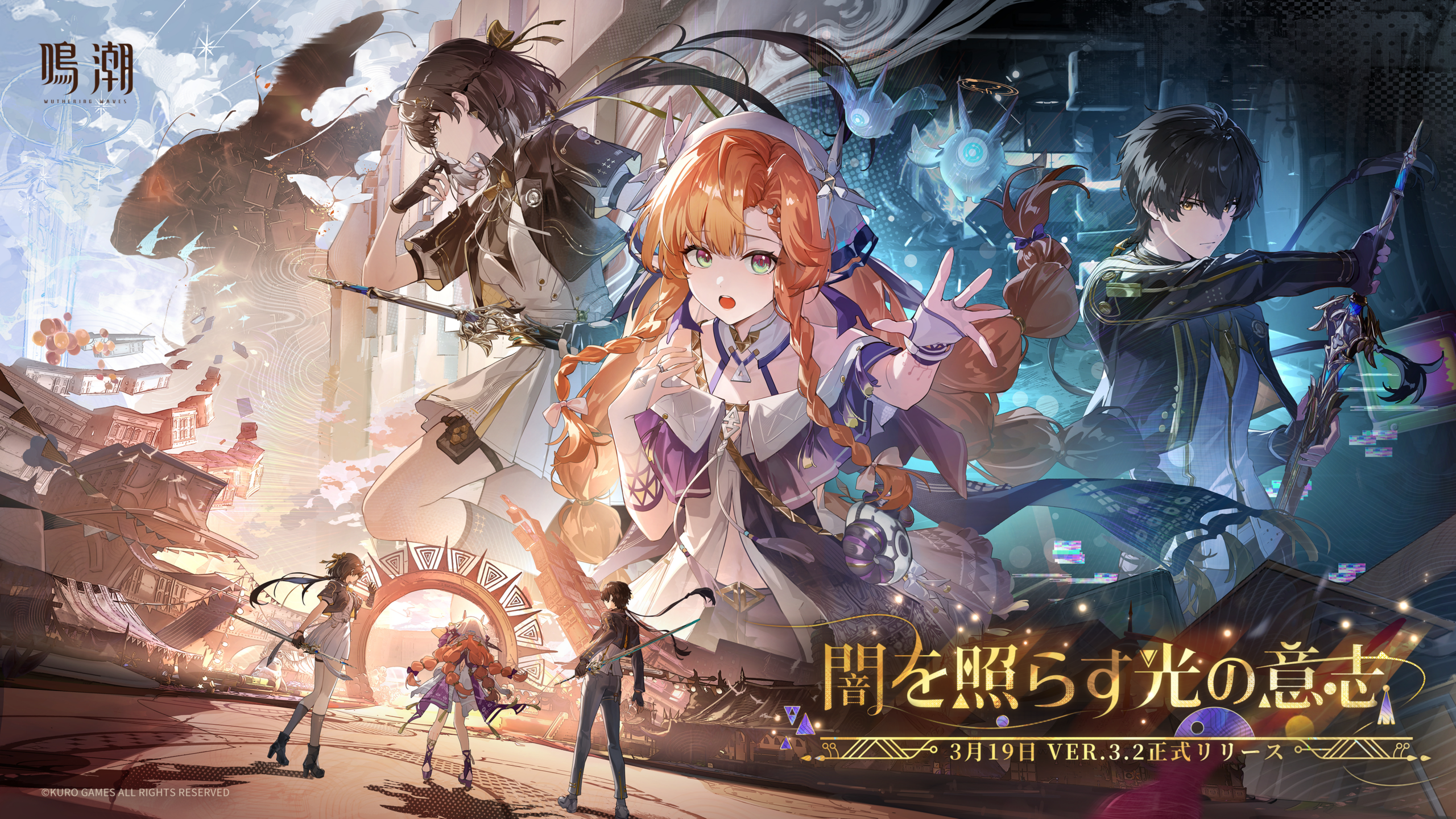
The Wuthering Waves NVIDIA Freestyle crash has a fairly specific trigger in NVIDIA’s driver notes: Freestyle game filters running alongside DLSS Frame Generation. NVIDIA recorded the issue as bug 5747079 and lists it as fixed in both Game Ready 621.01 and Studio 621.14.
That’s good news if the game closes while those two features are active. But if Wuthering Waves is crashing at launch, or you don’t use Freestyle at all, this particular fix might not be the answer. Check the settings first; there’s no need to reinstall the game just to find out.
What triggers the Wuthering Waves NVIDIA Freestyle crash?
NVIDIA says Wuthering Waves may crash during gameplay when Freestyle filters are used with DLSS Frame Generation enabled. Freestyle changes the look of the game through NVIDIA’s overlay; DLSS Frame Generation adds generated frames on supported graphics cards. The release note names the combination, not either feature on its own.
It doesn’t name a map, mission, error code or particular GPU. It also doesn’t say that ordinary DLSS Super Resolution is responsible. If you’ve seen a claim that every DLSS setting needs turning off, that’s more than NVIDIA has said about this bug.
Check your settings before changing drivers
If your Wuthering Waves NVIDIA Freestyle crash happens repeatedly, it’s worth trying two quick tests to find out whether it matches the reported problem.
- Check the version and driver branch shown in NVIDIA App. Write them down so you know what you’re testing.
- Open Wuthering Waves and look for the DLSS Frame Generation option in its graphics settings. Whether it appears depends on the supported hardware and game setup.
- Use the NVIDIA in-game overlay to check whether any Freestyle game filters are active. The overlay is normally opened with Alt+Z when enabled.
- With both features active, see whether the crash occurs again. If it does, turn off the Freestyle filters, restart the game and repeat the same activity.
- If the problem persists, test with Frame Generation disabled instead. Change one thing at a time rather than resetting all your graphics options.
Turning either feature off is a diagnostic test, not a separately published NVIDIA workaround. If the crash disappears, you’ve narrowed the problem down. If the game still closes with both off, don’t keep blaming this one driver bug without more evidence.
Which driver fixes the Wuthering Waves NVIDIA Freestyle crash?
NVIDIA’s Game Ready 621.01 release, dated 21 October 2026, already lists bug 5747079 among its fixed gaming issues. The same bug appears in the Studio 621.14 notes dated 4 November 2026.
In other words, the Wuthering Waves NVIDIA Freestyle crash isn’t a reason to assume Game Ready users must switch to Studio. Check which driver you’re running, whether your GPU is supported and whether a newer compatible release is available. The Game Ready 621.14 highlights don’t repeat bug 5747079, but their shorter list doesn’t prove the earlier fix was removed.
Use the official NVIDIA driver page linked below to check the Studio entry. If you prefer Game Ready, the separate NVIDIA Game Ready release notes are the place to compare changes. On a gaming laptop, it’s also sensible to check the laptop maker’s certified driver guidance before installing.
Once the update is installed, confirm the version in NVIDIA App and retest Wuthering Waves with the same Freestyle and Frame Generation settings that caused trouble. A successful test is more useful than guessing from a version number.
Still getting a crash?
If the Wuthering Waves NVIDIA Freestyle crash continues after you’ve checked the two settings and installed a suitable driver, make a note of exactly when it happens. Include your GPU, driver branch, Windows version, game version and whether Freestyle and Frame Generation were both enabled.
If the crash happens regardless of those options, check for a pending game update and try the launcher’s normal file-verification feature if one is available. Avoid third-party driver installers or risky registry tweaks. NVIDIA’s bug entry is narrow, and other crashes need their own diagnosis.
Common questions
Do I have to leave Frame Generation switched off?
No. Switching it off briefly can help test the trigger. The documented Wuthering Waves NVIDIA Freestyle crash fix is a driver change, not an instruction to give up Frame Generation permanently.
Is DLSS Super Resolution part of the same bug?
Not according to this release note. NVIDIA specifically names Freestyle filters used with DLSS Frame Generation, which is a different feature.
Do AMD and Intel players need the same update?
No. NVIDIA’s notes describe its own features and drivers. They don’t establish a fix for unrelated crashes on Radeon or Intel Arc systems.
- NVIDIA Studio Driver 621.14: Fixes and Game Ready Compared
- NVIDIA Driver 621.01: Game Fixes and Installation
- NVIDIA Driver 621.14: Game Ready Changes
- Star Citizen NVIDIA Vulkan Crash: Driver Fix
- NVIDIA Automatic Shader Compilation Guide
- NVIDIA App Resizable BAR per Game
- NVIDIA 621.12 Hotfix: RTX 50 Black Screen Fix
Official source: NVIDIA Studio Driver 621.14 release notes, bug 5747079.