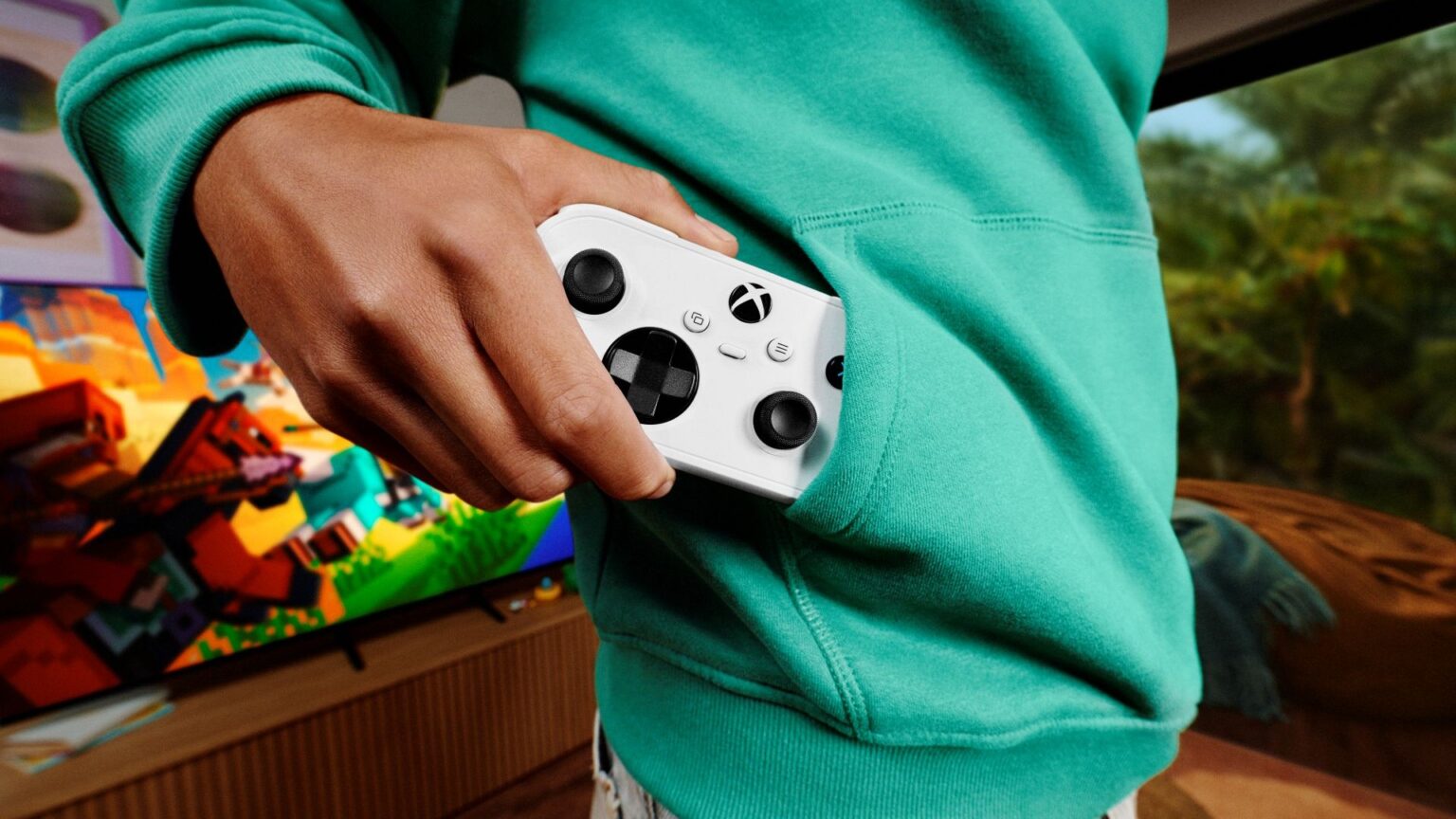
Xbox Nano Controller cloud connect Wi-Fi connects the Nano straight to the game server instead of sending button presses through your TV over Bluetooth. Microsoft started testing it on 4 November 2026. The catch for UK players is that the Wi-Fi preview is US-only.
The Nano itself is sold in Britain, but that doesn’t unlock cloud connect here. If you’re in the US, these are Microsoft’s setup instructions. If you’re in the UK, we’ll explain which connections you can use now and what this new feature actually changes.
How to set up Xbox Nano Controller cloud connect Wi-Fi
To set up Xbox Nano Controller cloud connect Wi-Fi, you need a supported cloud-gaming experience and the right Xbox app. Normal Bluetooth pairing won’t enable it. Microsoft provides two setup routes:
- In the United States, use the Xbox beta app on Android or the Xbox Accessories app on Windows PC.
- If you’re using the PC app, enrol in the Xbox Insider programme first. Microsoft requires Insider enrolment for PC setup.
- Follow the app’s cloud-connect instructions to connect the Nano controller to your Wi-Fi network.
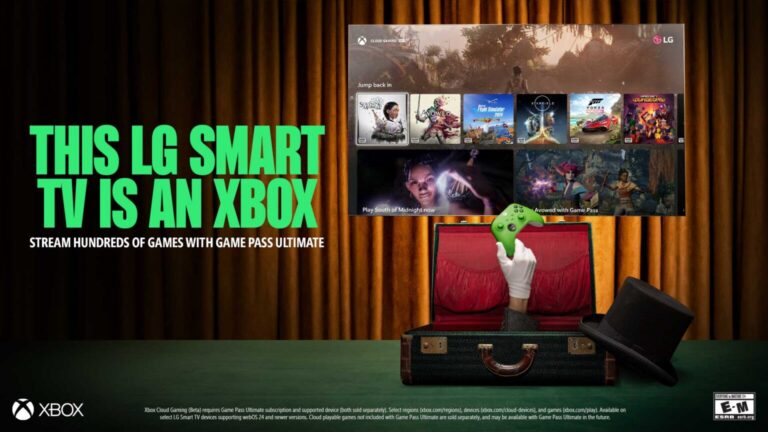
- Open a supported Xbox Cloud Gaming experience on a smart TV or in a web browser.
- Sign in with the same Xbox account you used while configuring the controller. The controller can then connect through cloud connect for that supported session.
There’s no announced iPhone setup route for the Nano’s Wi-Fi feature. The Android beta app or PC Accessories app configures the physical controller; it doesn’t run the game.
Is Xbox Nano Controller cloud connect Wi-Fi available in the UK?
No. As of 7 November 2026, Xbox Nano Controller cloud connect Wi-Fi is only available to US preview participants. Microsoft hasn’t announced a British launch date or a timetable for expanding it to other countries.
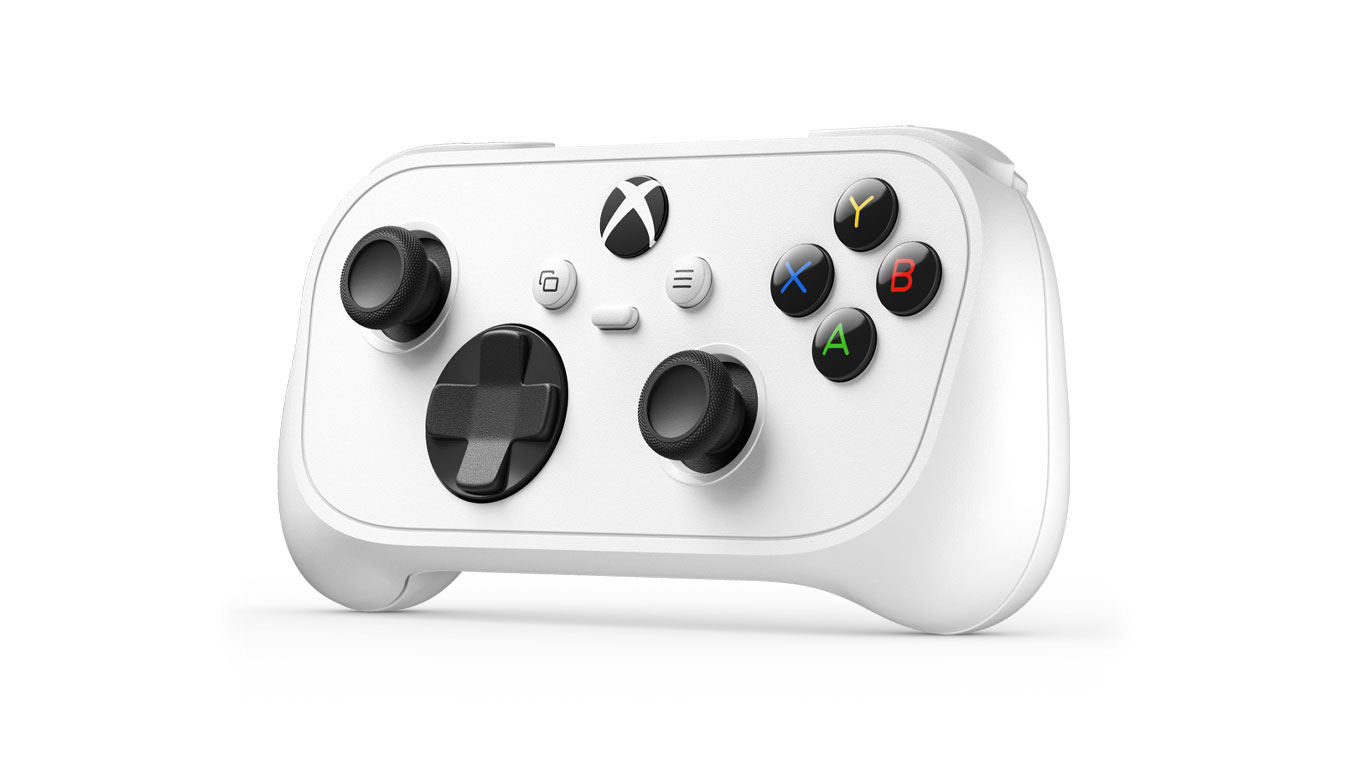
The UK Nano still works through its normal Xbox Wireless and Bluetooth connections. Our UK Nano controller guide covers the £44.99 listing and supported devices. Don’t buy it solely for direct Wi-Fi cloud play if you’re in Britain.
Which devices support Xbox Nano Controller cloud connect Wi-Fi?
The US test covers supported smart TV and web Xbox Cloud Gaming experiences. It isn’t available with every browser, TV or cloud game. It’s not a general-purpose Wi-Fi mode for every game or device.
If your usual device isn’t part of the test, use a standard compatible controller connection. Microsoft hasn’t released a complete list of supported games and TV models for cloud connect.
Does Xbox Nano Controller cloud connect Wi-Fi reduce input lag?
That’s the aim. With Bluetooth, the controller sends input to the TV, which forwards it to the game running on Microsoft’s server. Xbox Nano Controller cloud connect Wi-Fi removes that extra step by sending the input directly from the controller over Wi-Fi to the cloud session.
Microsoft hasn’t published a fixed figure for how much latency this saves. Your network and display still affect how responsive a game feels, and cloud streaming isn’t suddenly lag-free.
Can you use the Nano’s Bluetooth mode instead?
Yes. Xbox Wireless works with compatible Xbox consoles, while Bluetooth works with supported PCs, phones, tablets and smart TVs. Xbox Nano Controller cloud connect Wi-Fi adds a separate route to certain cloud sessions; it doesn’t replace those standard connections.
To play a cloud game using Bluetooth, you still need a device and title that accept that controller. Pair the controller using the device’s normal Bluetooth process, then start your eligible cloud game. Our Xbox controller connection guide covers the usual pairing problems. Those steps aren’t the same as registering the controller’s Wi-Fi mode.
Does the Xbox Nano Controller cloud connect Wi-Fi preview need Game Pass?
Yes, you still need access to the cloud game. Buying a Nano doesn’t provide games, Game Pass or extra cloud hours. Cloud connect changes the controller’s connection, not your subscription or allowance.
Our Xbox Cloud Gaming November 2026 limits explainer covers the allowances and how they differ from playing a downloaded game locally. It’s worth checking before spending money on any controller mainly for cloud gaming.
Don’t confuse it with the new phone controller preview
Microsoft announced two separate features together. The Xbox Cloud Gaming phone controller lets an Android phone or iPhone show touchscreen buttons for a game playing on a supported smart TV. That preview is being rolled out in countries where Xbox Cloud Gaming is available, including the UK.
That preview uses the physical Nano controller and is limited to US players for now. One replaces a gamepad with your phone; the other changes how a physical gamepad sends its inputs. They are not two names for the same setting.
How to report problems with cloud connect
Microsoft asks testers to use the Feedback option in the Xbox Accessories app on PC or the Xbox mobile app. If you’ve configured the controller in a supported US session and it falls back to normal input or won’t connect, report the device, setup route and cloud experience rather than assuming every game is supported.
If you’re in Britain, use Bluetooth or Xbox Wireless for now. Microsoft hasn’t announced a UK date for cloud connect, so there isn’t a verified UK setup to follow yet.
Official source: Microsoft Xbox Wire: Preview Two New Ways to Play with Xbox Cloud Gaming.