Modern Warfare 4 wrong colours on PC are a recognised NVIDIA graphics driver issue, and NVIDIA has listed a fix in its new GeForce Game Ready 621.14 WHQL release. The driver launched on 4 November 2026, with Modern Warfare 4’s incorrect visual colours recorded under bug 6972531.
If you’re seeing Modern Warfare 4 wrong colours on an NVIDIA graphics card, checking your driver version is a better starting point than changing all your monitor settings. This guide explains who the fix applies to, how to update safely and what to check if the game still looks wrong.
Modern Warfare 4 wrong colours: the official NVIDIA fix
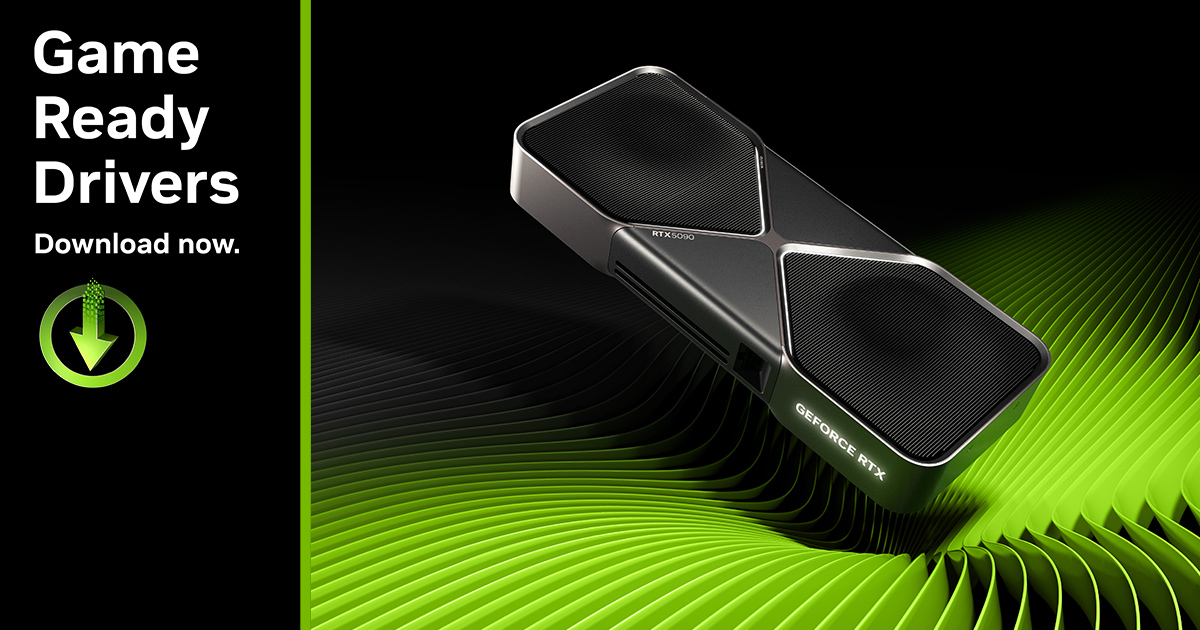
NVIDIA’s release notes name one gaming-specific issue in driver 621.14: Modern Warfare 4 may display incorrect visual colours. This is a graphics driver fix, not an Activision game patch or a change to the game’s art style.
NVIDIA has identified an incorrect-colour bug, but that doesn’t mean every washed-out scene or unusually dark monitor has the same cause. But if the problem appeared while playing Modern Warfare 4 on an NVIDIA GPU, checking whether you have version 621.14 is a sensible first step.
The new driver is WHQL-certified and officially lists Windows 10 64-bit and Windows 11. It supports multiple NVIDIA GeForce families, including selected RTX 50, 40, 30, 20 and GTX 16 models. The exact card must be listed as supported before installation.
How to fix Modern Warfare 4 wrong colours on NVIDIA
Start by opening the NVIDIA App and checking the Drivers page. If you’re running an older compatible driver, look for the GeForce Game Ready 621.14 WHQL release. If you prefer a standalone installer, use NVIDIA’s official download page and choose the driver appropriate for your GPU and Windows version.
Before trying the Modern Warfare 4 wrong colours fix, save your work and close the game. Run the NVIDIA installer, follow its prompts and restart the PC if required. A brief screen flicker or loss of picture during driver installation can be normal while the display driver is replaced.
To confirm the Modern Warfare 4 wrong colours update installed, check the NVIDIA App or the driver information in NVIDIA Control Panel after restarting Windows. Launch Modern Warfare 4 and look at the same part of the game where the unusual colours were noticeable. Comparing the same scene helps you judge whether that particular symptom has improved.
You do not need to delete Windows colour profiles, edit the registry or use third-party driver removal utilities as part of NVIDIA’s published 621.14 fix. Keep the first attempt straightforward: install the official compatible driver, restart and retest.
How to check the driver for Modern Warfare 4 wrong colours
Check NVIDIA App’s Drivers tab or NVIDIA Control Panel’s Help → System Information. You can also open Windows Device Manager, expand Display adapters, select your NVIDIA GPU and open Properties → Driver. Windows may show 32.0.16.2114 rather than 621.14; the final five digits identify the NVIDIA version.
If you use a laptop, make sure you are checking the GeForce GPU and not only an integrated Intel or AMD graphics adapter. NVIDIA notes that laptop manufacturers can provide certified graphics drivers for particular models, so it is worth checking the device maker’s support guidance if the generic package is rejected.
If Modern Warfare 4 wrong colours persist, note the exact driver version, GPU model, game version and when the problem started. Those details are far more useful in a support report than simply writing that the screen looks odd.
Modern Warfare 4 wrong colours after updating: what next?
First check that the installation completed and the version really changed. Restart if you have not already done so, then test a different scene in Modern Warfare 4. This confirms whether you are still seeing the same issue or something else with a similar appearance.
Check whether the problem also shows up on the Windows desktop, in videos or in other games. If it does, you may be dealing with a wider display problem rather than the game-specific NVIDIA bug. If it affects everything, a monitor, HDR or display configuration issue needs to be considered separately. NVIDIA’s 6972531 entry is not a general monitor-calibration fix.
If the problem began with a game settings change, you can compare your existing HDR setting and display configuration without deleting anything. Do not randomly reset a working display profile or erase shader directories simply because another user’s symptoms sound similar.
For a problem that survives the update, report the details through NVIDIA’s driver feedback channels. Include the GPU, Windows version, exact driver, game build and a description of where the colours look wrong. Only a confirmed match to the listed bug can justify describing it as the same fixed issue.
Can DLSS cause Modern Warfare 4 wrong colours?
DLSS and Frame Generation affect how the game renders images and frames, but NVIDIA has not identified them as the cause of its reported colour bug. Updating the driver is the documented fix. Changing upscaling quality or frame generation settings may affect image sharpness and performance; it is not the official remedy NVIDIA documented for bug 6972531.
If you’re seeing the colour problem on a supported NVIDIA PC, start with driver 621.14 before making sweeping changes to the game or your monitor. If your complaint is actually soft textures, low frame rate, stutter or poor image clarity rather than incorrect colours, there are separate settings and troubleshooting steps for those symptoms.
The game also supports AMD and Intel graphics options, but NVIDIA driver 621.14 cannot be installed as a fix for a Radeon or Arc card. Similar symptoms on other GPU brands require vendor-specific guidance.
Modern Warfare 4 wrong colours: 621.14 versus older drivers
If the colours changed after a driver update, check which release you installed. GeForce 621.01 was the October Game Ready release for Modern Warfare 4 and other launches. The separate 621.12 hotfix addressed a specific video playback freezing or black-screen problem on some RTX 50 and RTX Spark systems after 621.01.
The 4 November 621.14 release is a new standard WHQL driver and names both the Modern Warfare 4 incorrect-colour fix and the video playback fix. That does not mean the older 621.12 version was the same release or that every black-screen symptom was caused by 621.01.
If you searched for Modern Warfare 4 wrong colours because the game suddenly looks unnatural, the bottom line is to install the supported official 621.14 driver and check the result. If the symptom remains, record the setup and investigate it as a separate issue rather than assuming every display fault has one cause.
Official source: NVIDIA driver 621.14 release notes.