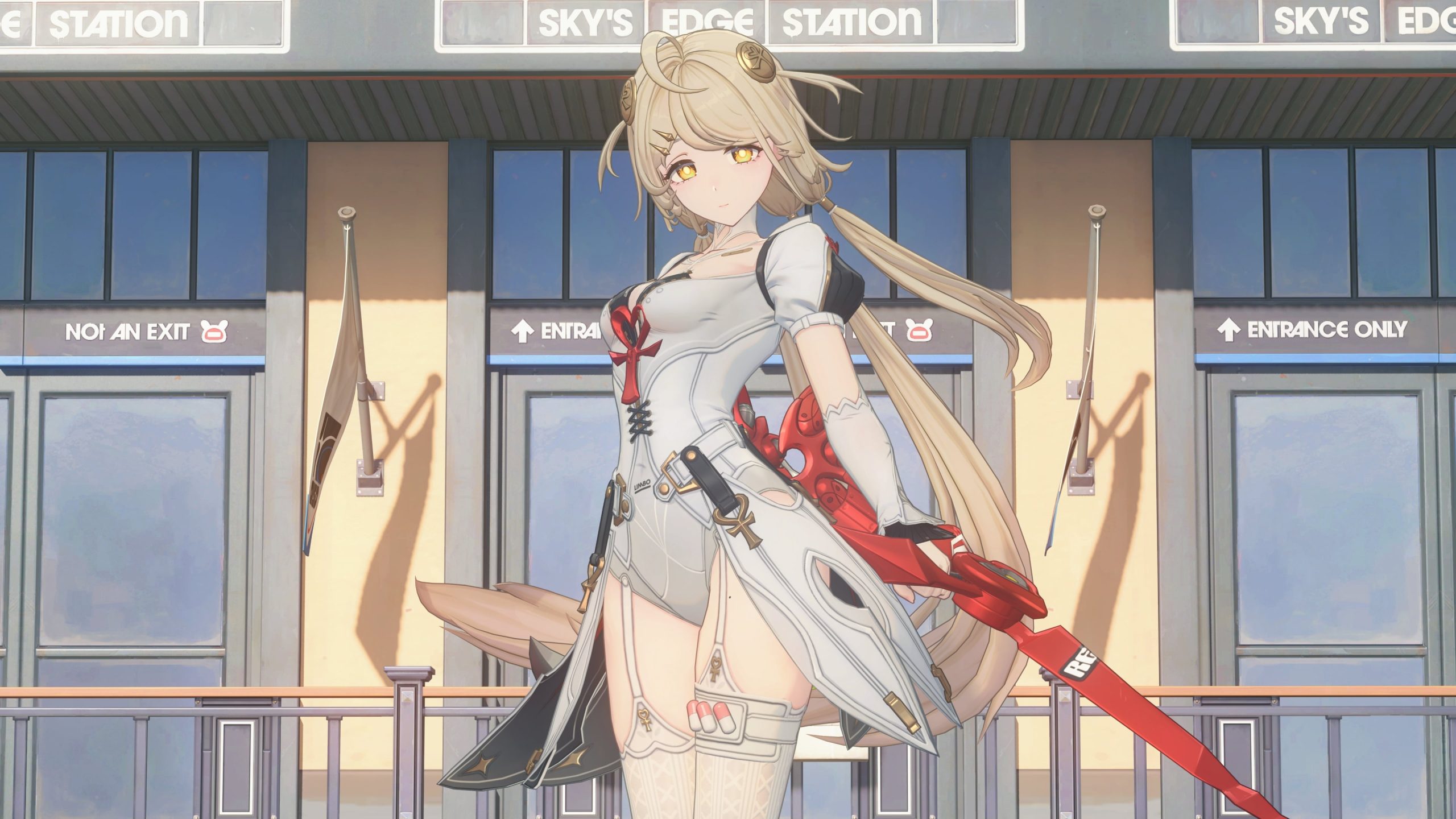
Zenless Zone Zero Discord linking now works through the game’s User Center, and completing the new connection lets you claim 30 Polychromes. Open Options > Account > User Center > Link Account, authorise your Discord account, then collect the reward on HoYoverse’s official claim page. This replaced the old service on October 21, 2026, a week after the previous linking system closed.
If you linked Discord before October 14, you must link it again. You keep any Polychromes already claimed through the previous service and can still receive the new reward. The replacement also supports Discord Rich Presence, which displays game activity while you’re playing Zenless Zone Zero.
How to reconnect Zenless Zone Zero Discord linking
Start inside Zenless Zone Zero, not the old web form. The new Zenless Zone Zero Discord linking process is handled through the game’s account settings:
- Open Zenless Zone Zero with the account that holds your progress.
- In Options, open Account and then User Center.
- Select Link Account, choose Discord, and follow its authorisation prompts.
- Before confirming authorisation, check that you’re signed in to the Discord account you want to use.
- Return to ZZZ with the connection active. Once you’re playing, the new Rich Presence can display your activity on Discord.
Finishing the old linking process does not count towards this reward. If Discord still shows no ZZZ activity, first check whether you’ve completed the new link through User Center. Players with multiple Discord accounts should also confirm which one they authorised.
How to claim the 30 Polychromes
The Zenless Zone Zero Discord linking bonus is not a redemption code. After authorising Discord in-game, open the official account-linking rewards page, sign in to the correct HoYoverse account and follow the on-page claim instructions. Connecting Discord alone is not the same as collecting the reward.
HoYoverse confirms that players who already earned the old 30-Polychrome bonus can claim another 30 Polychromes after completing the new Zenless Zone Zero Discord linking process. This is a separate reward, so the original bonus remains in your account.
If the reward page does not recognise your link, return to User Center and check the connected Discord account. Also make sure the claim page is signed in to the same HoYoverse account you’re using in-game. For other free currency, see our ZZZ codes guide and Version 3.3 events calendar.
Why the old Discord link stopped working
The October 14 shutdown affected the existing account link, the original web linking page and the former Discord game-status display. The replacement was released on October 21. No reinstall or password change restores the old integration: the fix is setting up Zenless Zone Zero Discord linking through the new in-game menu.
| What you’re seeing | What to do |
|---|---|
| Old website doesn’t open | Use User Center’s Link Account option instead |
| Old activity no longer appears | Connect Discord again under Version 3.3 |
| Old reward already claimed | Keep it; the new 30 Polychromes are separate |
| New reward page shows no link | Check the authorised HoYoverse and Discord accounts |
The discontinuation did not delete your Zenless Zone Zero progress, Agents or previously collected rewards. It only replaced the Discord account-connection functions.
What shows on Discord after linking?
Once Zenless Zone Zero Discord linking is active and you enter the game, Rich Presence can show your current ZZZ activity, character information, level and days active. On desktop Discord, hover over the status icon to see more account statistics, including achievement, Bangboo and Agent counts.
HoYoverse says you can unlink the accounts again if you prefer. Linked Roles and the Game Stats Widget have been announced as future features, not requirements for collecting the Polychromes now.
Zenless Zone Zero Discord linking not working: fixes
If Zenless Zone Zero Discord linking is not working, first confirm the game has been updated to Version 3.3 or later. An old saved linking URL will not work after October 14. Open User Center again, check which Discord account is linked and, if needed, use the account unlinking function before connecting the correct profile.
If your reward still hasn’t appeared, return to the official claim page and check whether the reward was actually claimed. For a missing Discord activity status, launch Zenless Zone Zero and enter the game after linking; Rich Presence is designed to display your activity while you’re playing, not when the game is closed.
For more update coverage, our Version 3.3 release guide, Phoenix build, banner schedule, Spooky Funhouse Tales guide, Spooky Trial guide and Bangboo Mech guide cover other parts of the update.
Related Guides
Official source: HoYoverse’s October 21 ZZZ × Discord announcement.