The Xbox PC app November 2026 update is being tested with Xbox Insiders first, so it is completely normal if the app on your Windows PC still looks the same. Microsoft began the preview on 5 November, promising quicker loading, a tidier games Library and easier access to friends.
You have probably seen the headline about the app launching up to 60% faster. That’s the eye-catching part, but the changes to browsing and search could make just as much difference when you’ve got a sizeable game collection. Here’s what’s new, how to get access and what to check if you haven’t received it.
Xbox PC app November 2026 update: what changed?
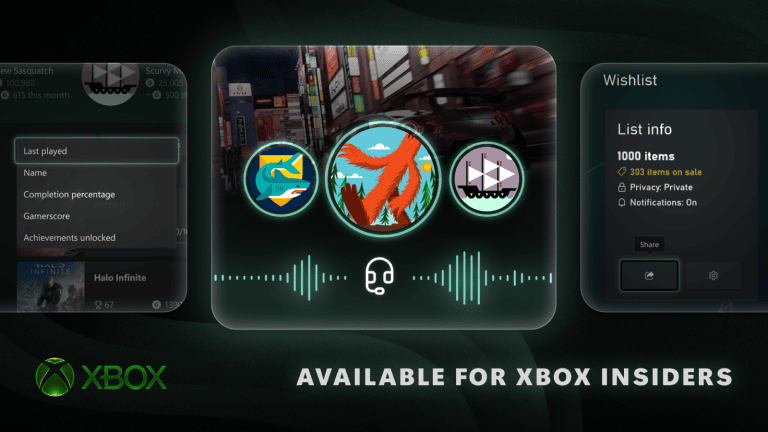
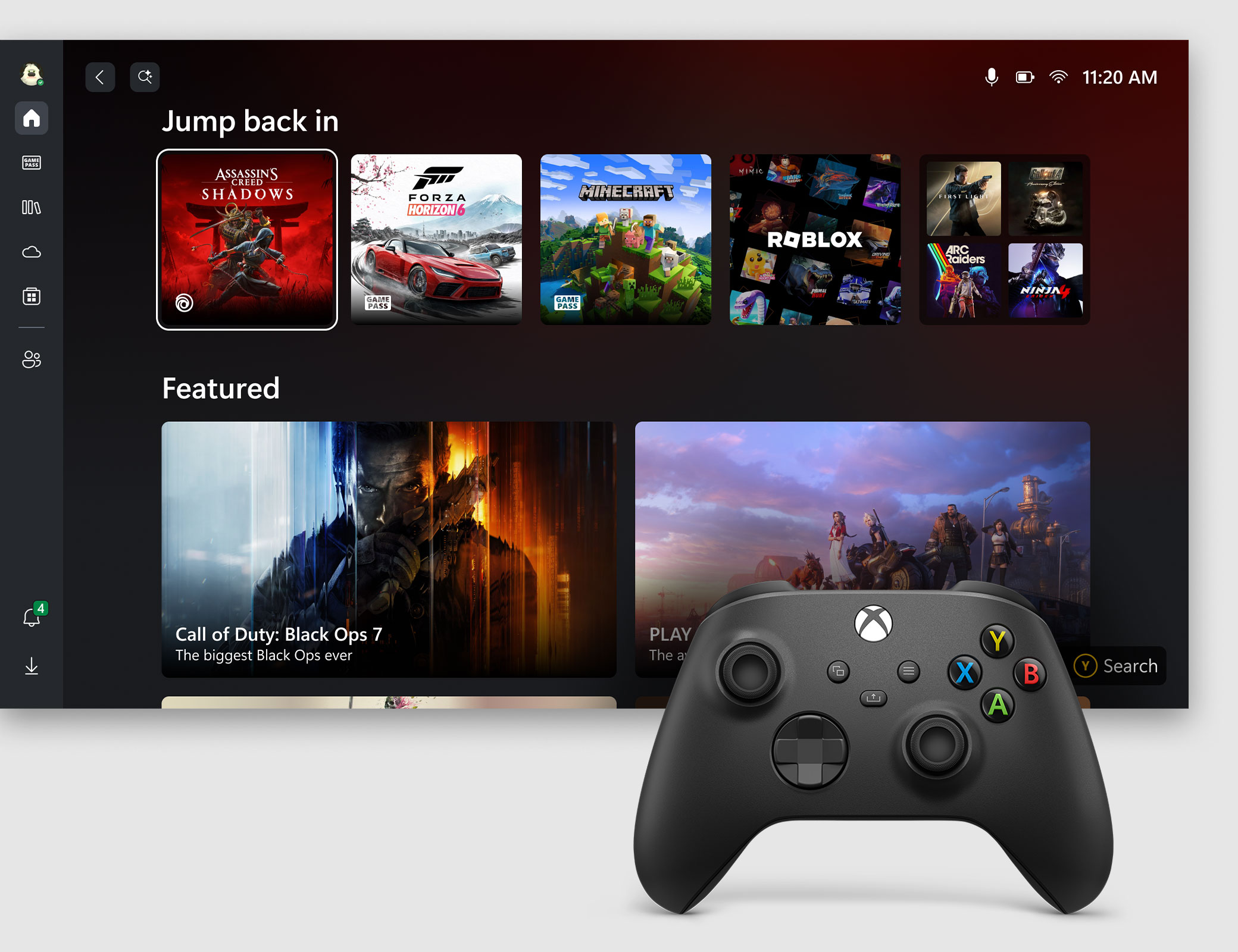
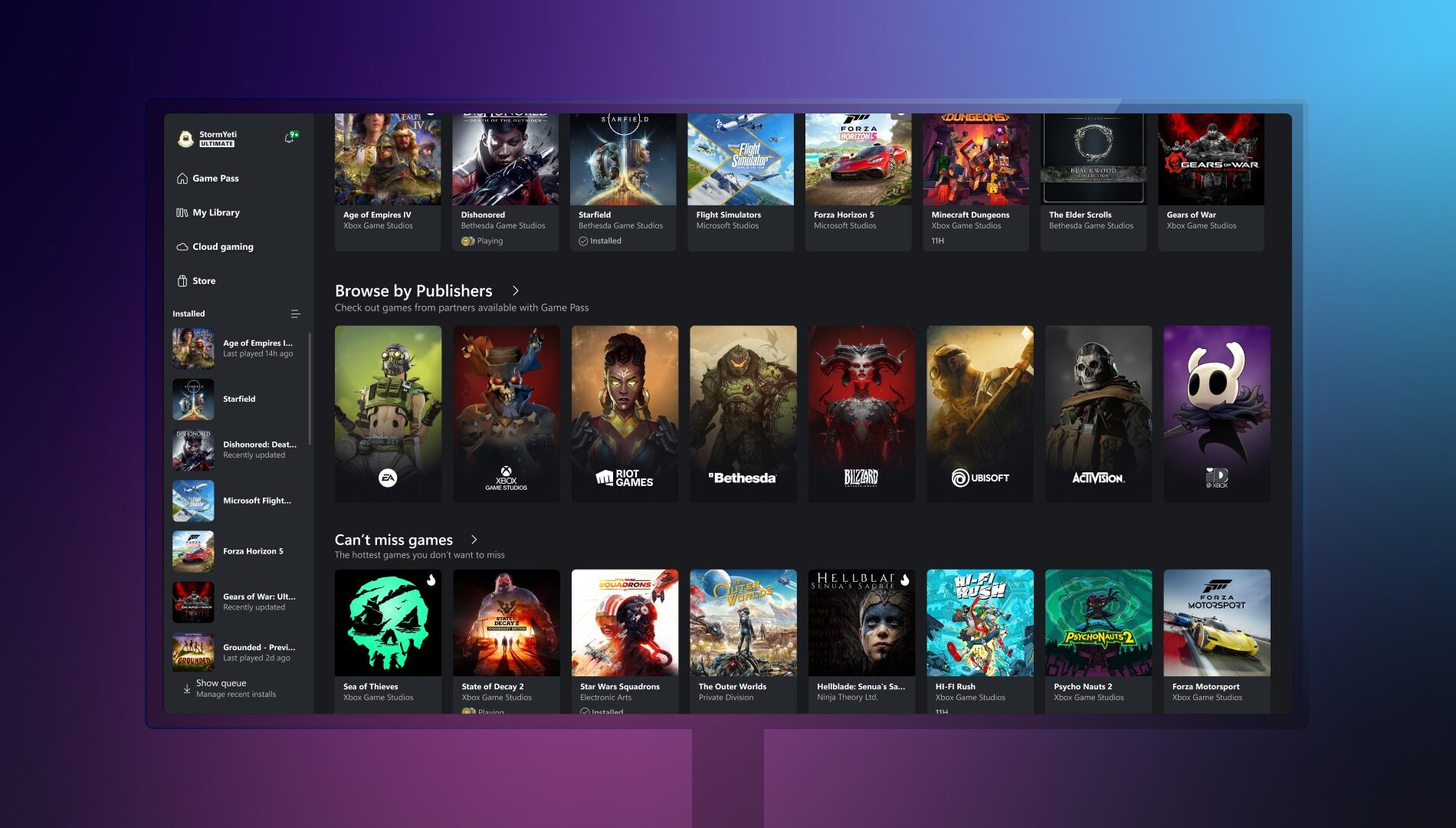
The biggest day-to-day difference is the Library. Microsoft has simplified its navigation, updated the filters and added more ways to organise your games. That should help when your collection stretches beyond a handful of titles, although the announcement does not give a complete list of the new filter names or show where every control sits. Don’t go hunting for a specific menu option that Microsoft hasn’t actually confirmed.
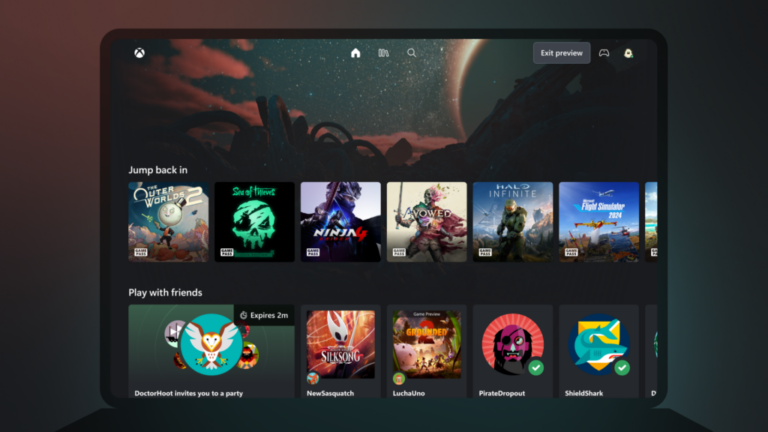
Friends and social features now sit in the main navigation. Instead of finding a separate social area, you should be able to see what friends are playing, start a conversation or join a party from a more obvious place. That’s handy when you’re trying to get a game going with people rather than spending the first five minutes clicking around.
Search is getting a useful rethink as well. One search can return games, installed titles, add-ons and people. Microsoft is also refreshing game cards, the Home screen, Settings and animations. The Xbox PC app November 2026 update is focused on making the Windows app easier to use; it doesn’t add a new subscription tier or promise extra games.
How much faster is the Xbox app?
Microsoft has given three figures for the Xbox PC app November 2026 update, all measured in its own testing. Keep the words up to in mind, because these are not guaranteed improvements for every computer.
- Opening the app: up to 60% faster.
- Loading Home, Store and Game Pass pages: up to 50% faster.
- Opening windows within the app: up to 65% faster.
The results can vary with your PC, internet connection, system configuration and how you’re using the app. For the Xbox PC app November 2026 update, Microsoft has not published a fixed number of seconds you’ll save, so a claim that everyone will see a 60% improvement would be misleading. Still, if the launcher has been slow for you, this is probably the part you’ll notice first.
How to get the Xbox PC app November 2026 update
For now, access is through the Xbox Insider Program on Windows PC. If you want to try it, install the Xbox Insider Hub from the Microsoft Store, sign in and check which PC previews are available to join. Follow the enrolment instructions shown there. Being an Insider does not guarantee that every feature will appear for every account at the same moment.
After joining an eligible preview, check the Microsoft Store for Xbox app updates. The 5 November announcement does not specify a public release date, a mandatory app version or a particular Insider ring for everyone to select. That’s important: there’s no reliable, universal ‘switch this on and it appears’ instruction.
Why can’t I see the Xbox PC app November 2026 update?
Most likely, you’re looking at the ordinary public version of the app. This is an Insider preview, not a surprise update that landed on every Windows PC on 5 November. If you have not opted into previews, you do not need to troubleshoot your computer or reinstall the app just because the design hasn’t changed.
If you are enrolled, check the Insider Hub for the experiences actually offered to your account, then look for app updates. If the redesign still isn’t available, Microsoft hasn’t provided a guaranteed fix or rollout date. You can share feedback through Xbox’s official player-feedback channels, but there’s no reason to start deleting files or resetting your games to chase a new menu.
Is this the same as the new Xbox Cloud Gaming website?
No, and the difference is easy to miss. The Xbox PC app November 2026 update applies to the installed Windows application. Separately, Xbox has redesigned its browser-based cloud experience, with a new Library tab for streamable games, Desktop mode and different appearance settings.
Microsoft says that web redesign will reach more players over the coming weeks, and you can try the refreshed site at play.xbox.com. Our Xbox Cloud Gaming new Library guide explains how that works and why purchased games don’t always appear. The two interfaces are changing around the same time, but they are not the same update.
If you’d rather not run preview software, waiting is absolutely fine. The Xbox PC app November 2026 update looks useful, particularly for people who live in the Library or find the launcher slow, but the current release is still a test, not a feature everybody is expected to have today.
Official source: Xbox Wire, 5 November 2026.